
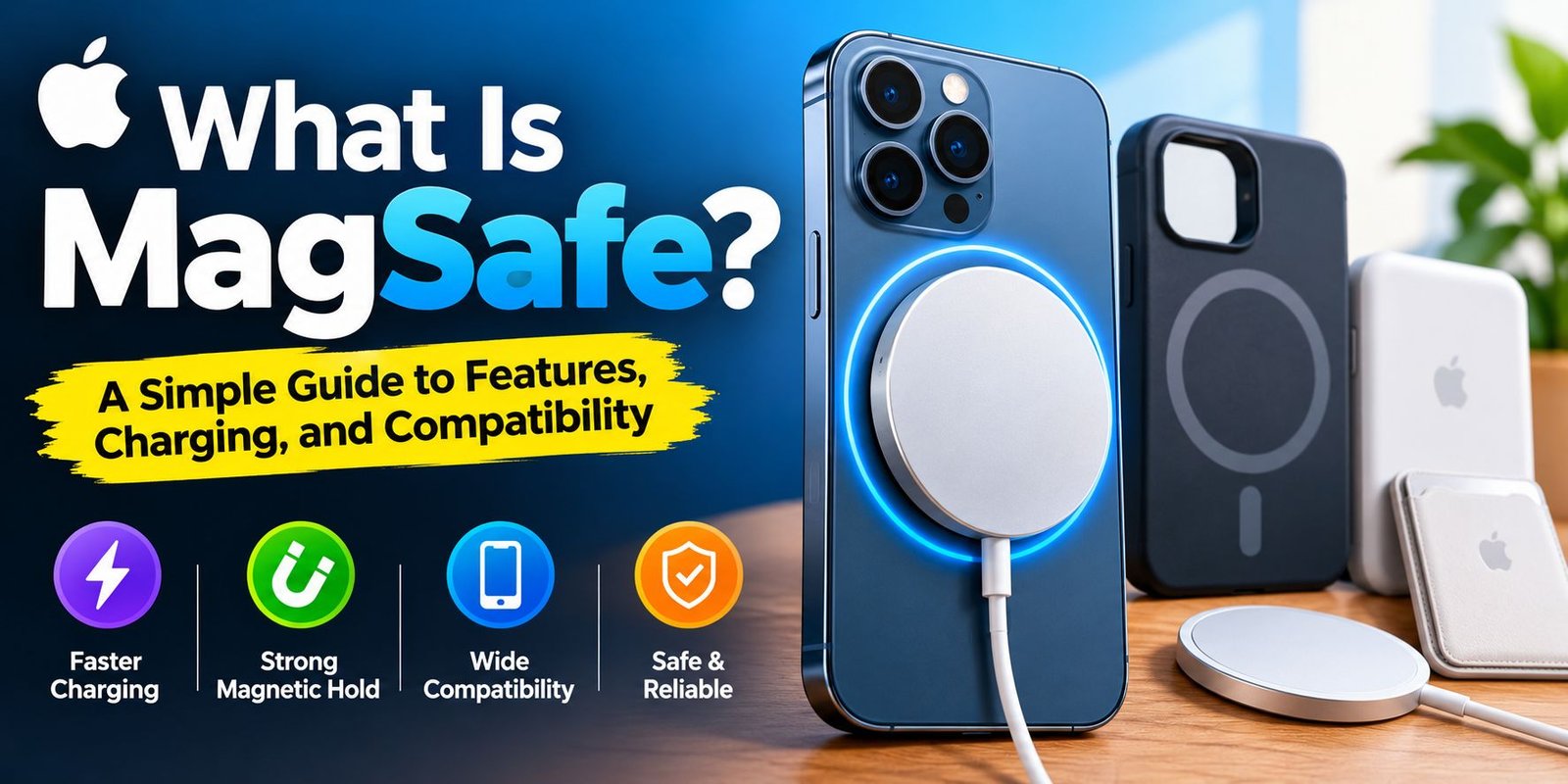
What Is MagSafe? Features, Uses & Charging Guide
Imagine placing your iPhone on a charger and having it automatically snap into the correct position. You do not need to adjust the phone repeatedly or connect a charging cable directly to it. This is one of the main conveniences offered by MagSafe.
So, what is MagSafe, and why do Apple users choose it? MagSafe is a magnetic technology used in compatible Apple devices and accessories. It helps supported iPhones connect with magnetic chargers and accessories, while certain MacBook models use a magnetic connector for wired charging.
Whether you are considering a new charger, a magnetic phone stand, or a protective case, understanding this technology can help you make a smarter purchase. This guide explains its everyday uses, limitations, compatibility, and value in straightforward language.
What Is MagSafe and Why Was It Developed?
MagSafe is Apple’s name for a magnetic connection system. Its purpose depends on the device being used.
For compatible iPhones, the system makes wireless charging more convenient by helping the charger stay in the intended position. It also allows supported accessories to attach to the back of the phone.
On compatible MacBooks, MagSafe serves a different purpose. It connects the charging cable to the laptop magnetically, allowing the cable to detach if it gets pulled accidentally.
Although both systems use magnets, they do not perform exactly the same job. Knowing this distinction helps prevent confusion when shopping for Apple accessories.
What Makes iPhone MagSafe Different?
A typical wireless charger requires you to place your phone over a charging area. If the charging coils are not properly aligned, charging performance may suffer.
MagSafe adds magnetic positioning to compatible iPhones. The magnets help guide the charger into place, making it easier to establish a suitable connection.
The same magnetic arrangement can support accessories such as phone grips, wallets, stands, and car mounts. These products can make a phone more convenient to use at home, in the office, or while travelling.
Why Do MacBooks Use MagSafe?
MacBook MagSafe focuses on the charging cable rather than wireless charging. The connector attaches to the laptop through a magnetic connection.
If someone catches a foot on the cable, the connector may release instead of dragging the computer off a table. This feature can be particularly useful in shared workspaces and busy homes.
Not every MacBook has the same charging ports, so check your exact model before purchasing a replacement cable.
How Does MagSafe Work?
The technology relies on magnets and, for iPhone wireless charging, electromagnetic energy transfer.
Inside a compatible iPhone and wireless charger are charging coils. When electricity passes through the charger’s coil, it creates a changing magnetic field that transfers energy to the phone’s coil.
The magnets help position the two coils appropriately. This positioning can make charging more consistent than placing a phone randomly on a wireless charging pad.
Magnetic attachment and energy transfer are separate functions. The magnets hold the charger in position, while the charging coils transfer power.
Does MagSafe Need a Special Charger?
To use Apple’s MagSafe charging features as intended, you need a compatible MagSafe charger and a supported device. The charger also needs an appropriate power source.
Some third-party products offer magnetic attachment and wireless charging, but their performance can differ from Apple’s products. Check the manufacturer’s specifications before buying.
A product described as a magnetic charger is not automatically equivalent to a certified or fully compatible MagSafe charger.
What Can You Do With MagSafe?
The technology becomes more useful when you explore the accessories available for compatible devices.
Use a Magnetic Charger
A magnetic charger attaches to the back of a supported iPhone. This arrangement is convenient when you frequently pick up your phone while it is charging because you can detach the charger without unplugging a cable from the phone itself.
Keep Cards in a Magnetic Wallet
A compatible magnetic wallet attaches to the back of the phone or a suitable case. It can hold a small number of cards and reduce the need to carry a separate wallet.
Choose a wallet with secure card retention, and remember that magnetic attachment alone does not guarantee protection against losing your cards.
Turn Your Phone Into a Desk Display
A magnetic charging stand can hold a compatible iPhone upright. This position makes video calls, viewing recipes, reading notifications, and watching videos more convenient.
Some stands support additional charging features, but their capabilities depend on the product.
Improve Navigation in Your Car
A compatible magnetic mount makes it easier to position a phone for navigation. Some models include wireless charging, allowing you to charge the device during a journey.
Install the mount securely and keep the phone away from positions that obstruct your view of the road.
Carry Extra Power
Magnetic battery packs attach to compatible phones and provide additional energy when a wall outlet is unavailable. They are useful for travel, commuting, and days when you use your phone heavily.
Before choosing one, compare battery capacity, weight, charging speed, and heat management.
Which iPhones Are Compatible With MagSafe?
Apple introduced iPhone MagSafe with the iPhone 12 family. Many later iPhone generations also include built-in MagSafe support.
The following overview can help you identify where to begin:
- iPhone 12 series: Introduced built-in iPhone MagSafe.
- iPhone 13 series: Supports MagSafe.
- iPhone 14 series: Supports MagSafe.
- iPhone 15 series: Supports MagSafe.
- iPhone 16 series: Supports MagSafe.
- Earlier iPhones: Generally lack the built-in MagSafe system.
For newer models, confirm the specifications of the exact phone you own. Do not assume that every device in a product family supports identical charging speeds or accessory features.
An older iPhone may attach to certain magnetic accessories when used with a compatible case or adapter. However, magnetic attachment does not automatically give the phone native MagSafe charging capabilities.
MagSafe vs. Ordinary Wireless Charging
Both technologies can charge compatible phones without a charging cable plugged directly into the device. Their main difference is the magnetic positioning and accessory system.
| Feature | MagSafe | Standard wireless charger |
|---|---|---|
| Magnetic positioning | Available with compatible equipment | Usually not included |
| Attachment to phone | Magnetic on supported setups | Usually relies on placement |
| Accessory options | Magnetic wallets, stands, and mounts | Depends on the charger and accessory |
| Charging performance | Depends on device and charger | Depends on device and charger |
| Compatibility | Requires suitable hardware for full functionality | Varies by charging standard |
MagSafe is a useful choice for people who value magnetic attachment. However, ordinary wireless charging may be sufficient if you simply want to place your phone on a charging pad.
Is MagSafe Better Than Wired Charging?
There is no single answer because the best option depends on your priorities.
Wired charging may offer higher speeds with certain phone and charger combinations. It can also be a practical choice if you already own a suitable cable and power adapter.
MagSafe offers convenience rather than a universal speed advantage. You can attach the charger quickly, remove the phone easily, and use magnetic accessories without connecting multiple cables.
If charging speed is your main concern, compare the supported power levels for your exact phone and charger instead of choosing based on the MagSafe name alone.
Advantages and Limitations of MagSafe
Before investing in accessories, consider both sides of the technology.
Main Advantages
- Magnetic positioning makes compatible chargers easier to attach.
- A wide variety of accessories can support different everyday tasks.
- Charging stands can create a more organised desk setup.
- Magnetic battery packs provide a convenient portable charging option.
- MacBook MagSafe connectors can release when a cable is pulled accidentally.
Important Limitations
- Compatible accessories may cost more than basic alternatives.
- Wireless charging produces heat, which can affect charging performance.
- Thick cases and certain materials may interfere with charging.
- Older iPhones may not support native MagSafe features.
- Not every third-party magnetic accessory provides the same performance.
Consider how you use your device before paying extra for features you might rarely need.
How to Buy the Right MagSafe Accessories
The right accessory should match your phone, daily routine, and budget.
Confirm the Exact Model
Check your phone’s official specifications before ordering a charger. If you use a case, verify that it supports the required magnetic connection and charging method.
Compare Charging Requirements
Look at the charger’s supported output, the required power adapter, and your phone’s charging limits. A higher advertised output does not mean your phone will necessarily charge at that rate.
Review Build Quality
Check the materials, warranty, safety information, and reputation of the seller. Avoid products that make unrealistic claims about charging speed or compatibility.
Choose Accessories You Will Actually Use
If you mostly charge your phone beside your bed, a basic charger may be enough. If you often attend video calls, a stand may offer greater value. Travellers may benefit more from a portable battery pack.
Frequently Asked Questions
What does MagSafe do on an iPhone?
It uses magnets to help compatible chargers and accessories attach to the phone. With supported equipment, it also provides magnetic alignment for wireless charging.
Can MagSafe damage an iPhone battery?
MagSafe does not automatically damage a battery when used correctly. However, heat can affect battery ageing, so use suitable equipment and avoid charging in excessively hot environments.
Can I use MagSafe without a case?
Yes. A compatible iPhone can generally connect directly to a suitable MagSafe charger without a case. A compatible magnetic case is useful when you want to attach accessories while keeping the phone protected.
Is every magnetic charger a MagSafe charger?
No. Some chargers use magnets simply to hold a phone in position. Check the product specifications and compatibility details to determine whether a charger supports the MagSafe features you need.
Is MagSafe worth the extra money?
It can be worthwhile if you frequently use magnetic charging, stands, wallets, or battery packs. If you prefer wired charging and rarely use accessories, a standard charger may be the more economical option.
Final Verdict
MagSafe provides a practical way to connect compatible Apple devices with chargers and accessories. For iPhone users, its biggest appeal is the combination of magnetic positioning, wireless charging, and flexible accessory options. On compatible MacBooks, the magnetic connector offers a convenient alternative to other charging connections.
Before making a purchase, check your device’s compatibility and compare the features you genuinely need. That simple step can help you avoid unnecessary spending and choose accessories that fit your everyday routine.


One Comment