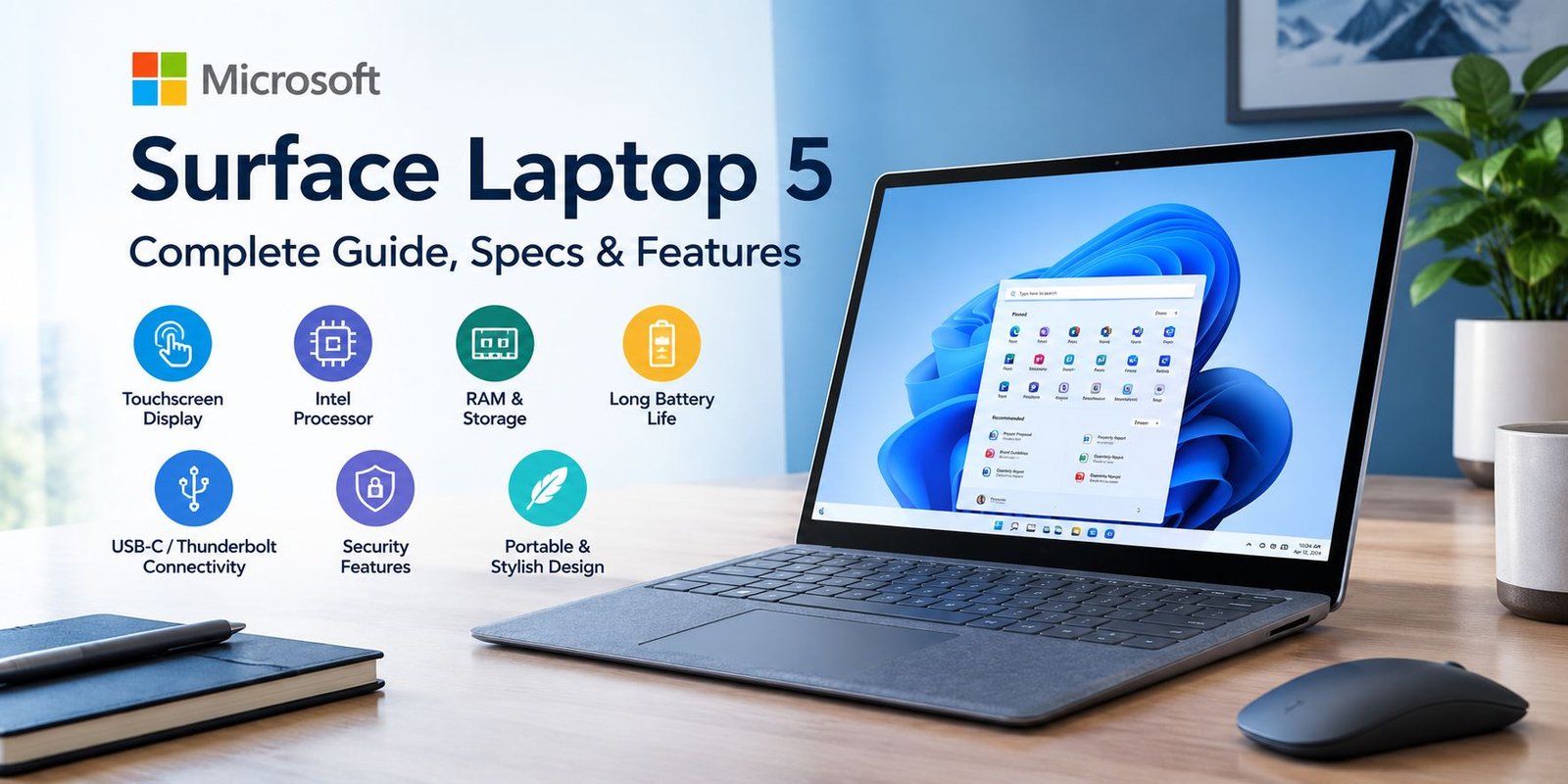
Microsoft Surface Laptop 5: Complete Guide, Specs & Features
Choosing a laptop is not only about processor speed or storage capacity. The way a computer feels during everyday work can matter just as much. Screen proportions, keyboard comfort, portability, battery performance, connectivity, and software all contribute to the experience.
The Microsoft Surface Laptop 5 was designed around this idea. It combines a traditional clamshell laptop design with a touchscreen, a 3:2 display, Intel processors, Windows 11, and a relatively slim body. It is available in two main display sizes: 13.5 inches and 15 inches.
This guide looks at what the Surface Laptop 5 offers, where its hardware fits different types of users, and what you should consider before purchasing one.
What Makes Surface Laptop 5 Different?
The Surface Laptop 5 is not a convertible tablet. Instead, it is a conventional laptop with a touchscreen. That distinction is useful because the machine focuses on traditional laptop tasks such as typing, browsing, studying, office work, video calls, and content consumption.
Microsoft offers the device in different configurations, so the exact hardware depends on the size and version you choose.
The 13.5-inch model is easier to carry, while the 15-inch version gives you more screen space for multitasking. Both use Microsoft’s PixelSense touchscreen technology.
Surface Laptop 5 Display Experience
One of the most noticeable features is the screen shape.
Instead of the familiar 16:9 laptop format, the Surface Laptop 5 uses a 3:2 aspect ratio. This provides more vertical space, which can be useful when reading documents, browsing websites, editing text, or working with long pages.
13.5-Inch Version
The smaller model has a resolution of 2256 × 1504 with a pixel density of 201 PPI. It supports 10-point multitouch and comes with a color-calibrated display.
For students and people who frequently move between locations, this size offers a useful balance between workspace and portability.
15-Inch Version
The larger model uses a 2496 × 1664 resolution while retaining the same 3:2 shape and 201 PPI density.
The additional screen area can be particularly helpful when working with two windows side by side.
Is the Touchscreen Useful?
Touch input is helpful for scrolling, selecting items, viewing photos, and interacting with compatible Windows applications.
It does not turn the laptop into a tablet, but it gives you another way to interact with Windows when using a mouse or trackpad is less convenient.
Processor Options
The Surface Laptop 5 uses 12th-generation Intel Core processors.
Depending on the configuration, the 13.5-inch model can be found with Intel Core i5 or Core i7 processors, while the 15-inch model is offered with a Core i7 option in Microsoft’s listed configurations. Intel Iris Xe graphics are used for graphics processing.
For everyday activities such as:
- Web browsing
- Microsoft Office
- Online meetings
- Research
- Writing
- Streaming
- Multiple browser tabs
the hardware is designed for a responsive Windows experience.
However, integrated graphics are not intended to compete with modern laptops equipped with dedicated gaming GPUs.
RAM and Storage Choices
Memory and storage can make a major difference in how comfortable a laptop remains over several years.
The 13.5-inch Surface Laptop 5 is listed with 8GB or 16GB LPDDR5x memory, while the 15-inch version can be configured with up to 32GB. Storage options range from 256GB upward, with the 15-inch model listed with configurations reaching 1TB.
Who Should Choose More RAM?
8GB may be sufficient for basic work, browsing, streaming, and school tasks.
Users who regularly keep many applications and browser tabs open may benefit from 16GB.
For heavier multitasking and demanding professional workflows, a higher-memory configuration can provide more breathing room.
How Much Storage Do You Need?
A 256GB SSD can work for users who mainly rely on cloud storage and online services.
If you keep large photo libraries, videos, projects, applications, or offline files, a larger SSD becomes more practical.
Portability and Design
The Surface Laptop 5 keeps a relatively thin profile.
The 13.5-inch version measures approximately 12.1 × 8.8 inches and is around 0.57 inches thick. Its weight varies slightly depending on the material configuration. The 15-inch model measures approximately 13.4 × 9.6 inches and weighs around 3.44 pounds.
13.5-Inch for Frequent Travel
The smaller model makes more sense if you regularly carry your laptop to:
- School
- University
- Cafés
- Offices
- Libraries
- Meetings
- Travel locations
Its smaller footprint also takes up less room on compact desks.
15-Inch for a Larger Workspace
The 15-inch model sacrifices some portability in exchange for additional display area.
That can be useful for spreadsheets, research, writing, programming, and split-screen work.
Battery Life
Battery claims should always be interpreted as estimates rather than a guarantee for every user.
Microsoft lists up to 18 hours of typical device usage for the 13.5-inch model and up to 17 hours for the 15-inch version. Actual results can vary depending on brightness, applications, wireless connectivity, workload, and system settings.
Someone editing video or running demanding applications continuously should not expect the same battery behavior as someone writing documents or reading websites.
Ports and Connectivity
The Surface Laptop 5 provides a combination of modern and traditional connections.
Its listed ports include:
- USB-C with USB 4.0/Thunderbolt 4
- USB-A 3.1
- 3.5mm headphone jack
- Surface Connect port
It also supports Wi-Fi 6 and Bluetooth 5.1.
Why Thunderbolt 4 Matters
The USB-C Thunderbolt 4 connection can be useful for compatible displays, fast external storage, docks, and other accessories.
This makes the laptop easier to integrate into a desktop setup without requiring every accessory to use a traditional USB-A connection.
Camera and Video Calls
Remote communication has become a normal part of school and professional life.
Surface Laptop 5 includes a 720p front-facing camera with Windows Hello face authentication. It also includes dual far-field Studio microphones.
These features support activities such as:
- Video meetings
- Online classes
- Remote work
- Voice calls
- Windows Hello sign-in
The camera specification is not aimed at professional video production, but it is suitable for ordinary video communication.
Audio Quality
The laptop uses Omnisonic speakers with Dolby Atmos support.
That can make a difference when watching movies, listening to music, attending meetings, or following online lessons.
Of course, people working with professional audio will still want dedicated headphones, speakers, or other audio equipment.
Windows 11 Experience
Surface Laptop 5 was designed around Microsoft’s Windows ecosystem.
Windows 11 provides access to applications for productivity, communication, entertainment, education, and creative work.
The laptop can therefore fit into environments where users already rely on services such as Microsoft 365, OneDrive, Teams, and other Windows applications.
Security Features
Security is another area where the Surface Laptop 5 provides useful built-in features.
Microsoft lists firmware TPM 2.0 and Windows Hello face sign-in among its security features.
Windows Hello can make signing into the computer more convenient, while TPM technology supports security functions within Windows.
For business users, these features can be particularly relevant when protecting workplace information.
Surface Laptop 5 for Students
Students generally need a machine that can handle research, writing, presentations, online classes, and everyday browsing.
The Surface Laptop 5 fits those tasks well from a hardware perspective.
The 3:2 display is particularly convenient for reading and writing because more vertical content can appear on screen.
The 13.5-inch version is also easier to carry between classes.
For students working with large files or many applications simultaneously, choosing a configuration with more memory and storage can make the experience more comfortable.
Surface Laptop 5 for Office Work
Office users can use the laptop for common productivity activities such as:
- Word processing
- Spreadsheets
- Presentations
- Video conferences
- Web-based applications
- File management
The larger 15-inch screen may be preferable for people who frequently work with multiple windows.
For a smaller desk or mobile office, the 13.5-inch version may be easier to manage.
Is It Good for Writers and Bloggers?
Writers often spend hours looking at text, so display proportions and keyboard comfort matter.
The 3:2 screen can provide a useful amount of vertical workspace for articles, research pages, and documents.
For bloggers, students, journalists, and office writers, the Surface Laptop 5 can therefore be used as a dedicated writing machine.
Its usefulness also depends on the software you prefer. Windows supports a wide range of writing, publishing, research, and browser-based tools.
What About Creative Work?
The Surface Laptop 5 can handle many everyday creative activities, including basic photo editing, design work, web content production, and light video editing.
Its Intel Iris Xe graphics, however, are integrated graphics rather than a dedicated high-performance GPU.
That means users working with professional 3D rendering, advanced effects, or demanding modern games should carefully consider whether this type of hardware matches their workload.
For lighter creative projects, the system can still be practical.
Can You Use It for Gaming?
Yes, but expectations should remain realistic.
The Surface Laptop 5 can run many less-demanding games and Windows titles, but it is not designed as a dedicated gaming laptop.
The integrated Intel Iris Xe graphics are better suited to everyday computing and lighter graphical workloads than demanding AAA gaming at high settings.
If gaming is your main priority, a laptop with a dedicated GPU would provide a different class of hardware.
13.5-Inch vs 15-Inch Surface Laptop 5
The choice between the two sizes largely depends on how you use your computer.
Choose 13.5-Inch If:
- You travel frequently
- You want a smaller laptop
- You work in limited spaces
- Portability is important
- You mostly write and browse
Choose 15-Inch If:
- You prefer a larger workspace
- You use split-screen applications
- You work with spreadsheets
- You edit documents side by side
- You do not mind carrying a larger laptop
Neither size is automatically suitable for everyone. Your working environment should determine the better fit.
Things to Check Before Buying
Because the Surface Laptop 5 has been available in several configurations, do not purchase solely because the product name matches what you need.
Check these points first:
1. Screen Size
Decide whether portability or workspace matters more.
2. RAM
Consider how many applications you normally keep open.
3. SSD Capacity
Think about how much local storage your files require.
4. Processor
Compare the available processor configuration with the applications you actually use.
5. Ports
Make sure the available connections work with your existing accessories.
6. Condition
If buying an older, refurbished, or used unit, inspect battery health, display condition, keyboard, ports, charger, and SSD condition before completing the purchase.
Advantages of Surface Laptop 5
The Surface Laptop 5 has several characteristics that may appeal to everyday Windows users:
- Two useful screen sizes
- High-resolution 3:2 touchscreen displays
- Modern Intel processors
- LPDDR5x memory
- Fast USB-C connectivity
- Traditional USB-A support
- Windows Hello authentication
- Built-in touchscreen
- Dolby Atmos-supported speakers
- Slim and portable design
Microsoft’s specifications confirm support for the 13.5-inch and 15-inch PixelSense displays, Thunderbolt 4 connectivity, and multiple memory/storage configurations.
Limitations to Keep in Mind
No laptop is perfect for every workload.
The Surface Laptop 5 may not be the right match if you specifically need:
- A dedicated gaming GPU
- Extensive built-in ports
- Maximum upgrade flexibility
- A workstation for advanced 3D rendering
- Hardware designed primarily for demanding gaming
The best choice depends on the tasks you expect to perform most often.
Frequently Asked Questions
Is Surface Laptop 5 still useful?
Yes. Its 12th-generation Intel processors, touchscreen display, Windows compatibility, and modern connectivity can still support many everyday computing tasks.
Does Surface Laptop 5 have a touchscreen?
Yes. Both the 13.5-inch and 15-inch versions use PixelSense touchscreen displays with 10-point multitouch.
Does Surface Laptop 5 have USB-C?
Yes. Microsoft lists one USB-C port supporting USB 4.0 and Thunderbolt 4.
Does Surface Laptop 5 have USB-A?
Yes. It includes one USB-A 3.1 port.
How much RAM can Surface Laptop 5 have?
The 13.5-inch version is listed with 8GB or 16GB LPDDR5x, while the 15-inch version is listed with configurations up to 32GB.
Is Surface Laptop 5 good for students?
It can be a practical option for students who mainly need a Windows laptop for research, writing, browsing, presentations, online classes, and general productivity.
Is Surface Laptop 5 good for gaming?
It can handle lighter gaming, but its integrated Intel Iris Xe graphics make it less suited to demanding modern games than laptops equipped with dedicated graphics hardware.
Final Thoughts
The Microsoft Surface Laptop 5 takes a straightforward approach to laptop design. Rather than focusing on gaming hardware or workstation-class performance, it combines a touchscreen, comfortable laptop format, Intel processing, Windows 11, modern connectivity, and two display sizes.
The 13.5-inch model makes sense for users who value mobility, while the 15-inch version provides more room for multitasking. Microsoft lists up to 18 hours of typical device usage for the smaller model and up to 17 hours for the larger one, although real-world battery results depend heavily on how the computer is used.
For students, writers, office users, researchers, and general Windows users, the Surface Laptop 5 provides a balanced set of features. Before buying one, however, pay close attention to the exact RAM, storage, processor, screen size, condition, and connectivity of the specific configuration you are considering.