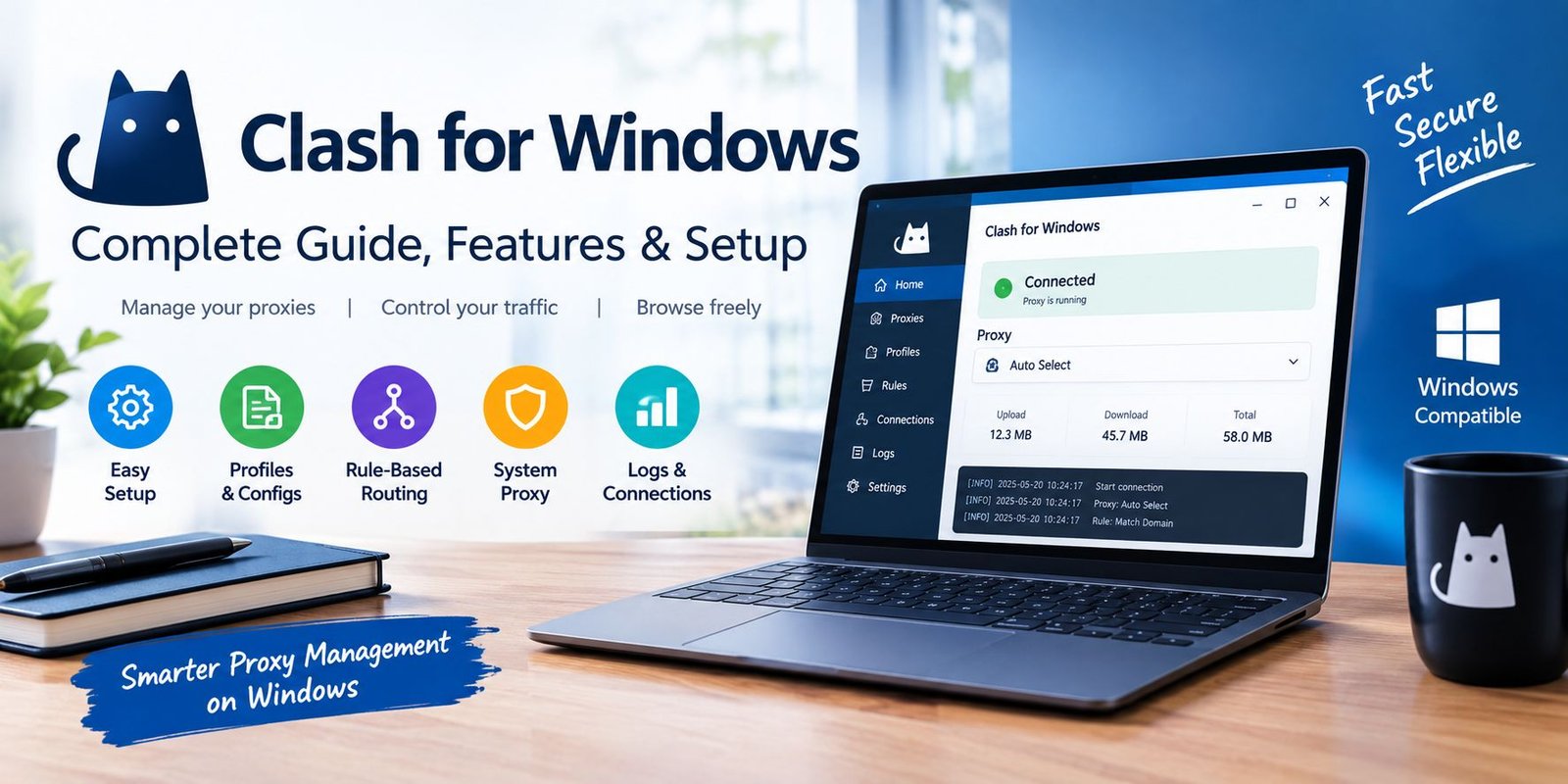
Clash for Windows: Complete Guide, Features & Setup
Using proxy software on Windows can become confusing when you have to deal with configuration files, different connection options, routing rules, and multiple servers. Clash for Windows was created to make this process easier through a graphical interface.
Instead of working entirely from command-line tools or manually changing network settings, users could manage profiles, proxy connections, rules, logs, and system proxy options from one desktop application.
However, there is an important detail that new users should understand before looking for the software today: the original Clash for Windows project is no longer actively maintained. Its original repository has been deleted, and archived copies of the last commonly referenced release, version 0.20.39, are still available through third-party repositories.
This guide explains what Clash for Windows was designed to do, how its main components work, how profiles and proxy settings fit together, and what users should consider before relying on an old installation.
What Is Clash for Windows?
Clash for Windows was a graphical client built around the Clash proxy ecosystem.
Its main purpose was to give Windows users a visual way to control proxy connections and traffic-routing behavior. Instead of editing every network setting manually, users could work through sections such as profiles, proxies, connections, logs, and general settings.
The software became known for its combination of a relatively simple interface and advanced configuration capabilities.
For experienced users, it provided access to rule-based routing and detailed connection management. For beginners, the graphical interface offered a more approachable way to interact with proxy configurations.
It is important to distinguish Clash, the underlying proxy technology, from Clash for Windows, the desktop graphical client.
How Did Clash for Windows Work?
The basic concept can be understood through several components.
Proxy Nodes
A proxy node represents a connection endpoint available through a configuration.
Depending on the configuration, users could have multiple nodes and choose between them.
Profiles
Profiles contain the configuration information used by the application.
A profile can include proxy servers, routing rules, DNS settings, and other network-related options.
Rules
Rules determine how different types of traffic should be handled.
For example, a configuration may route certain domains through one proxy while allowing other traffic to use a different route.
System Proxy
The system proxy setting connects supported Windows applications to the proxy service managed by Clash for Windows.
These components work together to create a more organized approach to proxy management.
Main Features of Clash for Windows
Clash for Windows became popular partly because it placed several technical controls into one interface.
Graphical Proxy Management
Users could view available connections and switch between them without manually editing configuration files every time.
This was particularly useful for people managing several proxy endpoints.
Rule-Based Routing
One of the more advanced capabilities was rule-based traffic handling.
Instead of sending everything through exactly the same route, rules could determine how specific domains, addresses, or categories of traffic should be handled.
This approach can be useful when a user needs different network paths for different destinations.
Configuration Profiles
Profiles made it possible to maintain different configuration setups.
A user could keep separate profiles for different environments rather than repeatedly rebuilding settings from scratch.
Connection Monitoring
The interface provided connection information that could help users understand what was happening with active network requests.
This can be helpful when troubleshooting a configuration that does not behave as expected.
Logs
Logs can provide clues when a connection fails, a rule does not match as expected, or another configuration problem occurs.
For technically experienced users, logs are often more useful than simply restarting the application and hoping the problem disappears.
Clash for Windows Profiles Explained
Profiles are an important part of the Clash for Windows workflow.
A profile essentially tells the application how to operate.
It may contain information about available proxy nodes, routing behavior, DNS preferences, and other configuration values.
Remote Profiles
Some services provide configuration through a URL.
The user can import the address into the client and retrieve the associated configuration.
The general Clash for Windows documentation describes both remote subscription addresses and local configuration files as ways of adding configuration.
Local YAML Files
Another approach is to use a local YAML configuration file.
This gives advanced users more direct control over the configuration.
YAML files can contain detailed settings, so users unfamiliar with the format should avoid changing random values without understanding what those settings control.
What Is a Clash Configuration File?
A Clash configuration is generally structured around settings that tell the core how to handle network traffic.
Depending on the configuration, it can contain sections related to:
- Proxy servers
- Proxy groups
- Routing rules
- DNS
- Ports
- Network behavior
- External control
- Other advanced options
The exact structure depends on the Clash version and the configuration being used.
This is one reason why copying random configuration files from unknown websites can be risky. A configuration is not simply a list of servers; it can also contain network behavior and other settings.
How Proxy Groups Work
Proxy groups can simplify the process of choosing between multiple connections.
Instead of manually selecting a specific endpoint every time, a group can organize several options together.
Depending on the configuration, groups may be designed around different behaviors, such as:
Manual Selection
The user chooses the desired connection from the available options.
This gives direct control over which proxy is being used.
Automatic Selection
A configuration can select between available options based on rules or performance-related criteria.
Fallback Behavior
Some configurations can use another connection when the preferred option becomes unavailable.
The exact behavior depends on the configuration and Clash core capabilities being used.
Understanding Rule-Based Routing
Rule-based routing is one of the concepts that makes Clash different from a simple on/off proxy switch.
Imagine that you want some traffic to use a proxy while other traffic should connect directly.
A rule-based configuration can make those distinctions.
Rules may be based on information such as domains, IP addresses, or other supported matching conditions.
Why Are Rules Useful?
Rules can help users organize traffic without constantly changing the system proxy manually.
For example, one configuration could send selected destinations through a proxy while allowing other destinations to use a direct connection.
The result depends entirely on the rules contained in the active configuration.
Clash for Windows and System Proxy
The system proxy option is one of the settings beginners are most likely to encounter.
When enabled, supported applications can use the proxy settings provided by the Clash client.
However, turning on the system proxy does not necessarily mean every application on the computer will behave identically.
Some programs use Windows proxy settings, while others may have their own networking system.
Therefore, if one application works while another does not, the problem may not automatically be the Clash configuration.
What Is TUN Mode?
TUN is an advanced networking feature associated with Clash-based software.
Rather than relying only on conventional system proxy behavior, a TUN-based setup can operate at a different networking level.
This can be useful for applications that do not properly respect ordinary system proxy settings.
However, TUN configuration is more technical than simply enabling a system proxy.
Users should understand the settings involved before activating advanced network features.
Clash for Windows for Beginners
If you are new to proxy clients, the interface can initially seem complicated.
A simple way to understand it is to divide the application into a few questions:
Where does my configuration come from?
This is handled through profiles or configuration files.
Which connection is being used?
This is handled through proxy and group settings.
Where should traffic go?
Rules determine routing behavior.
Is the application receiving connections?
The connections and logs sections can help investigate this.
This mental model makes the software much easier to understand.
Common Problems With Clash for Windows
Old proxy configurations can fail for many different reasons.
Profile Does Not Download
A remote profile may fail because its URL is unavailable, the subscription has expired, or the server is unreachable.
Check the configuration source before changing unrelated settings.
Internet Stops Working
If internet access disappears after enabling a proxy, temporarily disabling the system proxy can help determine whether Clash is involved.
The problem may be caused by an invalid configuration, unavailable proxy, incorrect rule, DNS setting, or another network issue.
A Website Does Not Use the Expected Route
This can happen when a rule matches the destination differently from what you expected.
Reviewing the active rules and connection information can help identify the cause.
Some Applications Ignore the Proxy
Not every application handles system proxy settings in the same way.
Some software uses its own networking configuration, which means additional configuration may be required.
Is Clash for Windows Still Updated?
This is one of the most important questions for anyone researching the software today.
The original Clash for Windows project is no longer actively maintained. The original GitHub repository is reported as deleted, while archived repositories preserve older releases. The commonly referenced final release is version 0.20.39.
That means users should not assume that an old installer represents a modern, actively supported Windows application.
A program can continue launching on a computer without receiving security fixes or compatibility improvements.
For this reason, anyone considering Clash for Windows today should investigate currently maintained alternatives rather than assuming the historical project is still receiving development.
Should You Use an Old Clash for Windows Installation?
That depends on your situation.
Someone who already has a legacy configuration may want to understand the application for compatibility or migration purposes.
However, using discontinued software introduces additional considerations.
Security Updates
An abandoned application does not receive the same ongoing maintenance as an actively developed project.
Compatibility
New versions of Windows, networking components, protocols, or related software may eventually create compatibility problems.
Configuration Safety
Old configuration files and third-party downloads should be treated carefully.
Avoid assuming that every website offering a modified installer or configuration file is trustworthy.
How to Choose a Safer Download Source
This deserves special attention because the original project is discontinued.
When searching for Clash for Windows online, users may encounter websites claiming to provide an “official latest version.”
That wording can be misleading when the original project itself is no longer actively maintained.
Before downloading an old application, check:
- Who published the file
- Whether the release can be traced to a known repository
- Whether the version number matches the historical release
- Whether the download has been modified
- Whether the website is asking you to disable security software
- Whether additional programs are bundled with the installer
Avoid downloading modified executables from random file-sharing websites.
Clash for Windows vs Modern Proxy Clients
The biggest difference is maintenance.
Clash for Windows belongs to an older generation of graphical Clash clients. Modern projects in the wider Clash/Mihomo ecosystem may provide newer features and ongoing development.
This does not automatically mean every alternative is suitable for every user.
When comparing clients, look at:
- Current maintenance activity
- Supported operating systems
- Supported configuration formats
- Security practices
- Protocol support
- Documentation
- Community activity
- Update frequency
The goal should be to choose software that matches your technical requirements while also being maintained and reasonably documented.
Does Clash for Windows Work Without a Subscription?
The software itself and a proxy service are separate concepts.
A Clash client can work with a local configuration file, while some users obtain configurations from a remote provider.
The official Clash for Windows tutorial documentation describes both remote subscription URLs and local configuration files.
Therefore, having the application installed does not automatically provide proxy servers or internet access through a third-party network.
The configuration determines what connections are available.
Is Clash for Windows a VPN?
Clash for Windows is better understood as a proxy client rather than simply calling it a traditional VPN application.
Its underlying Clash ecosystem uses rule-based proxy functionality and can support different networking approaches depending on the core and configuration.
A traditional VPN and a rule-based proxy client can therefore behave differently.
The exact behavior depends on the configuration and networking mode being used.
Who Was Clash for Windows Designed For?
The software was particularly relevant to users who wanted more control than a simple browser proxy extension could provide.
It could be useful for people interested in:
- Proxy configuration
- Rule-based routing
- Multiple connections
- Network troubleshooting
- Advanced Windows networking
- Configuration management
- Technical experimentation
Beginners could use the graphical interface, but some advanced features require a reasonable understanding of networking concepts.
Tips for Managing Proxy Configurations
If you are working with an existing Clash configuration, a few habits can prevent unnecessary problems.
Keep a Backup
Before editing a working configuration, keep a copy of the original.
Change One Setting at a Time
If you modify several networking options simultaneously, identifying the cause of a problem becomes much harder.
Read the Configuration
Do not blindly paste settings from unknown sources.
Understand what the major sections are intended to do.
Monitor Connections
When something behaves unexpectedly, connection information and logs may provide more useful clues than repeatedly restarting the application.
Avoid Random Modified Builds
Third-party modified software can introduce risks that are unrelated to the original project.
Frequently Asked Questions
What is Clash for Windows?
Clash for Windows was a graphical Windows client for managing Clash-based proxy configurations, profiles, rules, and connections.
Is Clash for Windows free?
The historical client was distributed as software rather than as a conventional paid subscription product. However, proxy services or configuration providers can be separate services.
What is the latest Clash for Windows version?
The commonly referenced final release is v0.20.39. The original project is discontinued, so this should not be interpreted as a newly released 2026 version.
Is Clash for Windows still maintained?
No. The original Clash for Windows project is no longer actively maintained.
Can Clash for Windows use YAML configurations?
Yes. Clash configurations commonly use YAML, and the historical client supported configuration-file workflows.
What are Clash for Windows profiles?
Profiles contain the configuration information used by the client, including information related to proxies, rules, and other network settings.
Why does Clash for Windows show a connection error?
Possible causes include an unavailable proxy, expired configuration, unreachable subscription URL, incorrect rules, DNS problems, or network connectivity issues.
Is Clash for Windows a VPN?
It is primarily a Clash-based proxy client. Its behavior depends on the proxy configuration and networking mode being used.
Final Thoughts
Clash for Windows became popular because it gave Windows users a visual way to manage a complicated proxy environment. Profiles, proxy groups, routing rules, system proxy controls, connections, and logs could all be managed from one interface.
However, the most important thing to understand today is its maintenance status. The original project has been discontinued, and the historical v0.20.39 release is preserved in various repositories rather than being part of an actively developing official product line.
For someone studying an existing setup, learning about Clash for Windows can still be useful. If you are choosing software for a new installation, however, checking the current maintenance status, security updates, compatibility, documentation, and configuration support of available clients is an important step.
That approach helps you understand not only how a proxy tool works, but also whether the software remains appropriate for your current Windows environment.