
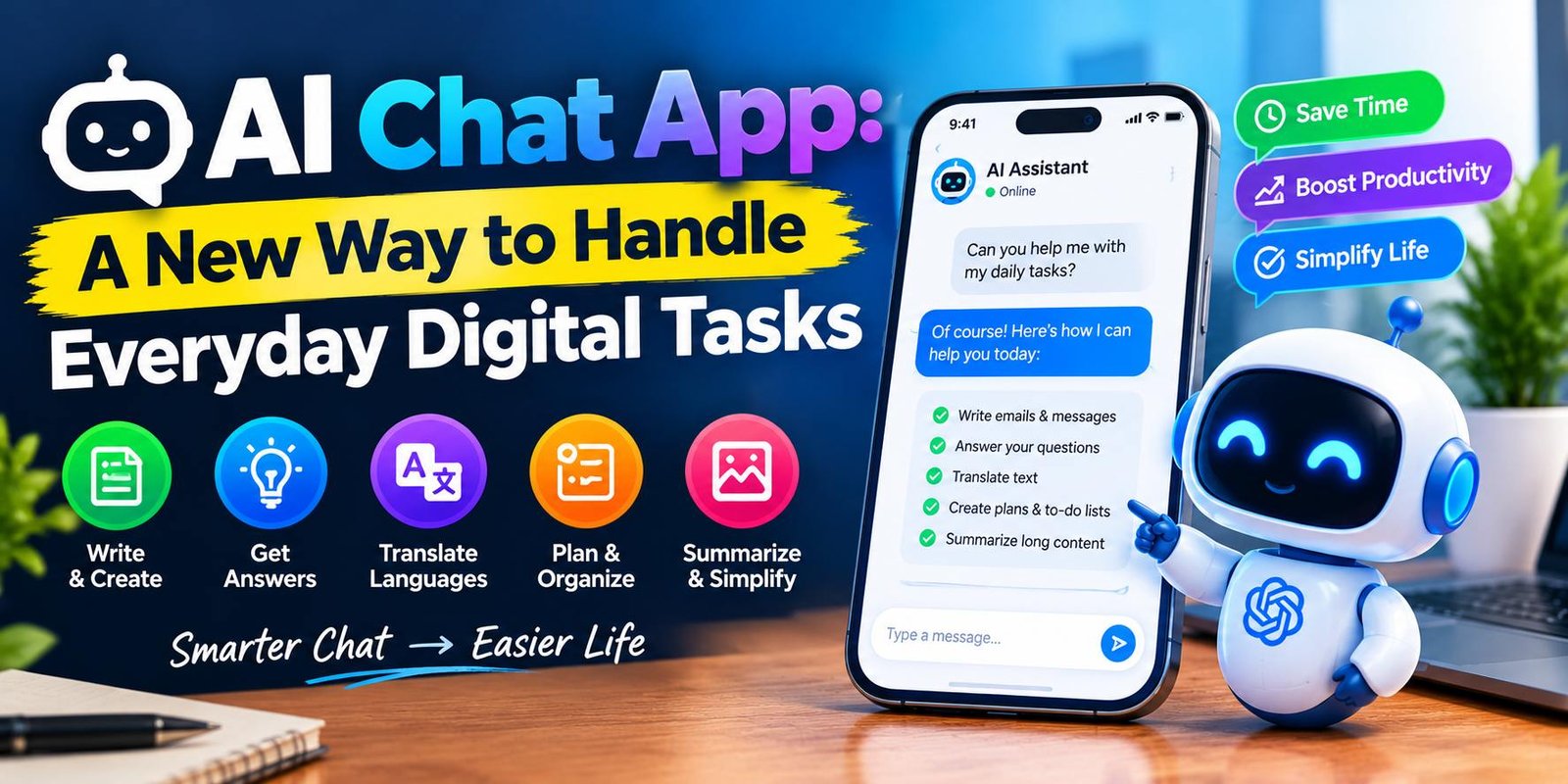
AI Chat App: A New Way to Handle Everyday Digital Tasks
AI Chat App: Making Digital Tasks Easier
Many everyday tasks begin with a small problem: finding the right words for an email, deciding how to organize a project, or understanding an unfamiliar subject. An AI chat app offers another way to approach these situations by letting users describe their needs in a conversation.
Instead of searching for a separate tool for every small task, people can use one conversational interface to explore different ideas. The results depend on the application’s abilities and the information provided by the user.
These applications can save preparation time, but they still require human judgment. Understanding their practical uses, limitations, and privacy considerations helps people decide when they are worth using.
How Does an AI Chat App Respond to Your Messages?
When someone submits a message, the application processes the request and generates a response using its underlying AI model. The wording of the question, the surrounding conversation, and the system’s available capabilities can influence the result.
Imagine asking for help preparing a presentation about renewable energy. A useful response might include a suggested outline, possible discussion points, and questions to investigate. You could then request a simpler explanation of one section or ask for a different presentation structure.
This back-and-forth process is an important part of conversational software. Users can refine their requests as their needs become clearer.
However, a detailed response is not necessarily a correct one. Facts, figures, quotations, and recommendations should be verified before they are used in important work.
Everyday Problems an AI Chat App Can Help You Approach
Organizing a Messy Set of Ideas
Sometimes people have plenty of ideas but struggle to arrange them into a sensible order. A chat application can help group supplied notes into themes, identify possible priorities, or suggest a sequence of actions.
For example, someone planning a new website could provide a list of unfinished tasks and ask for a suggested order based on dependencies. The result can become a starting checklist that the website owner adjusts to suit the actual project.
Preparing for Important Conversations
A person getting ready for a job interview, client meeting, or classroom presentation may want to practise answering questions.
An AI chat app can generate practice questions, suggest areas that need clarification, or help someone explain a complicated idea in simpler language. The user can practise responding and then improve the answer.
This type of preparation works best when users add realistic details about the situation. Generic questions may not reflect the challenges of a particular role or meeting.
Finding Different Approaches to a Challenge
When a familiar method stops working, considering alternatives may reveal a better path. A conversational tool can suggest several approaches to a non-sensitive problem and explain the trade-offs involved.
A small online seller, for instance, could explore different ways to describe a product to potential customers. The seller would still need to check that every description accurately reflects the actual product.
The benefit lies in exploring possibilities, not automatically accepting every suggestion.
Turning Complex Information Into Simpler Language
Technical instructions and lengthy explanations can be difficult to follow. Users can ask a chat assistant to explain a topic for beginners, define unfamiliar terms, or provide a simple example.
This can make an initial reading experience less intimidating. Nevertheless, simplified explanations may leave out important qualifications, so readers should consult the original documentation when precise details matter.
How to Get Results That Fit Your Situation
A chat application cannot reliably guess every detail of a person’s needs. The most useful requests explain what the user is trying to achieve and what a successful result should look like.
Use these practical habits:
- Describe the situation: Include details that genuinely affect the answer.
- Set a clear limit: Specify the desired length or number of suggestions.
- Explain the audience: A message for customers may need a different tone from private study notes.
- Review the first response: Identify what is missing or unsuitable.
- Request a revision: Explain the specific change you want instead of starting again with a vague question.
For instance, a request for “business ideas” leaves many unanswered questions. A request describing a small online shop, a limited starting budget, and an interest in digital products gives the application a more useful direction.
Even with detailed instructions, review the final result independently.
Selecting an AI Chat App Without Wasting Money
Before registering for a service, decide which tasks you want it to perform. This makes comparisons more meaningful.
Look at Real-World Usefulness
A long feature list means little if the application struggles with your everyday requirements. Test it with several representative tasks and judge whether the answers are clear, relevant, and easy to review.
Examine Access and Restrictions
Different services may impose limits on messages, files, advanced features, or the amount of usage available within a particular period. Read the current plan details before depending on a feature for regular work.
Consider Accessibility
A clear interface, readable text, and convenient access on your preferred devices can make a difference during frequent use. If you rely on voice interaction or other accessibility features, confirm that the application supports them.
Check Privacy Before Sharing Information
Do not assume that every conversation remains confidential. Providers differ in how they store information, offer deletion controls, and use submitted content.
Avoid entering sensitive personal details or confidential business information unless you have checked the relevant policies and have a legitimate reason to share it.
Common Mistakes That Reduce the Value of AI Chat Apps
Accepting answers without checking them: Generated information may contain errors. Confirm important claims using dependable sources.
Giving too little context: An unclear request can lead to an answer that does not address the real problem.
Using every suggestion unchanged: Review recommendations against your goals, experience, and circumstances.
Sharing unnecessary private data: Provide only the information required to complete the task.
Expecting guaranteed results: The quality of a response can vary, even when similar questions are submitted more than once.
Avoiding these mistakes helps users make more informed decisions about when to use conversational software and when another approach would be more appropriate.
Responsible Use for Bloggers and Content Creators
Content creators can use an AI chat app to plan article structures, brainstorm reader questions, improve draft readability, and organize research notes. These activities may help them develop a more efficient workflow.
However, publishing requires additional work. Writers should verify factual statements, check source material, remove repetitive sections, and add original insights that genuinely help readers.
A useful article should answer the reader’s question rather than merely repeat a keyword. Clear organization, accurate information, relevant examples, and meaningful explanations make content more valuable.
No particular AI workflow guarantees search rankings, advertising approval, or a specific plagiarism-checker score. Those outcomes depend on several factors beyond the wording of a single article.
Frequently Asked Questions
What is the main purpose of an AI chat app?
Its purpose is to let users interact with an AI system through conversation. Depending on the service, this may support writing, learning, planning, brainstorming, and other information-based tasks.
Can I use an AI chat app for personal projects?
Yes. It may help you outline a project, arrange a task list, compare possible approaches, or prepare a first draft. You remain responsible for deciding which suggestions are suitable.
Does an AI chat app need an internet connection?
Requirements vary by application. Some services rely on an internet connection for their main functions, while certain tools or models may support limited offline use.
Can an AI chat app make mistakes?
Yes. Responses can include inaccurate facts, misunderstand a request, or omit relevant information. Verify anything that could materially affect a decision.
How can I protect my privacy?
Read the provider’s privacy information, review available data controls, and avoid sharing confidential information unnecessarily. Workplace and professional users should also follow applicable organizational rules.
Final Thoughts
An AI chat app offers a flexible way to work through questions, develop ideas, and prepare information for everyday tasks. It is most useful when people approach it with a clear purpose and treat the response as something to review rather than an unquestionable answer.
Start with a small task, compare the result with your own needs, and decide whether the application provides real value. Careful use, independent verification, and sensible privacy practices can help you get more from the technology.






One Comment