
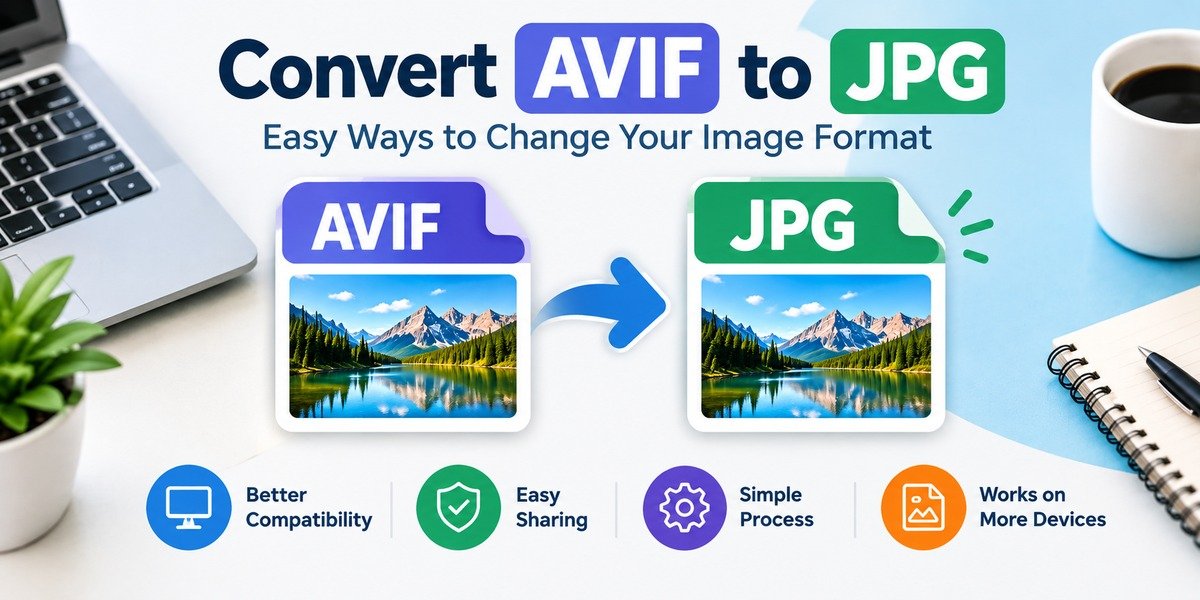
Convert AVIF to JPG: Easy Ways to Change Your Image Format
If you need to convert avif to jpg, the process is usually straightforward. You can use an online converter, desktop software, or an image application that supports both formats.
This guide explains the conversion process in simple terms and covers image quality, compatibility, privacy, file size, and common problems you may encounter.
Understanding the AVIF Format
convert avif to jpg is a relatively modern image format designed to store visual content efficiently. It is associated with the AV1 technology and is increasingly used in modern web environments.
One reason AVIF has attracted attention is its ability to provide good-looking images without requiring extremely large files. This can be useful for websites that need to display many images while keeping downloads manageable.
Where Might You Find AVIF Files?
You may encounter AVIF images when:
- Saving pictures from certain websites
- Downloading modern web graphics
- Working with newer image tools
- Receiving images from applications that use newer formats
- Managing website media
The problem is that not every application treats AVIF in the same way.
Understanding JPG
JPG is one of the most commonly encountered image formats. It is particularly popular for photographs because it can reduce file size while maintaining an acceptable visual appearance.
The format is supported by a huge range of software and hardware, which makes it convenient when an image needs to be opened or shared across different platforms.
Why Do People Still Use JPG?
JPG is useful because it is familiar, widely recognized, and easy to handle. It can be used for:
- Personal photographs
- Blog images
- Product pictures
- Website graphics
- Social media uploads
- Digital documents containing images
Its long-standing compatibility is a major advantage.
Why Change an AVIF Image Into JPG?
The need for conversion usually comes from compatibility rather than image quality alone.
Compatibility With Older Software
An older photo application may not recognize an AVIF image. A JPG version can make the same picture accessible in software that lacks modern format support.
Website Upload Requirements
Some websites accept only selected image formats. If AVIF is not among the supported choices, a JPG copy may be easier to upload.
Easier Sharing
JPG is understood by most image viewers and online services. Sending a JPG can reduce the chance that the recipient will encounter a format-related problem.
Editing Convenience
If your preferred editing program handles JPG more reliably than AVIF, converting the image first can provide a simpler editing workflow.
How to Convert AVIF to JPG Online
For occasional conversions, an online tool can be one of the simplest approaches.
Step-by-Step Process
The general workflow is:
- Find a reputable image conversion service.
- Choose the option for AVIF files.
- Add the image from your computer or device.
- Select JPG as the desired output.
- Start the conversion process.
- Save the resulting JPG.
- Open the new file and make sure it looks correct.
Different websites may use different menus, but the basic process is usually similar.
Converting AVIF to JPG on a Computer
You do not always need an online service. A compatible desktop image application can also handle the job.
Using an Image Editor
If your image editor supports AVIF, open the original file and look for an option such as Export, Save As, or Export Image.
Choose JPG from the available formats and then select a suitable quality level before saving.
Why Desktop Conversion Can Be Useful
Local conversion can be convenient when:
- You have many images
- Your internet connection is slow
- The pictures contain private information
- You want to avoid uploading files
- You regularly work with image formats
The exact procedure depends on the software you are using.
How Image Quality Can Change
One important thing to understand is that converting between image formats does not always produce an identical file.
JPG uses lossy compression. During JPG creation, some visual information may be removed to reduce the size of the file.
For a normal photograph, the difference may be barely noticeable. However, strong compression can become visible around text, edges, patterns, and other detailed areas.
Choosing a Suitable Quality Level
If your conversion software offers a quality slider, avoid selecting the lowest setting simply to create a smaller file.
A moderate or high setting is often more appropriate when preserving visual detail matters.
It is also a good idea to compare the converted image with the original before deleting anything.
What Happens to Transparent Areas?
This is an important consideration when converting images.
AVIF can contain transparency, but JPG does not provide a standard transparent background. If your AVIF image includes transparent portions, those areas may be replaced with a solid background when converted.
What Should You Do With Transparent Images?
If transparency is essential, JPG may not be the appropriate final format. Consider using an image format that is designed to retain transparent areas.
If transparency is irrelevant, converting to JPG should generally be fine.
AVIF and JPG: Main Differences
Both formats can be useful, but they are designed around different priorities.
| Aspect | AVIF | JPG |
|---|---|---|
| Format age | Newer | Older and established |
| Compatibility | Depends on software | Extremely widespread |
| Compression | Designed for efficient compression | Mature lossy compression |
| Transparency | Can support it | No standard transparency |
| Web use | Common in modern workflows | Extremely common |
| General sharing | Good | Very convenient |
The appropriate choice depends on what you need to do with the image.
How to Get a Better JPG Result
A few simple practices can improve the final file.
Keep the Original File
Do not immediately remove the AVIF version. Keeping it gives you a high-quality source if you later need another conversion.
Avoid Repeated Re-Saving
Opening and repeatedly saving JPG files can introduce additional compression. Whenever possible, make edits from the original source rather than repeatedly modifying the already-compressed JPG.
Check Image Dimensions
Conversion alone does not necessarily require resizing. If the original image has suitable dimensions, retaining them can help preserve its appearance.
Inspect the Final Image
Always open the JPG after conversion. Look for:
- Blurry details
- Strange colors
- Visible compression blocks
- Missing transparent areas
- Unexpected resizing
A quick inspection can catch problems before you publish or share the file.
Are Online AVIF Converters Safe?
Online converters can be convenient, but privacy deserves attention.
When you upload an image to an online service, the file leaves your device. For ordinary public images this may not be a concern, but private photographs, business graphics, or confidential material deserve more care.
When to Consider Offline Conversion
A local application may be preferable when the image contains sensitive information or when you have a large collection of files to process.
Before using any online converter, review its privacy information and understand how uploaded files are handled.
Common Conversion Problems
Even a simple image conversion can sometimes produce an unexpected result.
The JPG Looks Blurry
This can happen when excessive compression is applied.
Try this: Export the image again using a higher quality setting.
The File Is Still Too Large
A high-quality JPG can remain relatively large, especially when the original image has very high dimensions.
Try this: Reduce the image dimensions or adjust the quality setting slightly.
The Background Looks Different
This may occur when the original AVIF contains transparency.
Try this: Use a format that supports transparency if the transparent background is necessary.
The Converter Rejects the File
Some services have restrictions involving file size, image dimensions, or supported variations of AVIF.
Try this: Use compatible desktop software or another trusted conversion service.
Should You Use JPG for Every Image?
Not necessarily.
JPG is a practical choice when broad compatibility and easy sharing are important. However, another format may be more appropriate when you need transparency, specialized graphics, or particular compression characteristics.
Instead of choosing one format for every situation, consider how the image will actually be used.
Frequently Asked Questions
Can I convert avif to jpg without changing the image size?
Yes. A format conversion does not automatically require resizing. The output can retain the original dimensions if the software is configured that way.
Does AVIF always produce a smaller file than JPG?
No. File size depends on the image, compression settings, dimensions, and encoding process. The result can vary from one image to another.
Will converting AVIF to JPG improve compatibility?
In many situations, yes. JPG is supported by a very large range of devices, applications, and websites.
Can I edit a JPG after conversion?
Yes. JPG files can be opened and edited in many image-editing applications.
Is the original AVIF deleted during conversion?
Normally, conversion creates a separate output file. However, the exact behavior depends on the software or service being used.
Final Thoughts
The need to convert avif to jpg often comes down to compatibility. AVIF is useful in modern image workflows, but JPG remains convenient because so many devices, applications, and websites recognize it.
For occasional images, an online converter can provide a quick solution. For private files or large batches, desktop software may be more suitable. Whatever method you choose, keep the original file, select a sensible JPG quality level, and check the converted image before using it.
With the right approach, changing an AVIF image into JPG can be a simple part of your normal image workflow.



One Comment