
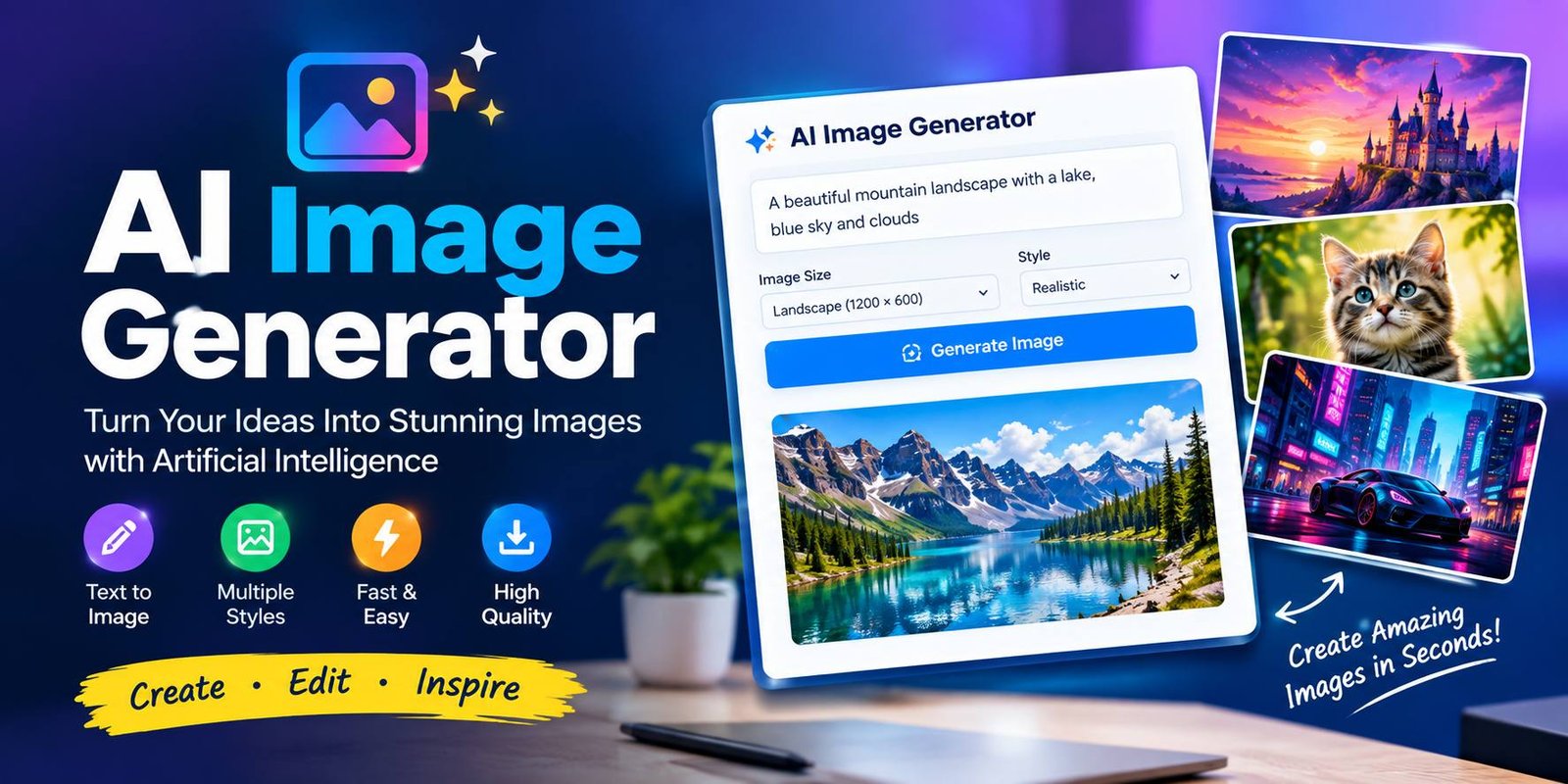
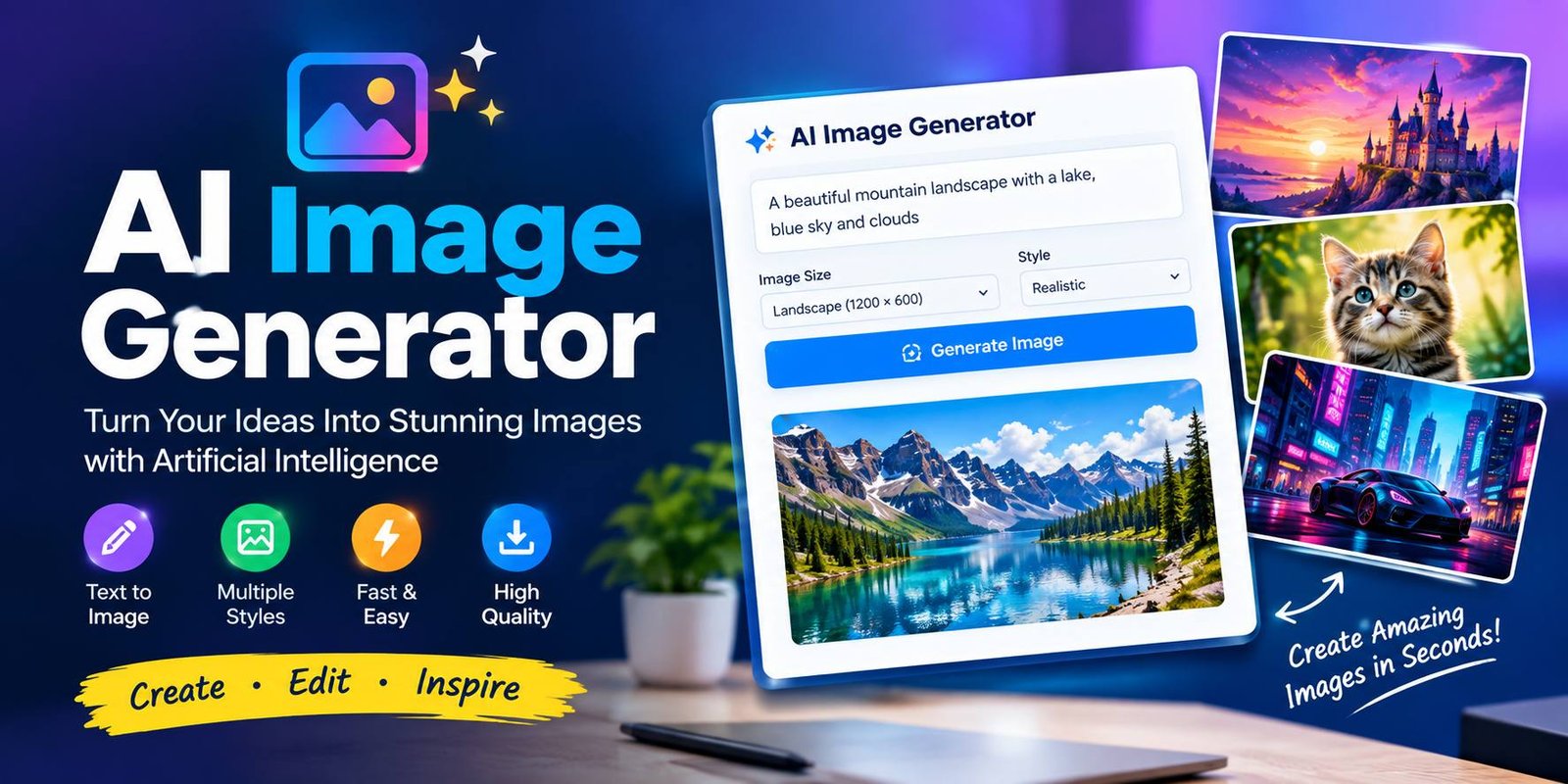
AI Image Generator: Create Images with Artificial Intelligence
Creating attractive images used to require graphic design skills and professional software. Today, artificial intelligence has made image creation much easier. You can describe an idea in simple words and let an AI tool turn that description into a visual.
An AI image generator can create illustrations, realistic scenes, digital artwork, marketing graphics, social media visuals, and many other types of images. These tools are useful for bloggers, businesses, students, designers, marketers, and content creators.
In this guide, you will learn what AI image generation is, how it works, its main features, common uses, benefits, pricing options, limitations, and tips for getting better results.
What Is an AI Image Generator?
An AI image generator is a software tool that uses artificial intelligence to create images from written instructions, reference images, or other inputs.
For example, you could enter a prompt such as:
“A modern technology workspace with a laptop, blue lighting, and futuristic digital screens.”
The AI model analyzes the description and creates an image based on the information in the prompt.
Depending on the tool, you may also be able to edit existing images, remove unwanted objects, change backgrounds, expand an image, or create different versions of the same concept.
How Does AI Image Generation Work?
AI image generation relies on machine-learning models that have learned patterns between visual content and language.
The process usually follows these steps:
- Enter a prompt – Describe the image you want.
- AI understands the request – The system analyzes the subject, style, setting, and other details.
- Image generation begins – The model creates a visual based on the prompt.
- The result is produced – The finished image appears on the screen.
- Refine the result – You can change your prompt and create another version.
The exact technology varies between AI platforms, but the goal is similar: turn an idea into visual content with minimal manual design work.
Key Features
Modern AI image tools offer more than simple text-to-image generation.
Text-to-Image Generation
This is the most common feature. Users describe an image using natural language, and the AI creates a visual based on the prompt.
You can describe the subject, environment, colors, lighting, composition, and artistic style.
Image Editing
Use up and down arrow keys to resize the meta box pane.
Move upMove downShow or hide panel
Optimize your content for discovery or get new content suggestions.Get content suggestions
Focus keyphrase
Focus keyphrase
Use the main word or phrase you want your content found for across search, AI, and beyond. Learn more about best practices for keyphrases.(Opens in a new browser tab)
Discover related keyphrases(Opens in a new browser tab)
Search appearance
Determine how your post should look in the search results.Google preview
MobileGoogle preview: Switch to desktop preview. Currently showing mobile preview.
Desktop
Url preview:

itechpulsehub.comitechpulsehub.com
SEO title preview:
AI Image Generator: Create Images with Artificial Intelligence – itechpulsehub.com
Meta description preview:
Sep 22, 2026 - Discover how an AI image generator creates images from text prompts. Learn its features, uses , pricing, limitations, and prompt tips.
SEO titleInsert variableGenerate SEO title
Title Page Separator Site title
Slug
Meta descriptionInsert variableGenerate meta description
Discover how an AI image generator creates images from text prompts. Learn its features, uses , pricing, limitations, and prompt tips.
SEO analysisGoodAI image generator
Premium SEO Analysis
Get deeper keyphrase insights and stronger headlines
- Synonyms & word form recognition: Write more natural, flowing content.
- Extra SEO assessments: See additional recommendation to improve your content.
Analysis results
Problems (3)
- Outbound links: No outbound links appear in this page. Add some!
- Keyphrase in introduction: Your keyphrase or its synonyms do not appear in the first paragraph. Make sure the topic is clear immediately.
- Keyphrase in subheading: Use more keyphrases or synonyms in your H2 and H3 subheadings!
Good results (14)
- Keyphrase in image alt attributes: Good job!
- Images: Good job!
- Internal links: You have enough internal links. Good job!
- Keyphrase density: The keyphrase was found 7 times. This is great!
- Keyphrase in SEO title: The exact match of the focus keyphrase appears at the beginning of the SEO title. Good job!
- Keyphrase length: Good job!
- Keyphrase in meta description: Keyphrase or synonym appear in the meta description. Well done!
- Meta description length: Well done!
- Previously used keyphrase: You’ve not used this keyphrase before, very good.
- Single title: You don’t have multiple H1 headings, well done!
- Keyphrase in slug: More than half of your keyphrase appears in the slug. That’s great!
- Competing links: There are no links which use your keyphrase or synonym as their anchor text. Nice!
- Text length: The text contains 1751 words. Good job!
- SEO title width: Good job!
Add related keyphrasePremiumTrack SEO performance
Content blocksNew
Internal linking suggestionsPremium
Cornerstone content
Advanced
Insights
Move upMove downShow or hide panel
| Hide Generic header script Hide Generic Footer script |  Upgrade now to a premium version and remove the ads! Upgrade now Upgrade now to a premium version and remove the ads! Upgrade now |
| add script / style to be added to the header of the page | Upgrade now to a premium version and remove the ads! Upgrade now |
add script to be added to the footer of the page before the (e.g Google Re-Marketing / Google Conversion )You should put the code with the script tags <script type='text/javascript'> the code </script> | Upgrade now to a premium version and remove the ads! Upgrade now |
PostBlock
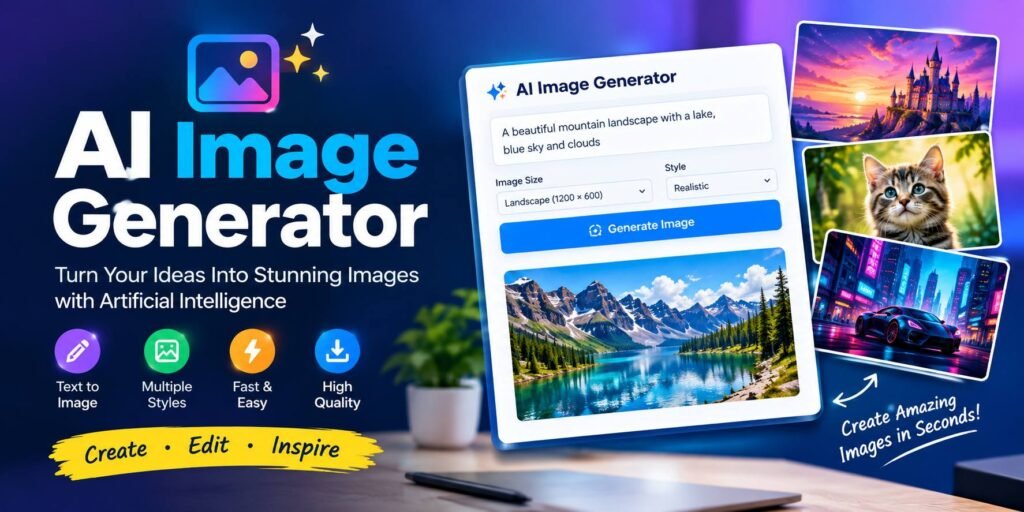
AI Image Generator: Create Images with Artificial Intelligence
 ReplaceRemoveAdd an excerpt…
1,786 words, 9 minutes read time.
Last edited a second ago.
StatusPublished
PublishSeptember 22, 2026 4:55 am UTC+0
Slugai-image-generator
AuthorBy iTech Pulse Hub Editorial Team
TemplateDefault template
DiscussionOpenMove to trash
Yoast SEO
SEO analysis: Good
Readability analysis: Good
Categories
Tech GuidesAI toolsAI CHATBOTSApps & SoftwareTechnologyUncategorizedAdd Category
Tags
Add Tag
Separate with commas or the Enter key.
Most Used
- AI Tools
- AI Assistant
- Artificial Intelligence
- AI Chatbot
- Generative AI
- Google AI
- DeepSeek
- DeepSeek AI
- AI Coding
- DeepSeek V4
Move upMove downShow or hide panelDisable CacheDisable Image LazyloadDisable VPIViewport ImagesViewport Images – Mobile
AI Image Generator: Create Images with Artificial Intelligence↗ is now live.
What’s next?Post addressCopy
View Post(opens in a new tab)Add Post
Yoast SEO
Share your post!
SEO performanceLearn more about the SEO performance feature.(Opens in a new browser tab)
With Wincher(Opens in a new browser tab) you can track the ranking position of your page in the search results based on your keyphrase(s). Read more about keyphrase tracking with Wincher(Opens in a new browser tab)Track all keyphrases on this pageAlways show pre-publish checks.
- Post
Some platforms allow users to upload an existing image and make changes.
Depending on the service, you may be able to remove objects, replace backgrounds, add elements, or modify selected areas.
Different Visual Styles
AI tools can create images in many styles, including:
- Realistic photography
- Digital illustration
- 3D artwork
- Cartoon
- Minimalist design
- Cinematic visuals
- Watercolor
- Fantasy artwork
- Futuristic technology
- Concept art
Available styles depend on the platform and model.
Image Variations
Many tools can create multiple versions of an idea. This allows users to compare different compositions and choose a suitable result.
Image Upscaling
Some AI platforms include image enhancement or upscaling features. These can improve the resolution of selected images, although the results can vary depending on the original image and tool.
Reference Images
Certain tools allow users to provide an existing image as a reference. This can help guide the appearance, composition, or style of the generated result.
How to Write Better AI Image Prompts
A good prompt can make a major difference.
Instead of writing:
“A car.”
Try something more detailed:
“A modern electric sports car driving through a futuristic city at sunset, cinematic lighting, realistic photography, detailed reflections, wide composition.”
The second prompt provides more information about the subject, location, lighting, style, and composition.
Important Prompt Elements
When creating a prompt, consider including:
Subject: What should appear in the image?
Environment: Where is the subject?
Style: Should the image look realistic, artistic, cinematic, or illustrated?
Lighting: What type of lighting should be used?
Composition: Should the image be square, portrait, or landscape?
Mood: Should it look professional, dramatic, relaxing, exciting, or futuristic?
Clear instructions can help the AI understand your intended result.
Common Uses of AI Image Generators
AI image generation has applications across many industries.
Blogging and Websites
Website owners can create custom featured images for articles instead of relying only on generic stock photos.
For example, a technology blog can create visuals for topics such as cybersecurity, cloud computing, mobile apps, AI tools, and software.
Social Media
Social media creators can generate backgrounds, illustrations, promotional visuals, and creative concepts for posts.
The image can then be edited further to add branding, text, or other design elements.
Pinterest relies heavily on visual content. AI-generated graphics can help bloggers create custom pins related to their articles.
A good Pinterest design should have a clear headline, attractive visuals, readable text, and a suitable vertical layout.
Marketing
Businesses can use generated images for campaign ideas, promotional concepts, social media posts, and advertising designs.
However, businesses should always check the AI service’s licensing and commercial-use terms before publishing generated content.
Education
Teachers and students can create visual learning materials, diagrams, illustrations, and creative concepts.
AI-generated visuals can make certain educational topics easier to explain.
Product Design
Designers can use AI to explore early product concepts before creating a detailed professional design.
For example, a designer could generate different ideas for packaging, furniture, websites, or technology products.
YouTube
Content creators can use AI-generated backgrounds and visual concepts for thumbnails, videos, and promotional material.
Important text is often better added later using a dedicated image editor.
Benefits of AI Image Generation
Saves Time
Traditional image creation can require considerable time. AI can produce an initial concept much faster.
This is especially helpful when a creator needs several visual ideas.
Easy for Beginners
You do not need advanced graphic design knowledge to start. A simple description can be enough to generate an image.
Encourages Creativity
AI can help users visualize ideas that are difficult to create manually.
Writers, designers, marketers, and creators can use it during the brainstorming stage.
Reduces Design Costs
For some projects, AI can reduce the need to create every visual from scratch. However, professional design may still be necessary for branding and high-stakes commercial projects.
Supports Content Creation
Bloggers and social media creators can quickly produce visual concepts for different topics and campaigns.
AI Image Generator Pricing
Pricing depends on the platform you choose.
Many services use one of these models:
Free Plans
Some tools provide free image generation with daily or monthly limits. Free accounts may have restrictions on image quality, generation speed, available models, or commercial usage.
Credit-Based Plans
Some services provide a certain number of credits. Each image generation or advanced feature uses some of those credits.
Monthly Subscriptions
Paid subscriptions may provide more generations, higher image quality, faster processing, and additional editing features.
Enterprise Plans
Businesses with larger requirements may have custom plans that include additional usage, collaboration, administration, or support features.
Because AI services frequently change their pricing and plans, always check the official pricing page of the specific platform before subscribing.
Limitations of AI Image Generation
Although AI image tools are powerful, they are not perfect.
Incorrect Details
Generated images may sometimes contain strange objects, unrealistic proportions, or other visual errors.
Text Problems
AI-generated images can sometimes contain misspelled or distorted text. If an image requires important wording, adding the text afterward with a design tool can provide better control.
Results Can Vary
The same prompt may produce different results. You may need several attempts before getting an image that matches your idea.
Copyright and Licensing
AI-generated content can raise copyright and licensing questions. The rules can vary depending on the service, location, training data, and intended use.
Before using an image commercially, review the current terms of the platform you used.
Privacy
Avoid uploading private or confidential images to an AI service unless you understand how that platform handles uploaded content.
AI Image Generator vs Traditional Design
Traditional design gives you precise control over every part of an image.
You can manually choose:
- Fonts
- Colors
- Shapes
- Images
- Spacing
- Layout
- Branding elements
AI generation focuses more on speed and idea development. You describe what you want, and the system creates an initial result.
These approaches do not necessarily have to compete. Many creators use AI for brainstorming and initial concepts, then use traditional design software to refine the final image.
Tips for Getting Better Results
Follow these simple tips when creating AI images:
- Start with a clear idea.
- Describe the main subject first.
- Explain the environment.
- Mention the desired visual style.
- Add lighting details when useful.
- Specify the image orientation.
- Avoid unnecessary instructions.
- Generate multiple versions when possible.
- Check the final image carefully.
- Review the platform’s usage rights before publishing.
A clear prompt is usually more useful than a very long prompt filled with unrelated details.
Who Can Use AI Image Generation?
These tools are useful for many different users.
Bloggers
Bloggers can create custom featured images and illustrations for articles.
Social Media Managers
Social media professionals can create visual concepts for different campaigns.
Students
Students can generate illustrations for presentations and creative projects.
Businesses
Companies can explore marketing concepts and promotional visuals.
Designers
Designers can use AI during the brainstorming and concept-development stages.
Content Creators
YouTubers, Pinterest creators, and other publishers can use AI-generated visuals as part of their content workflow.
Frequently Asked Questions
What is an AI image generator?
It is a software tool that uses artificial intelligence to create images from text prompts, reference images, or other inputs.
Can I create images from text?
Yes. Text-to-image generation is one of the most common features available in modern AI image tools.
Is AI image generation free?
Some services offer free plans or limited generations, while others require credits or paid subscriptions.
Can AI-generated images be used on websites?
They can often be used on websites, but you should check the specific platform’s terms and licensing rules before publishing them.
Can AI generate realistic images?
Yes. Many modern AI models can create highly realistic-looking images, although the quality and accuracy vary between tools and prompts.
How can I create better AI images?
Use clear prompts that describe the subject, environment, style, lighting, composition, and mood. You can also improve results by refining the prompt after each generation.
Are AI-generated images always accurate?
No. AI-generated images can contain visual mistakes, incorrect details, or unexpected elements. Always review the final result before publishing.
Conclusion
An AI image generator makes visual creation more accessible by allowing users to turn written ideas into images. It can be useful for bloggers, businesses, students, designers, marketers, and social media creators.
These tools can save time and support creative work, but they also have limitations. Generated images should be reviewed carefully, and users should understand the licensing, privacy, and commercial-use rules of the service they choose.
For the best results, start with a clear idea, write a detailed but focused prompt, experiment with different versions, and refine the final image before publishing it.
2 Comments