Google Gemini : Features, Uses, Benefits, and Use Gemini AI
Artificial intelligence is changing the way people search for information, create content, learn new skills, and complete everyday tasks. Among the growing number of AI assistants, Google Gemini has become one of the most widely recognized tools for working with text, images, files, and other types of information.
Whether you are a student, content creator, developer, business owner, or casual user, Gemini can help you complete tasks faster and explore ideas more efficiently.
In this guide, we will explain what Google Gemini is, its main features, common uses, benefits, limitations, and how beginners can get started.
What Is Google Gemini?
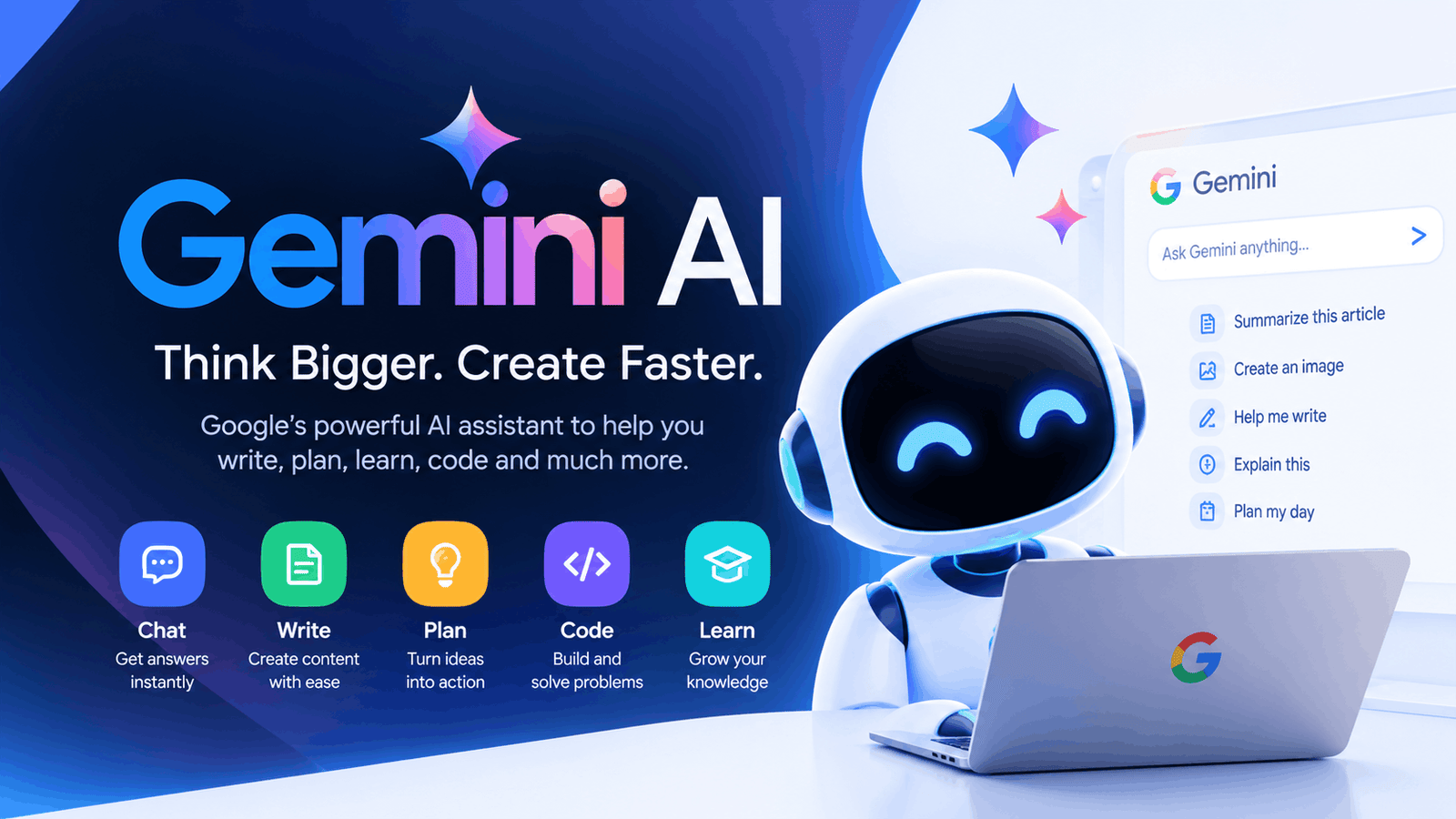
Google Gemini is an artificial intelligence assistant developed by Google. It is designed to understand natural-language instructions and help users with a wide range of tasks.
Instead of using traditional search queries for every question, users can communicate with Gemini conversationally. You can ask questions, request explanations, generate ideas, analyze information, write content, and perform other tasks through natural-language prompts.
Gemini is also designed to work with different types of information, making it more than a simple text-based chatbot.
Key Features of Google Gemini
Gemini offers several features that make it useful for everyday users and professionals.
1. AI-Powered Conversations
You can communicate with Gemini using normal language. There is no need to use complicated commands.
For example, you can ask:
“Explain this topic in simple words.”
Gemini can then provide an explanation that is easier to understand.
2. Writing and Content Creation
Gemini can assist with many writing tasks, including:
- Blog ideas
- Article outlines
- Emails
- Social media posts
- Product descriptions
- Summaries
- Brainstorming
- Rewriting and editing
It can be particularly useful when you have an idea but need help turning it into organized content.
3. Image Understanding
AI assistants are increasingly capable of working with visual information. Gemini can help users understand and analyze images when image input is available.
For example, users may ask questions about information shown in an image or request an explanation of visual content.
4. File Analysis
Depending on the available Gemini experience and account features, users can work with supported files and ask the AI to summarize, explain, or analyze their contents.
This can save time when dealing with lengthy documents or large amounts of information.
5. Coding Assistance
Gemini can also be useful for programmers and developers.
It can help with:
- Explaining code
- Finding potential bugs
- Generating code examples
- Understanding programming concepts
- Creating functions
- Converting code between languages
However, developers should always test AI-generated code before using it in production.
What Can You Use Gemini For?
There are many practical ways to use Gemini in everyday life.
Students
Students can use Gemini as a learning assistant. It can explain difficult concepts, summarize information, generate practice questions, and help organize study material.
Instead of simply asking for an answer, students can ask Gemini to explain why an answer is correct. This makes the tool more useful for learning.
Content Creators
Content creators can use Gemini to brainstorm topics, create outlines, improve drafts, and generate ideas for videos or social media.
For example, you can provide a topic and ask Gemini to create ten possible article ideas around it.
Businesses
Businesses can use AI assistants for tasks such as drafting emails, brainstorming marketing ideas, preparing content, and organizing information.
AI can reduce the amount of time spent on repetitive tasks, although important business information should always be reviewed carefully.
Developers
Developers can use Gemini as a coding companion for research, debugging, documentation, and learning unfamiliar technologies.
It can be especially helpful when you need a quick explanation of a programming concept.
How to Use Google Gemini
Getting started with Gemini is relatively simple.
Step 1: Open Gemini
Visit Google’s Gemini service using a supported browser or device.
Step 2: Sign In
Sign in with your Google Account if required.
Step 3: Enter Your Prompt
Type your question or instruction into the input box.
For example:
“Create a simple 7-day study plan for learning Python.”
Step 4: Review the Response
Read the generated response and check whether it satisfies your requirements.
Step 5: Improve Your Prompt
If the answer is too general, provide additional instructions.
For example, instead of:
“Write an article about smartphones.”
try:
“Write a 1,500-word beginner-friendly article about smartphone security with clear headings and practical tips.”
More specific prompts generally give you more useful results.
How to Write Better Gemini Prompts
The quality of an AI response often depends on the quality of the instructions you provide.
A useful prompt should clearly describe what you want.
Include details such as:
- The task
- Your target audience
- Desired length
- Tone
- Format
- Important requirements
Example Prompt
Instead of:
“Write about SEO.”
Try:
“Explain SEO to beginners in simple English. Use short paragraphs, clear H2 headings, practical examples, and a friendly tone.”
This gives the AI much more context.
Is Google Gemini Free?
Gemini has offered free access alongside paid options with additional capabilities. Availability, limits, models, and features can change over time depending on Google’s current plans and the user’s account or region.
Before relying on a specific feature or limit, check Google’s current Gemini plan information.
Advantages of Google Gemini
Gemini can be useful for several reasons.
Easy to Use
Its conversational interface makes it accessible to beginners.
Useful for Many Tasks
You can use an AI assistant for writing, learning, brainstorming, coding, summarizing, and other tasks.
Saves Time
Gemini can help automate repetitive work and speed up the first stage of many projects.
Helpful for Learning
Users can ask follow-up questions and request explanations at different levels of difficulty.
Limitations of Gemini
Like other AI systems, Gemini is not perfect.
AI Responses Can Be Incorrect
AI-generated information should be checked, especially when dealing with important, technical, financial, legal, or academic topics.
Results Depend on Your Prompt
A vague prompt may produce a generic response. Providing context usually leads to better results.
Features Can Change
AI products are updated frequently, so available features, limits, and pricing may change.
Gemini vs. Traditional Search
Traditional search engines are designed primarily to help users discover webpages and sources.
AI assistants take a more conversational approach. Instead of searching through multiple pages yourself, you can ask an AI to explain a topic, organize information, or help you complete a task.
However, these approaches are not necessarily competitors. In many situations, the best workflow is to use AI for understanding and organization while checking important claims against reliable sources.
Is Gemini Worth Using?
For people who regularly write, study, research, brainstorm, or work with technology, Gemini can be a useful productivity tool.
Its biggest advantage is flexibility. You can use it for simple questions as well as more complex tasks involving writing, analysis, planning, and coding.
The key is to treat AI as an assistant rather than an unquestionable source of truth.
Frequently Asked Questions
What is Google Gemini used for?
Google Gemini can be used for writing, brainstorming, learning, summarizing, coding, analyzing information, and other AI-assisted tasks.
Is Gemini an AI chatbot?
Yes. Gemini provides a conversational AI experience that allows users to communicate with Google’s AI using natural-language prompts.
Can Gemini write articles?
Yes, Gemini can assist with article planning, drafting, rewriting, summarizing, and editing. Users should review and fact-check generated content before publishing.
Can Gemini help with coding?
Yes. Gemini can explain programming concepts, generate code examples, analyze code, and help identify potential problems.
Is Gemini suitable for students?
It can be a useful learning assistant when students use it to understand concepts, practice skills, and explore topics rather than simply copying answers.
Final Thoughts
Google Gemini is a versatile AI assistant that can help users with writing, learning, coding, brainstorming, and information analysis. Its conversational approach makes AI easier to use for both beginners and experienced users.
However, AI-generated responses should not automatically be treated as accurate. For important information, always verify facts using trustworthy sources.
When used thoughtfully, Gemini can become a valuable productivity and learning companion that helps you spend less time on repetitive tasks and more time focusing on meaningful work.