
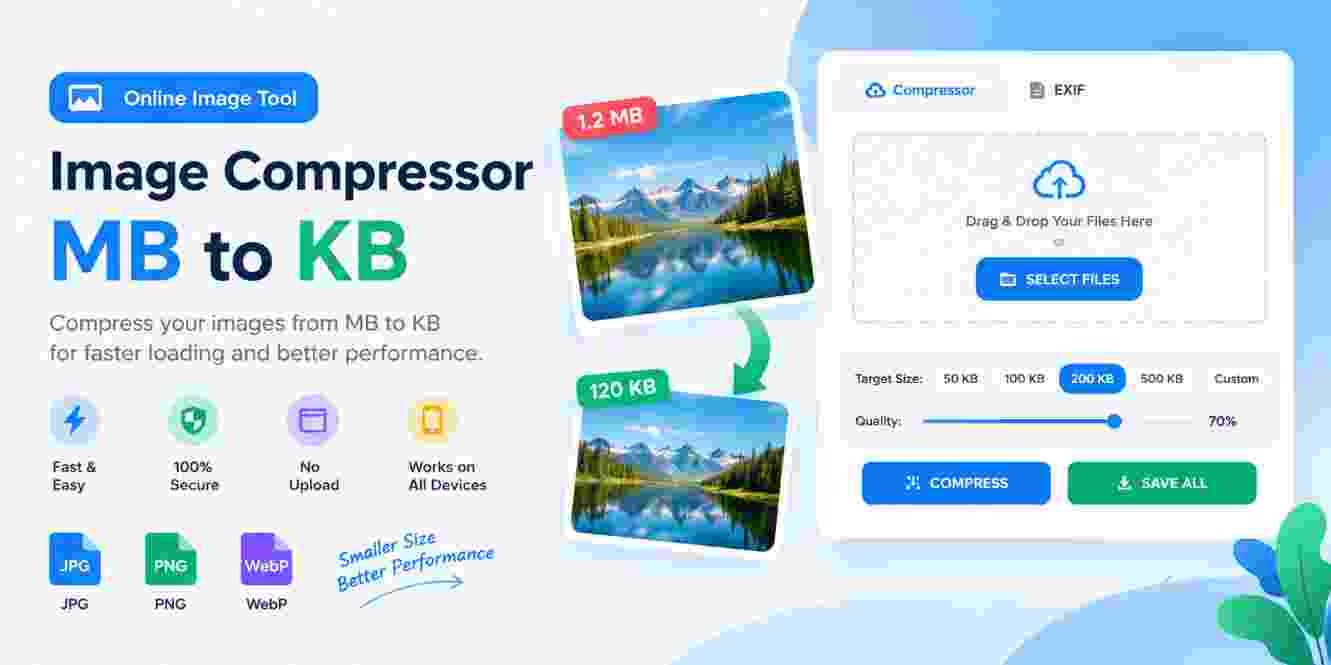
Free Image Compressor – Compress Images from MB to KB
Compress and optimize your JPEG, PNG and WebP images. Set a target size in KB and create a smaller image. Processing happens in your browser.
- Drop JPEG, PNG or WebP images
- Choose 50 KB, 100 KB, 200 KB or any target size
Free Image Compressor – MB to KB
Reduce large images from MB to KB without installing software. Set a target size, compress JPG, PNG, or WebP images, and download smaller files.
How to Compress MB to KB
Select an image, enter a target such as 100 KB or 200 KB, and click COMPRESS. The tool automatically adjusts quality and, when needed, image dimensions to reach the target.
Free Image Compressor – Compress Images Online
Large image files can slow down websites, take up unnecessary storage space, and make sharing images more difficult. A Free Image Compressor provides a simple solution by reducing image file size while maintaining good visual quality. Whether you need to compress images for a website, social media, email, or personal use, an online image compressor can save time and storage.
What Is a Free Image Compressor?
A Free Image Compressor is an online tool that reduces the file size of an image. It works by optimizing the image data and removing unnecessary information while trying to preserve its original appearance.
For example, a large JPG or PNG image may have a file size of several megabytes. After compression, the same image can often be reduced to a much smaller size, such as a few hundred kilobytes. This makes the image easier to upload, download, store, and share.
Why Should You Compress Images?
Image compression is useful for several reasons. Large images can negatively affect website loading speed, especially for visitors using mobile devices or slower internet connections.
Compressing images can help:
- Reduce image file size
- Improve website loading speed
- Save storage space
- Make images easier to upload
- Reduce bandwidth usage
- Share images faster
- Improve the overall user experience
For website owners, smaller image files can also support better page performance and contribute to a more optimized website.
How to Compress an Image Online
Using a Free Image Compressor is usually very simple. You do not need advanced technical knowledge or image-editing software.
Follow these basic steps:
- Open the image compressor tool.
- Upload your JPG, PNG, WebP, or supported image.
- Let the tool process and compress the image.
- Check the compressed file size.
- Download the smaller image to your device.
The compression process can reduce a large MB-sized image into a much smaller KB-sized file, depending on the original image, format, dimensions, and compression level.
Is Image Compression Safe?
When using an online compressor, privacy is an important consideration. A good compressor should process images efficiently and avoid unnecessary data collection. If the tool processes images directly in your browser, your files may not need to be uploaded to a remote server.
However, users should always avoid uploading private or sensitive images to websites they do not trust.
Who Can Use an Image Compressor?
An image compressor can be useful for almost everyone. Bloggers can reduce image sizes before publishing articles, website owners can optimize media files, students can prepare images for assignments, and social media users can make large photos easier to upload.
Photographers and designers can also use compression when they need smaller copies of images for sharing or web use.
Final Thoughts
A Free Image Compressor is a convenient way to reduce image file sizes without complicated software. By compressing large images, you can save storage space, upload files faster, and improve website performance.
If you regularly work with large JPG, PNG, or WebP files, an online image compressor can be a useful tool to keep your images smaller and easier to manage.






11 Comments