AVG Antivirus: What Is AVG, Features, Benefits, and How It Works
Online security has become an important part of using computers and smartphones. People browse websites, download files, install applications, and share information every day. However, these activities can expose devices to viruses, malware, and other online threats.
One security solution that many users recognize is AVG Antivirus. It is designed to help protect devices from harmful software and suspicious online activities.
But what is AVG? Is it free? What features does it offer, and is it a good choice for everyday users?
In this guide, we will explain what AVG Antivirus is, how it works, its main features, its benefits, and the differences between its free and paid versions.
What Is AVG Antivirus?
AVG is a cybersecurity brand that provides antivirus software and other digital security tools. Its products are designed to help users protect computers, smartphones, and personal information from online threats.
The name AVG originally came from the phrase Anti-Virus Guard.
AVG Antivirus can detect and block different types of harmful software, including viruses, spyware, and certain forms of ransomware. It also provides security features that help users identify suspicious files and potentially unsafe websites.
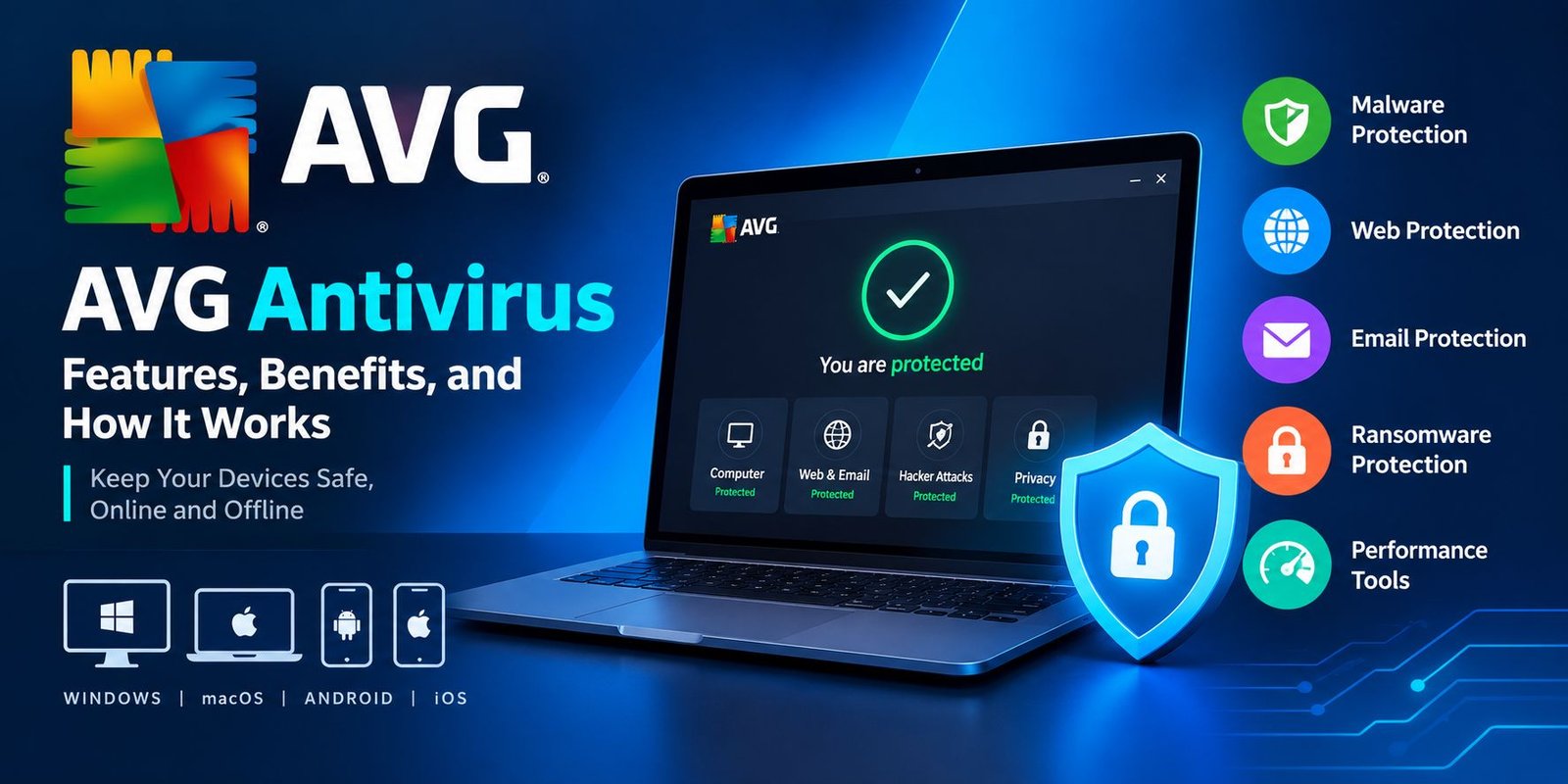
AVG offers security products for different platforms, including Windows, macOS, Android, and iOS. The available features depend on the operating system and the product version.
For everyday users, AVG can help create a safer digital environment while browsing the internet, downloading files, or using applications.
How Does AVG Antivirus Work?
AVG Antivirus uses several security technologies to identify and respond to potential threats.
Its protection system generally combines known threat detection, behavior monitoring, and other security methods.
1. Malware Detection
AVG checks files and applications for signs of malicious software.
Antivirus programs can compare files against information about known threats. This helps them identify malware that has already been discovered and documented.
2. Real-Time Protection
Real-time protection monitors certain activities as they happen.
For example, when a user downloads a file or opens an application, the antivirus software may examine it for suspicious characteristics.
If a potential threat is detected, AVG can warn the user or take an appropriate security action.
3. Suspicious Activity Monitoring
Some threats may behave differently from ordinary applications.
Security software can monitor activity that appears suspicious, such as attempts to modify important files or perform unauthorized actions.
This type of monitoring can help identify certain threats that are not recognized through traditional detection methods alone.
4. Threat Removal
When AVG identifies a harmful file, it may offer options such as blocking, quarantining, or removing the threat.
Quarantine places a suspicious file in an isolated area so it cannot interact normally with the rest of the system.
The exact response depends on the detected threat and the user’s security settings.
Main Features of AVG Antivirus
AVG provides different security features depending on the product. Its free antivirus offering focuses on essential protection, while paid products may include additional tools.
Virus and Malware Protection
One of the main functions of AVG Antivirus is detecting and blocking malicious software.
This can include:
- Computer viruses
- Spyware
- Trojans
- Certain ransomware threats
- Other types of malware
Antivirus protection can reduce security risks, but it cannot guarantee that every threat will be detected.
Real-Time Security
Real-time protection helps monitor files and applications during everyday use.
This feature is useful because users may encounter suspicious downloads, email attachments, or applications without realizing that they could be dangerous.
Web Protection
Some AVG products include web protection features that help users identify potentially unsafe websites.
These tools may warn users about suspicious links, phishing pages, or websites associated with harmful downloads.
Users should still be careful when entering passwords or personal information online.
Email Protection
Email is a common method used to distribute malicious files and fraudulent messages.
Depending on the product and platform, AVG may provide tools that help identify suspicious email attachments or other email-related threats.
Users should avoid opening unexpected attachments, even when a security application is installed.
Ransomware Protection
Ransomware is a type of malware that can encrypt files and demand payment to restore access.
Some AVG security products offer ransomware-related protection features. These tools may help detect suspicious activity or protect selected files.
However, antivirus software is not a replacement for regular backups. Keeping separate copies of important files is still an important security practice.
Additional Privacy and Security Tools
AVG’s paid security products may include additional features such as:
- Enhanced web protection
- Firewall-related security features
- Webcam protection
- Privacy tools
- Device performance utilities
- VPN services in certain product plans
The availability of these features varies by product, subscription, operating system, and region.
AVG Free vs. Paid Version
AVG offers free and paid security options. The free version can be useful for people who need basic antivirus protection, while paid products may provide additional security and privacy features.
| Feature | AVG Free Antivirus | Paid AVG Products |
|---|---|---|
| Basic malware protection | Included | Included |
| Real-time protection | Available | Available |
| Web security features | Basic features may be included | Additional protection may be available |
| Advanced privacy tools | Limited | May be included |
| Additional security features | Limited | Depends on the plan |
| Subscription cost | Free | Paid subscription |
The exact feature list can change over time. Before purchasing a subscription, users should review the current product details on AVG’s official website.
Benefits of Using AVG Antivirus
AVG can offer several advantages for people who want to improve their device security.
Helps Protect Against Malware
AVG can help identify and block many common forms of malware. This may reduce the risk of harmful files affecting a computer or smartphone.
Supports Safer Browsing
Web security features can help users recognize suspicious websites and potentially dangerous links.
This is particularly useful for people who frequently download files or visit unfamiliar websites.
Offers a Free Security Option
AVG Free Antivirus provides an option for users who need basic antivirus protection without paying for a subscription.
It can be a practical starting point for people who want to improve their computer’s security.
Easy to Use
Antivirus software is designed to help users manage security without requiring advanced technical knowledge.
AVG provides a graphical interface that allows users to check protection status, run scans, and review security alerts.
Provides Different Security Plans
Users can choose between different AVG products depending on their needs.
Someone who only requires basic antivirus protection may prefer a free product, while another user may want additional privacy or security tools.
Is AVG Antivirus Safe to Use?
AVG is a recognized cybersecurity brand that provides antivirus software.
When downloaded from its official website or a trusted application store, AVG can be a legitimate security tool for protecting devices.
However, users should understand that installing antivirus software does not make a device completely safe.
Good security habits remain important. Users should keep their operating systems updated, use strong passwords, avoid suspicious downloads, and back up important files.
It is also important to download AVG from an official source rather than an unknown website that may distribute modified or harmful installers.
How to Download and Install AVG Antivirus
Users can install AVG by following a few basic steps.
Step 1: Visit the Official Website
Open a web browser and visit the official AVG website.
Choose the security product that matches your device and requirements.
Step 2: Download the Installer
Select the appropriate download option for your operating system.
Make sure the installer comes from an official AVG source.
Step 3: Open the Downloaded File
Locate the downloaded installation file and open it.
Follow the instructions displayed by the installation program.
Step 4: Complete the Installation
Allow the installation process to finish.
Depending on the product, you may need to review permissions, select settings, or sign in to an AVG account.
Step 5: Run a Security Scan
After installation, open AVG and check the protection status.
You can then run a scan to examine your device for potential security threats.
The exact installation process may vary depending on your device and the AVG product you choose.
AVG Antivirus: Advantages and Limitations
AVG can be helpful, but it is important to understand both its strengths and its limitations.
Advantages
- Provides antivirus protection.
- Offers a free security option.
- Includes real-time threat monitoring in supported products.
- Can help identify suspicious files and websites.
- Provides additional security products for different needs.
Limitations
- No antivirus can detect every possible threat.
- Some advanced features require a paid subscription.
- Security features vary between operating systems.
- Antivirus software cannot replace safe browsing habits.
- Users still need backups and regular software updates.
Understanding these limitations can help users make better decisions about their digital security.
Frequently Asked Questions
What does AVG stand for?
AVG originally stood for Anti-Virus Guard. It is the name of a cybersecurity brand that provides antivirus and other security products.
Is AVG Antivirus free?
Yes, AVG offers a free antivirus product with basic security features. Additional tools and advanced protection options may require a paid subscription.
Is AVG a good antivirus?
AVG can be a useful option for people who want antivirus protection. Its suitability depends on the user’s device, security needs, and the features available in the selected product.
Does AVG protect against viruses?
AVG is designed to detect and block viruses and other types of malware. However, no antivirus software can guarantee complete protection against every threat.
Can I use AVG on my smartphone?
AVG offers security-related applications for supported mobile platforms. The available features depend on the operating system and the specific application.
Is AVG better than Windows Security?
Both AVG and Windows Security provide security features for Windows devices. The better option depends on the user’s requirements, preferred features, and system configuration.
Users should avoid installing multiple antivirus products with overlapping real-time protection unless the software providers specifically recommend that setup.
Does AVG slow down a computer?
Antivirus software uses system resources while performing scans and monitoring activity. The impact can vary depending on the device’s hardware, the software version, and the tasks being performed.
Conclusion
AVG Antivirus is a cybersecurity product designed to help protect computers and other supported devices from viruses, malware, and online threats.
Its features may include malware detection, real-time monitoring, web protection, and additional security tools. The free version can be suitable for users who need basic protection, while paid products may offer more advanced features.
However, antivirus software should be only one part of a complete security strategy. Keeping software updated, avoiding suspicious links, using strong passwords, and maintaining backups are also important.
By understanding what AVG offers and choosing the right security solution, users can take practical steps toward protecting their devices and personal information.