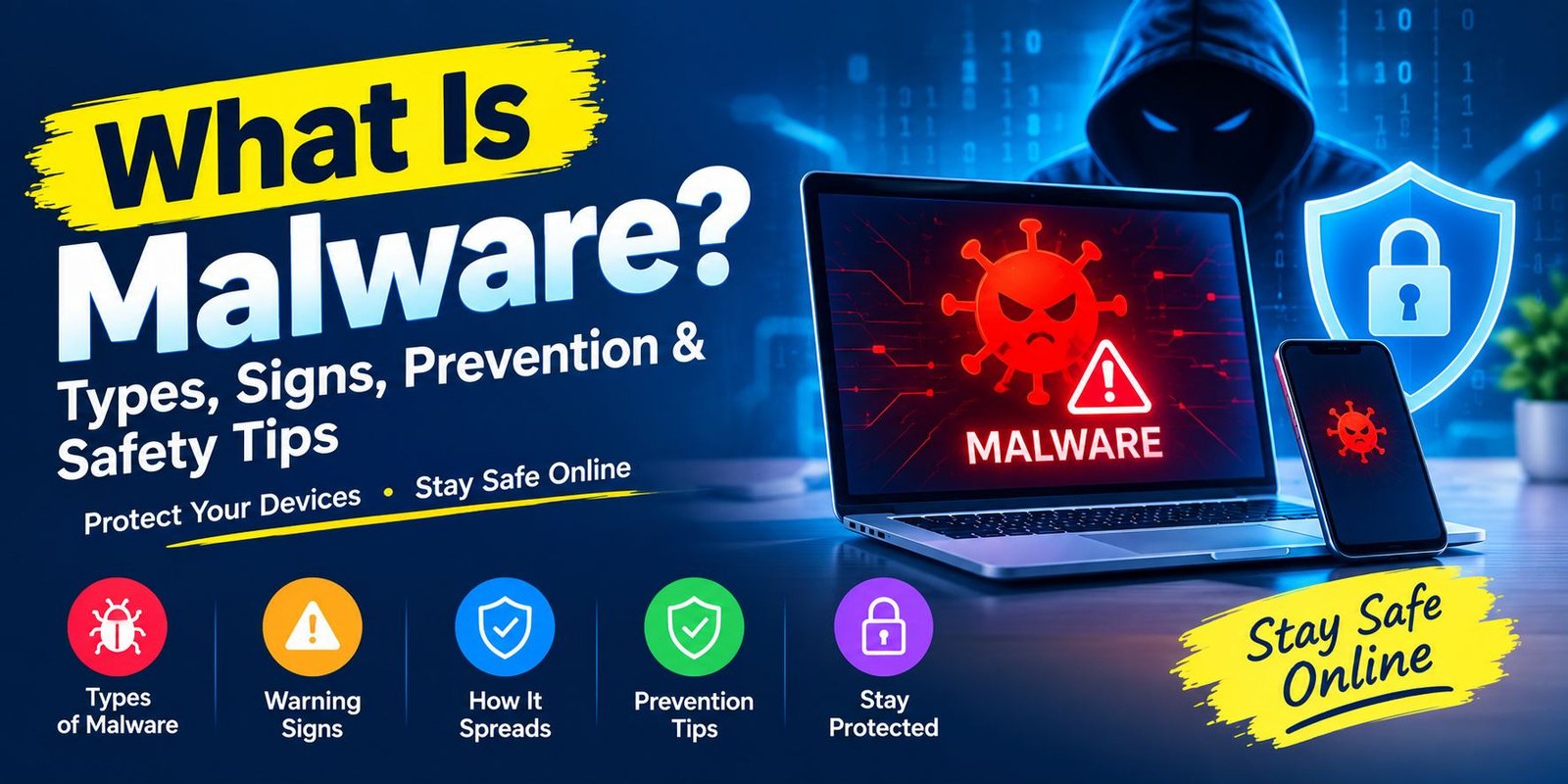
What Is Malware? Types, Signs, Prevention & Safety Tips
What Is Malware?
If you use a computer, smartphone, or tablet, you may have heard the word malware. But what does it actually mean?
What is malware? Malware is short for malicious software. It refers to software or code created to harm a device, steal information, gain unauthorized access, or perform other unwanted actions. Malware can affect individuals, businesses, and organizations.
Malware does not always look dangerous. In some cases, it may arrive inside a file, app, email attachment, or fake download. A user may install it without realizing what is happening.
Once malware gets access to a device, it can perform different tasks. For example, it may steal passwords, monitor activity, lock files, display unwanted ads, or download additional harmful software.
The good news is that simple security habits can reduce your risk.
How Does Malware Work?
Malware can enter a device in several ways. Attackers often try to make the harmful file or link look safe.
For example, you might receive an email that appears to contain an invoice. The message may ask you to open an attachment. If that attachment contains malicious software, opening it could start the infection.
Malware can also spread through unsafe websites, fake software downloads, compromised webpages, infected USB drives, or unpatched software vulnerabilities.
After entering a device, malware may try to remain active. Depending on its type, it can collect information, change system settings, download other threats, or give an attacker unauthorized access.
Therefore, recognizing suspicious activity early is important.
Common Types of Malware
Malware is a broad term. Different forms have different purposes and methods.
1. Virus
A virus is a type of malicious program that can attach itself to files or other parts of a system. It may spread when an infected file is opened or shared.
Some viruses can damage files or affect normal computer operation.
2. Worm
A worm is designed to spread from one system to another, often without requiring the user to manually copy the infected file.
Worms can consume system or network resources and may spread quickly across connected devices.
3. Trojan
A Trojan, or Trojan horse, pretends to be something useful or harmless.
For example, a malicious program might appear to be a normal application or file. Once installed, however, it can perform harmful actions.
This type of malware often depends on tricking the user into installing it.
4. Ransomware
Ransomware is designed to restrict access to files or systems.
Attackers may demand payment in exchange for restoring access. However, paying does not guarantee that files will be recovered.
For this reason, regular backups are an important part of security planning.
5. Spyware
Spyware can secretly collect information about a user’s activity.
Depending on the software, it may monitor browsing behavior, collect sensitive information, or help attackers obtain account details.
6. Adware
Adware is software that displays unwanted advertisements.
Not every advertising program is malware. Some legitimate applications include ads by design. However, malicious adware can create unwanted pop-ups, redirect browsers, or interfere with normal browsing.
7. Rootkit
A rootkit is designed to help malicious software stay hidden and maintain unauthorized access to a system.
Because some rootkits can operate quietly, detecting them may require specialized security tools.
8. Botnet Malware
A botnet is a group of compromised devices controlled remotely by an attacker.
An infected computer can become part of such a network. Attackers may then use the connected devices for activities such as sending spam or launching attacks.
How Does Malware Get on Your Device?
Understanding common infection methods can help you avoid them.
Phishing Emails
Phishing messages are often designed to create urgency.
A message might claim that your account has a problem or that you need to open an invoice. The goal may be to make you click a harmful link or open an unsafe attachment.
Unsafe Downloads
Downloading software from unknown websites can increase your risk.
Some harmful programs are disguised as useful applications, cracked software, games, or other files.
Microsoft recommends downloading software from trusted sources and carefully reviewing what you are installing.
Fake Websites
A malicious or compromised website may attempt to exploit an outdated browser or software vulnerability.
Keeping your browser and operating system updated can reduce this risk.
Infected USB Drives
Removable storage can also carry malicious files.
For this reason, avoid connecting unknown USB devices to your computer unless you know where they came from.
Fake Security Warnings
Some websites display alarming messages claiming that your computer has a virus.
They may ask you to install a program or call a phone number.
Do not trust unexpected security warnings that pressure you into taking immediate action.
Signs Your Device May Have Malware
Malware does not always produce obvious symptoms. Still, some unusual changes can be warning signs.
Watch for:
- Unexpected pop-up advertisements
- Very slow device performance
- Frequent crashes
- Unknown applications
- Strange browser redirects
- A changed browser homepage
- New icons or toolbars
- Unusual battery drain
- Security settings changing unexpectedly
- Unknown activity on your accounts
The FTC also lists slow performance, unexpected errors, crashes, pop-ups, unwanted redirects, and unexplained changes as possible signs of malware.
One symptom alone does not prove that a device has malware. For example, a slow computer can have many other causes.
However, several unusual problems appearing together deserve attention.
How to Protect Your Device From Malware
You do not need to be a cybersecurity expert to improve your basic protection.
Keep Software Updated
Software updates often include security fixes.
Turn on automatic updates when they are available for your operating system, browser, and important applications.
The FTC and Microsoft both recommend keeping software updated to reduce security risks.
Use Security Software
A trusted security product can scan files and help detect malicious activity.
Modern security tools can provide real-time protection as well as scheduled or manual scans.
Download From Trusted Sources
Use official websites and reputable app stores when downloading software.
Be especially careful with programs that promise free versions of normally paid software.
Be Careful With Email Attachments
Do not open unexpected attachments simply because an email looks professional.
If you receive an unusual message from someone you know, verify it through another communication method before opening the file.
Avoid Suspicious Links
Before clicking a link, consider where it leads.
Unexpected messages asking you to log in, pay money, download a file, or confirm sensitive information deserve extra caution.
Keep Backups
Important files should have a backup.
A backup can be especially useful if ransomware or another serious problem makes your original files inaccessible.
For very important information, consider keeping a backup that is not permanently connected to your main computer.
What to Do If You Suspect Malware
If you think your device may be infected, avoid entering sensitive information on it until you can check the problem.
Start with these steps:
- Disconnect from the internet if you suspect an active attack.
- Stop entering passwords or financial information.
- Run a security scan with trusted security software.
- Install available security updates.
- Remove or quarantine detected threats.
- Change important passwords from a clean device if necessary.
- Check your important accounts for unusual activity.
- Seek professional help if the problem continues.
The FTC recommends avoiding activities that require passwords or personal information when malware is suspected, then updating security software and running a scan.
Malware vs Virus: Are They the Same?
Not exactly.
Malware is the larger category. It includes many forms of malicious software.
A virus is one type of malware.
Other examples include ransomware, spyware, Trojans, worms, and rootkits.
So, every virus is malware, but not every type of malware is a virus.
This distinction is useful because different threats can behave in very different ways.
Can Malware Affect Smartphones?
Yes.
Malware is not limited to desktop computers. Smartphones and other connected devices can also be targeted.
Risk can increase when users install applications from untrusted sources, click suspicious links, or ignore important security updates.
Therefore, phone users should follow many of the same basic safety habits used on computers.
Keep your operating system updated, install apps from trusted sources, review app permissions, and avoid suspicious links.
Why Is Malware Dangerous?
The impact depends on the type of malware and what the attacker is trying to achieve.
Possible consequences include:
- Loss of personal information
- Stolen passwords
- Financial fraud
- Locked files
- Privacy problems
- Device performance issues
- Unauthorized system access
- Additional malware infections
- Business disruption
For businesses, malware can create even larger problems because one infected device may become a starting point for attacks against other systems.
How Can Businesses Reduce Malware Risk?
Businesses need a broader security approach.
Employees should receive basic security training. Devices should be updated regularly, and security software should be monitored.
Access should also be limited to what each employee needs.
Backups are important as well. A company should know how it will recover important information if malware damages or locks files.
Microsoft notes that proactive security measures, including software updates, security solutions, and offline backups, can help reduce malware risk.
Frequently Asked Questions
What is malware in simple words?
Malware is harmful software designed to damage devices, steal information, disrupt activity, or gain unauthorized access.
Is malware a virus?
A virus is one type of malware. Malware is a broader term that includes viruses, ransomware, spyware, Trojans, worms, and other malicious programs.
Can malware steal passwords?
Yes. Some malware is designed to collect passwords, account information, or other sensitive data.
Can a phone get malware?
Yes. Smartphones can also be targeted by malicious software. Safe downloads, regular updates, and careful browsing can help reduce the risk.
How can I prevent malware?
Keep your software updated, use trusted security tools, download applications from reliable sources, avoid suspicious links, and maintain backups of important files.
Can antivirus remove malware?
Security software can detect and remove many types of malware. However, the exact result depends on the threat and the security product being used.
What should I do if I think my computer has malware?
Stop entering sensitive information, run a security scan with trusted software, update your system, and get professional assistance if the problem continues.
Final Thoughts
Learning what is malware is an important part of staying safe online.
Malware can take many forms, from viruses and Trojans to ransomware and spyware. It can arrive through unsafe downloads, suspicious emails, compromised websites, and software vulnerabilities.
Fortunately, good security habits can make a meaningful difference. Keep your devices updated, use trusted security software, avoid suspicious downloads, and maintain backups of important files.
Most importantly, slow down when something online feels unusual. A few extra seconds of caution can help you avoid a much bigger security problem later.
Sources: Microsoft Security, CISA, and the U.S. Federal Trade Commission.