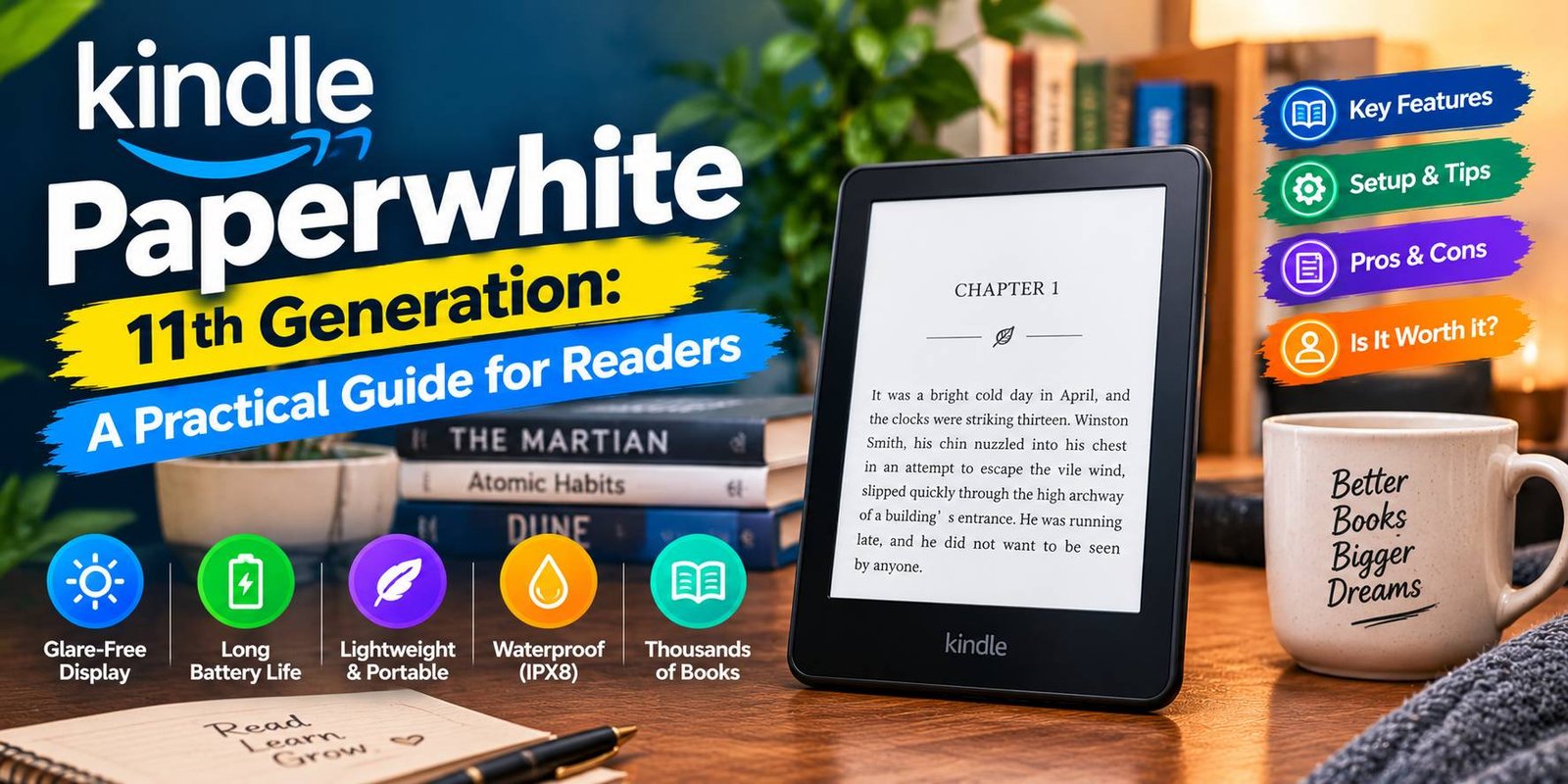
Kindle Paperwhite 11th Generation: A Practical Guide for Readers
Choosing an e-reader is not simply about finding a screen that displays books. The device should feel comfortable during long reading sessions, fit easily into a bag, and make it convenient to return to a book whenever you have free time. The Kindle Paperwhite 11th Generation was designed with these everyday reading habits in mind.
Released in 2021, this Amazon e-reader introduced several changes that made it different from earlier Paperwhite models. Its larger screen gives text more room, its adjustable lighting offers greater control over the display, and its water-resistant construction adds reassurance for people who enjoy reading away from their desks.
This guide examines the Kindle Paperwhite 11th Generation from a practical perspective. You will learn what it offers, where it has limitations, who might benefit from it, and what to consider before purchasing one.
What Makes the Kindle Paperwhite 11th Generation Different?
The Kindle Paperwhite is a dedicated reading device rather than a general-purpose tablet. Its main job is to display digital books in a format that feels closer to reading printed pages than using a conventional phone screen.
The 11th-generation model has a 6.8-inch monochrome E Ink display. Its 300-pixel-per-inch resolution helps produce sharp lettering, while adjustable brightness allows the screen to suit different lighting conditions.
Another useful addition is the ability to change the warmth of the front light. Instead of being limited to a single lighting tone, readers can choose a warmer appearance when it better suits their surroundings.
These changes make the device appealing to people who want a straightforward way to enjoy digital books without needing a larger tablet.
Kindle Paperwhite 11th Generation Specifications
The following table covers the main characteristics of the original standard model. Always confirm the exact edition when shopping because the Signature Edition has different specifications.
| Specification | Details |
|---|---|
| Manufacturer | Amazon |
| Release year | 2021 |
| Display | 6.8-inch E Ink |
| Resolution | 300 ppi |
| Screen lighting | Adjustable brightness and warm light |
| Charging connection | USB-C |
| Water-resistance rating | IPX8 |
| Original standard storage | 8 GB |
| Wireless connection | Wi-Fi |
| Reading options | Digital books and supported documents |
| Screen orientation | Portrait reading with supported layout options |
The advertised battery life can reach several weeks under Amazon’s test conditions. Actual performance depends on reading time, brightness, wireless activity, and other settings.
The Reading Experience: What Should You Expect?
Text That Remains Clear
A reading device needs to display letters comfortably at different sizes. The Paperwhite’s high-resolution screen helps keep text sharp when you change the font size or adjust the page layout.
You can personalize the appearance of a book by changing supported fonts, spacing, and margins. This is useful if you prefer larger letters or want fewer words on each page.
Lighting You Can Adjust
Reading conditions change throughout the day. A bright room, a shaded corner, and a bedroom at night can all require different screen settings.
The adjustable front light lets you increase or reduce brightness. Its warm-light control also changes the color tone, allowing you to choose an appearance that feels more comfortable for your environment.
The lighting is not a substitute for every external light source, but it makes the device more adaptable to different locations.
A Screen Built Around Reading
The Paperwhite does not provide the same colorful, animated experience as a conventional tablet. That is intentional: its E Ink screen is designed primarily for static reading content.
This design works particularly well for novels, essays, and other text-heavy material. However, readers who regularly study colorful charts, detailed illustrations, or video-based lessons may need a different device.
Practical Features That Matter in Daily Use
Water Resistance for Greater Flexibility
The IPX8 rating gives the Kindle Paperwhite 11th Generation protection against certain immersion conditions defined by the manufacturer. This can be helpful if you like reading near a swimming pool or want extra protection against accidental water exposure.
Water resistance should not be treated as permission to expose the device to every liquid or environment. Follow Amazon’s care instructions, and ensure the charging port is dry before connecting a cable.
USB-C Instead of an Older Charging Connection
The USB-C port makes charging convenient for people who already use compatible cables for other electronics. You should still check your cable and power adapter specifications rather than assuming that every charging accessory will deliver identical results.
The device’s battery capacity and efficient reading-focused design mean it generally requires charging less frequently than a typical smartphone.
A Portable Collection of Books
Carrying several physical books can become inconvenient during travel. An e-reader offers another option: keep compatible titles on one lightweight device and switch between them as needed.
The number of books you can store depends on their file sizes and the device’s available storage. Books with extensive illustrations may use more space than ordinary text-based titles.
Kindle Paperwhite 11th Generation: Benefits and Limitations
Every device involves trade-offs. Looking at both sides can help you decide whether this particular model fits your routine.
Where It Performs Well
Suitable for regular reading: The display and reading controls make it practical for people who spend substantial time with digital books.
Flexible lighting: Adjustable brightness and warm light provide more control over the screen’s appearance.
Travel-friendly design: A digital library takes up less physical space than carrying several books.
Water-resistant construction: Its rated protection offers an extra layer of reassurance in suitable conditions.
Convenient charging: USB-C reduces the need for a dedicated older-style charging connector.
Where It May Disappoint
Limited color support: The monochrome display is not ideal for color-dependent content.
Fewer general-purpose functions: It is not designed to replace a tablet for work, video streaming, or extensive app use.
Touchscreen navigation: Readers who prefer physical page-turn buttons may find the touch interface less convenient.
Older generation: Newer devices may offer updated hardware or additional features, depending on the model.
Content compatibility: Not every ebook file can be opened directly. Some documents may need to be converted or transferred using a supported method.
Who Should Consider This Kindle?
Readers Who Enjoy Novels
People who primarily read fiction, biographies, history, or other text-heavy books may find the Paperwhite’s design especially useful. Its screen settings allow readers to personalize the page instead of relying on a fixed printed layout.
Frequent Travelers
If you read during journeys, holidays, or breaks away from home, storing multiple titles on one device can simplify packing. Downloading books before departure also lets you continue reading in places without internet access.
People Who Prefer Fewer Distractions
A dedicated e-reader offers a more focused environment than a phone filled with messaging notifications and entertainment applications. It cannot eliminate every distraction, but its limited purpose can make reading easier to prioritize.
Students With Text-Based Material
Students may find it useful for compatible novels, supplementary reading, and text-based documents. However, anyone who depends on colorful textbooks, handwritten annotations, or complex PDF layouts should check the device’s suitability before buying it.
Kindle Paperwhite 11th Generation vs. a Tablet
The choice between an e-reader and a tablet depends on the type of work you expect the device to perform.
A tablet is more appropriate when you need a color screen, a broad selection of applications, video playback, or interactive study tools. Its versatility makes it useful for many tasks beyond reading.
The Paperwhite is more specialized. It concentrates on displaying books, adjusting text, and providing a portable reading environment. Its E Ink display also behaves differently from the conventional screens used in most tablets.
If you spend most of your free time reading long passages, an e-reader may suit you better. If your reading involves video, interactive graphics, and frequent switching between applications, a tablet may offer greater value.
Is the Kindle Paperwhite 11th Generation Still Worth Buying?
The answer depends on its current price, condition, and the features you need. Although the model dates from 2021, its basic reading capabilities remain useful for many people.
Before buying, compare it with available alternatives and pay attention to the following details.
Check the Price Difference
An older model can be attractive when sold at a substantial discount. However, if a newer Kindle costs only a little more, the additional features may justify comparing both options.
Inspect Used Devices Carefully
When purchasing second-hand, examine the display for marks or damaged pixels, test the touchscreen, check the charging connection, and review the seller’s return policy.
Battery performance also matters. A device that has been used heavily for several years may not provide the same runtime as a newer unit.
Confirm the Edition and Storage
The original standard Paperwhite and the Signature Edition do not have identical specifications. Read the listing carefully to confirm the storage capacity and any additional features included with the particular device.
Check Book Availability in Your Region
Access to digital stores and certain services varies by location and account configuration. Before spending money, make sure the books and reading services you rely on are available to you.
How to Get More From Your Kindle
A few simple habits can make the device more convenient to use.
Personalize the Page Layout
Experiment with font size, spacing, and margins until the text looks comfortable. A layout that works for a quick reading break may differ from one you prefer during a long session.
Download Books Before Traveling
Save the books you want to read before leaving a reliable internet connection. This reduces dependence on Wi-Fi while you are away.
Adjust Lighting to the Environment
Avoid using the same brightness setting in every situation. Make small adjustments as your surroundings change, and choose the warmth level you find most comfortable.
Keep the Device Protected
Use a suitable case if you carry the Kindle in a bag. Avoid placing heavy objects on the screen, and follow the manufacturer’s instructions for cleaning and storage.
Frequently Asked Questions
Does the Kindle Paperwhite 11th Generation have a color display?
No. This model uses a monochrome E Ink screen. It is primarily intended for reading text and black-and-white content.
How long can the battery last?
Amazon advertises up to 10 weeks under specified testing conditions. The actual duration depends on brightness, wireless usage, and individual reading habits.
Can I read without an internet connection?
Yes. Compatible books already downloaded to the device can generally be opened offline. Downloading new content and using online services require an appropriate connection.
Is it safe to use near water?
The device carries an IPX8 rating, but that does not make it completely waterproof under every circumstance. Follow the manufacturer’s conditions and care instructions.
Can I use the Kindle for PDFs?
The device supports PDF reading, but complex documents may not display as conveniently as ordinary ebooks on a 6.8-inch screen. Large tables and fixed-layout pages can require frequent zooming or adjustment.
Should I buy this model or a newer Kindle?
Compare the prices, screen features, storage, battery condition, and warranty options. The 11th-generation model can be a sensible purchase when its cost reflects its age and condition.
Final Thoughts
The Kindle Paperwhite 11th Generation is best understood as a dedicated reading companion rather than an all-purpose electronic device. Its clear E Ink display, adjustable warm lighting, water-resistant design, and USB-C connection make it a practical option for many everyday reading habits.
Its limitations are equally important. The monochrome screen is not ideal for color-rich material, the feature set is focused on reading, and its age may affect the value of a particular listing.
Consider how often you read, what type of content you use, and how much the device costs in your region. By weighing those factors together, you can decide whether the Kindle Paperwhite 11th Generation is the right fit for your reading routine.