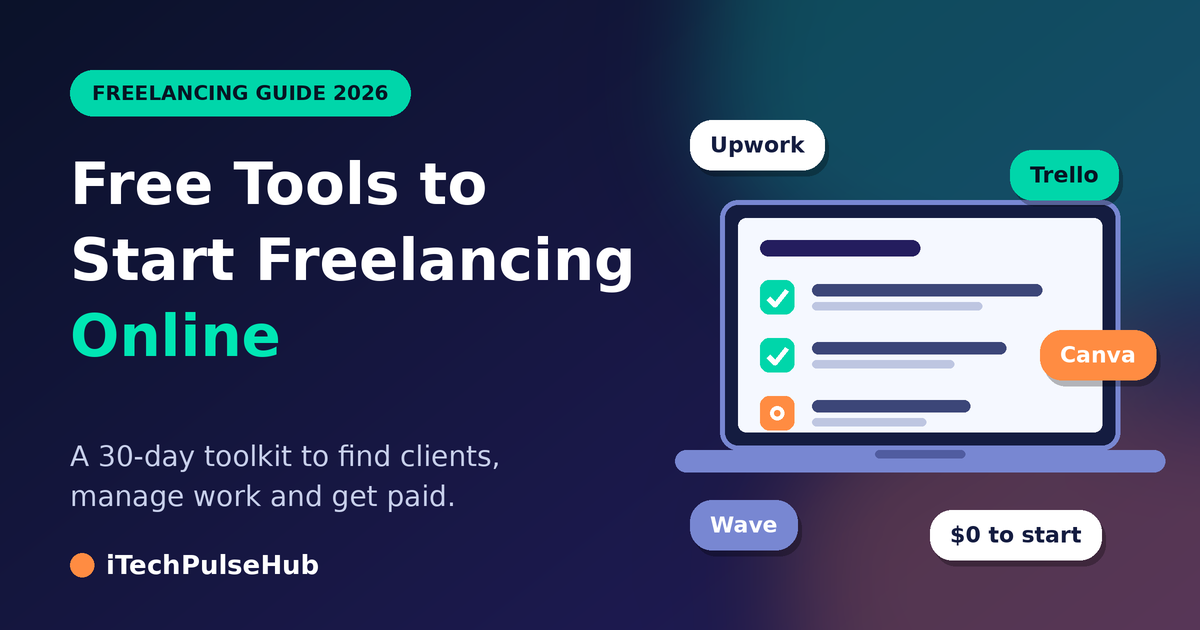
Free Tools to Start Freelancing Online: A 30-Day Toolkit for 2026
You can launch a freelance business this month without paying for software. The right free tools to start freelancing online cover everything a beginner needs: finding clients, showing your work, talking to buyers, tracking jobs, and collecting payment. What you need most is a skill, a plan, and the discipline to follow it.
This guide goes beyond a simple list. It shows you which free tools to start freelancing online fit each stage of your first 30 days, so you know what to set up first and what to ignore until later.
Before You Install Anything: Decide What You Sell
Software cannot fix a vague offer. Spend your first day answering three questions:
- What problem do I solve? “I write product descriptions for small online shops” beats “I do writing.”
- Who pays for it? Name a specific type of client, such as local restaurants, startup founders, or online stores.
- What proof can I show? If you have no client work yet, make two sample projects and label them as samples.
Once you answer these questions, every tool choice becomes easier, because you know what you need the tool to do.
Week 1: Set Up Your Professional Base
Create a Dedicated Email Address
Open a new Gmail account used only for freelance work. Use your real name and avoid numbers or jokes. Clients judge you in seconds, and a clean address signals that you take the work seriously. The same account also gives you Google Drive, Docs, Sheets, and Calendar, which cover many daily tasks.
Build a One-Page Portfolio
You do not need a custom domain on day one. These free options work well:
- Google Sites builds a simple page with your services, samples, and contact details.
- Notion publishes a clean public page that you can update in minutes.
- Behance suits designers and visual creators, while GitHub suits developers.
- Canva helps you design a short PDF portfolio that you can attach to proposals.
Show only your three best samples. A small, strong portfolio persuades better than a long, uneven one.
Polish Your LinkedIn Profile
Write a headline that names your service and your client, such as “Freelance UI Designer for Mobile Apps.” Add a short summary in plain language, list your skills, and upload a clear photo. LinkedIn costs nothing, and many clients check it before they reply to you.
Week 2: Open Doors to Your First Clients
Choose Two Platforms, Not Five
Every marketplace has a learning curve. If you join too many, you will complete none of the profiles properly. Start with two.
- Upwork works through proposals. You browse job posts and pitch the ones that match your skills. Strong, personal proposals win here.
- Fiverr works through packaged services called gigs. You describe your service once, and buyers find you through search. Clear titles and clear pricing win here.
- PeoplePerHour and Freelancer.com offer smaller pools of jobs and can work well as a second or third option.
All of these platforms let you join free and take a fee from your earnings, so read the current fee rules on each site.
Use Direct Outreach Too
Marketplaces are crowded, and direct outreach gives you an edge. Make a list of ten businesses you could help. Visit their websites, spot one thing you could improve, and send a short, polite email offering that help. Gmail’s scheduled send feature lets you reach people at the time they are most likely to read your message.
A Sample Proposal Structure
Keep your proposal short and built around the client’s problem:
- Open with one sentence that shows you read their post.
- Explain in two sentences how you would solve their problem.
- Link to one relevant sample.
- Close with a clear next step, such as a short call.
Avoid copy-pasting the same message everywhere. Clients notice generic proposals immediately.
Week 3: Organize Your Work
Once your first leads arrive, disorganization becomes your biggest risk. Missed deadlines and forgotten messages cost you clients faster than weak skills do.
Manage Tasks with Trello or Notion
Trello shows your work as cards on a board. Create three columns, “To Do,” “Doing,” and “Done,” and drag each job across as you progress. Notion offers more flexibility, because you can combine tasks, notes, and client details in one workspace. Pick one and use it every day.
Protect Your Time with Google Calendar
Block time for client work, learning, and outreach. Give each client a color. When you see your week visually, you notice overbooking before it becomes a problem.
Meet Clients with Google Meet or Zoom
Free plans on both services support short video calls, though they may limit call length or group size. Check the current limits before you schedule an important meeting. Always test your microphone and internet connection ten minutes before the call.
Schedule Calls Without Back-and-Forth
Calendly’s free plan lets clients choose an open time slot from your calendar. This saves you from long email chains and makes you look organized.
Tools That Match Your Freelance Skill
The best free tools depend on what you sell. Use this section to build your skill-specific kit.
Writing and content: Google Docs handles drafting and client comments. Grammarly’s free version catches spelling and grammar errors. Hemingway Editor highlights long, hard-to-read sentences.
Graphic design: Canva covers social media posts and simple branding. Figma suits interface design. GIMP and Inkscape offer open-source alternatives for photo editing and vector art.
Video editing: DaVinci Resolve includes a capable free version. CapCut works well for short-form video. OBS Studio records your screen for tutorials.
Web and software development: Visual Studio Code is a free, popular code editor. GitHub stores and shares your projects. Replit lets you code in your browser without any setup.
Virtual assistance and admin work: Google Workspace tools handle documents, spreadsheets, and scheduling. Trello or Notion manage client task lists.
Choose only the tools that match your service. A designer does not need a coding environment, and a writer does not need a video editor.
Week 4: Get Paid and Measure Your Time
Track Every Hour
Time tracking shows you how much a project truly costs you. Toggl Track and Clockify both offer free plans for individuals. Start the timer when you begin a task and stop it when you finish. After a few jobs, you will know which projects pay well and which ones drain your hours.
Send Professional Invoices
Late payments often start with unclear invoices. Use one of these free options:
- Wave creates invoices and tracks expenses for small businesses.
- Zoho Invoice offers templates and automatic payment reminders.
- Google Sheets works if you prefer a simple template that you export as a PDF.
Every invoice should show your name, the client’s name, a description of the work, the amount, the due date, and your payment instructions.
Choose a Payment Method That Works in Your Country
International freelancers often use PayPal, Wise, or Payoneer. Opening an account is typically free, but transfers, withdrawals, and currency conversion can carry fees. Availability also varies by country. Compare the current fees and supported countries on each official site before you promise a client a specific payment method.
Free Learning Resources That Raise Your Rates
Clients pay more for freelancers who keep improving. These free resources help you grow without spending money:
- YouTube offers tutorials for nearly every freelance skill.
- Google Digital Garage teaches digital marketing and online business basics.
- freeCodeCamp provides free programming lessons and projects.
- HubSpot Academy offers free marketing and sales courses.
- Coursera and edX allow free auditing of many courses, though certificates usually cost extra.
Commit to two learning hours each week. In a few months, you will have new skills to add to your profile.
Using Free AI Assistants Wisely
Free versions of ChatGPT, Claude, and Gemini can help you brainstorm ideas, outline projects, and tidy your emails. They save time, but they also make mistakes. Check every fact, rewrite the text in your own voice, and read your client’s rules about AI use before you apply it to their work. Your reputation depends on accurate, original results, not on how quickly you produce them.
A Free Toolkit You Can Copy Today
If you feel overwhelmed, use this starter kit:
| Need | Free tool to try |
|---|---|
| Professional email and storage | Gmail and Google Drive |
| Portfolio | Google Sites or Notion |
| Finding clients | Upwork or Fiverr, plus LinkedIn |
| Task management | Trello or Notion |
| Meetings | Google Meet or Zoom |
| Time tracking | Toggl Track or Clockify |
| Invoicing | Wave or Google Sheets |
| Learning | YouTube and freeCodeCamp |
Set up one row per day, and you will finish the whole toolkit in about a week.
Common Beginner Mistakes with Free Tools
Collecting tools instead of clients. Many beginners spend weeks testing apps and never send a single proposal. Set up the basics, then spend most of your time on outreach.
Ignoring plan limits. Free plans cap storage, call length, or features. Read these limits before a client project depends on them.
Using cracked software. Pirated programs expose your device and your clients’ files to malware, and they can damage your reputation.
Skipping backups. Store important files in Google Drive and keep a second copy on another device or external drive.
Weak account security. Use strong, unique passwords and turn on two-factor authentication for your email, payment accounts, and freelance profiles.
Signs It Is Time to Pay for a Tool
Free tools can carry you far, but some limits will eventually cost you money. Consider upgrading when a free limit delays paid work, when a paid feature saves you several hours each month, or when a client requires a feature that the free plan lacks. Upgrade one tool at a time, and only when your income supports it.
Frequently Asked Questions
Which free tools do I need to start freelancing online?
You need a professional email, a portfolio page, one or two client platforms, a task manager, a video meeting tool, a time tracker, and an invoicing method. Add skill-specific software, such as Canva for design or Google Docs for writing.
Can I begin freelancing with no money at all?
Yes. Every stage, from finding clients to sending invoices, has a free option. You may pay platform or payment fees only after you start earning.
How long does it take to find the first client?
It varies widely. It depends on your skill, your niche, the quality of your portfolio, and how many proposals you send. Consistent daily outreach improves your chances.
Do I need a personal website?
Not at the beginning. A strong marketplace profile and a simple portfolio page are enough. Build a full website once you have steady work.
Is it safe to share client files through free tools?
Reputable tools are safe when you use strong passwords, two-factor authentication, and private sharing links. Never share confidential files in public folders, and read each tool’s privacy policy.
How do I receive payments from international clients?
Most freelancers use PayPal, Wise, Payoneer, or direct bank transfers. Supported services and fees differ by country, so check each provider’s official site first.
Final Thoughts
Starting a freelance career does not require a big budget. The best free tools to start freelancing online give you a professional email, a portfolio, client access, task tracking, and payment tools within a few days. Follow the 30-day plan, keep your toolkit small, and spend most of your energy on reaching real clients.
Begin with one step today: create your freelance email address, then open your first client account tomorrow.