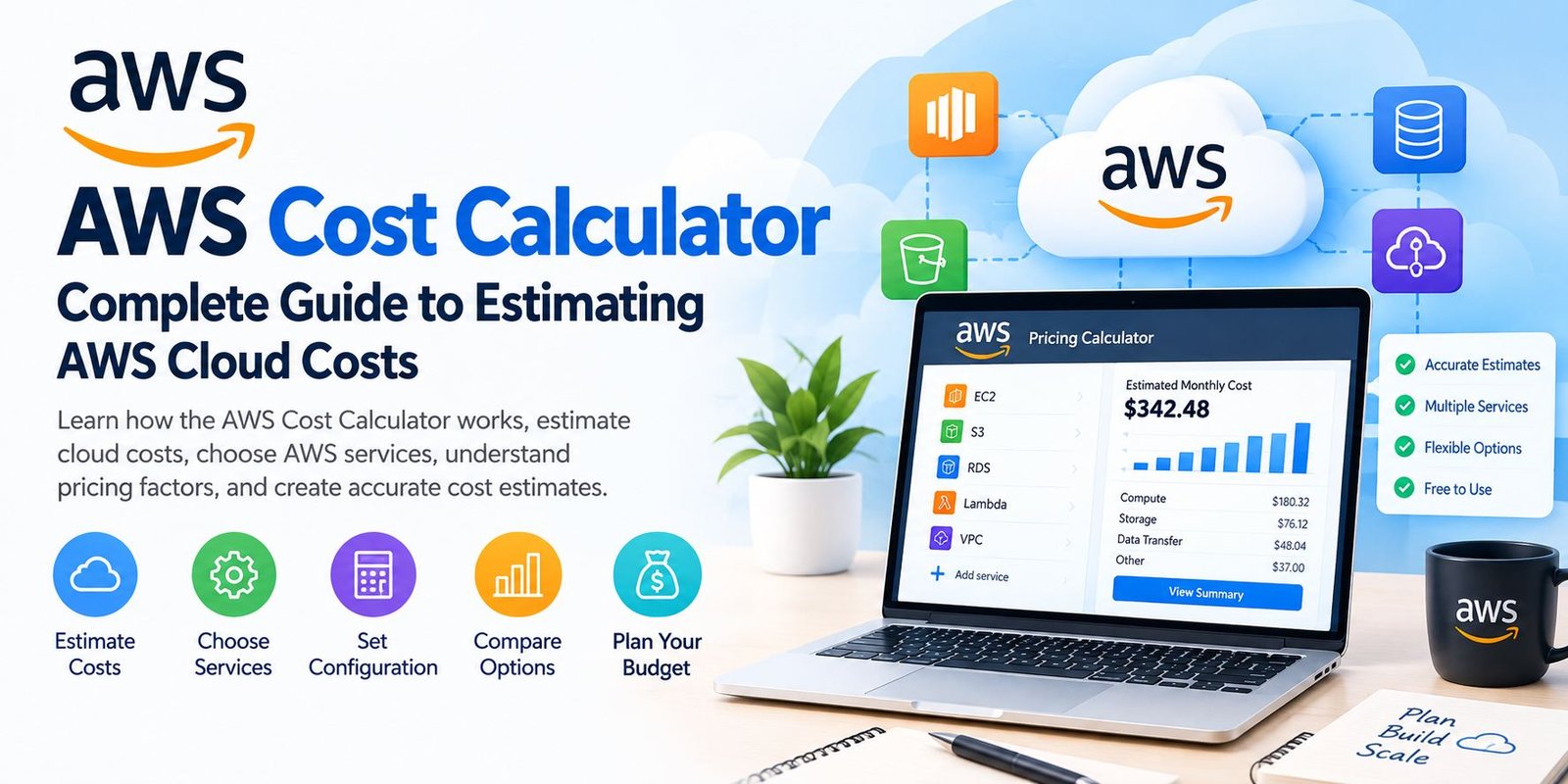
AWS Cost Calculator: Complete Guide to AWS Pricing
Cloud computing has made it easier for businesses, developers, startups, and individuals to build applications without purchasing and maintaining physical servers. However, cloud services come with different pricing models, usage charges, storage costs, data transfer fees, and configuration choices. Estimating the total expense before launching a project can therefore be difficult.
This is where the AWS Cost Calculator becomes useful.
The official tool is known as the AWS Pricing Calculator. It allows users to create estimates for AWS services based on their expected configuration and usage. You can use it before starting a new cloud project, when expanding an existing workload, or when comparing different infrastructure options. AWS describes it as a free web-based planning tool for creating cost estimates.
Instead of guessing how much an AWS environment might cost, you can enter information about the services you expect to use and review an estimated cost.
This guide explains what the AWS Cost Calculator is, how it works, what information you need, how to create an estimate, and what limitations you should understand before relying on the result.
What Is the AWS Cost Calculator?
The AWS Cost Calculator is commonly used to refer to the AWS Pricing Calculator, a tool from Amazon Web Services for estimating potential cloud expenses.
It allows you to model AWS services and build an estimate around a particular workload or architecture. You can select services, choose relevant settings, specify expected usage, and review the resulting costs.
For example, someone planning a website might need several AWS components, such as:
- A compute service
- Database storage
- Object storage
- Data transfer
- Monitoring
- Other supporting services
Rather than looking at every pricing page separately, the calculator provides a place where these services can be included in one estimate.
AWS says the public calculator can be used without an AWS account or in-depth AWS knowledge.
Why Use an AWS Cost Calculator?
AWS has a large collection of cloud services, and each service can have its own pricing structure.
A simple project might be easy to estimate manually, but a larger architecture can contain many individual components. Small changes to storage, server capacity, usage volume, or region can affect the projected amount.
The calculator can help you:
- Estimate potential monthly expenses
- Explore AWS service pricing
- Compare different configurations
- Review the calculations behind an estimate
- Plan future cloud spending
- Organize multiple services into one estimate
- Share estimates with other people
AWS specifically lists planning AWS spend and finding potential cost-saving opportunities among the calculator’s intended uses.
How Does the AWS Cost Calculator Work?
The basic idea is straightforward.
You describe the AWS resources you expect to use, enter the relevant usage assumptions, and let the calculator generate an estimate.
A typical process looks like this:
Choose Services → Select Region → Enter Usage → Review Calculations → Analyze Total
The exact information required depends on the AWS service.
For example, an EC2 estimate may require details about the instance configuration, operating system, storage, and expected usage. AWS documentation recommends having a clear understanding of your workload requirements before creating an estimate.
What Information Do You Need Before Creating an Estimate?
A better estimate starts with better assumptions.
Before opening the calculator, try to determine the basic requirements of your project.
Expected Workload
Think about what your application will actually do.
Ask questions such as:
- How many users might access the application?
- Will traffic remain steady?
- Could usage increase during certain periods?
- Will the application run continuously?
These details can influence the resources you select.
Compute Requirements
If you need a compute service, determine the approximate processing capacity required.
For example, you may need to think about:
- CPU requirements
- Memory
- Operating system
- Number of instances
- Expected running hours
Storage Requirements
Estimate how much information you expect to store.
You may need separate assumptions for:
- Application data
- Database information
- Backups
- Images
- Videos
- Logs
- Archived files
Data Transfer
Network traffic can also affect cloud costs.
Consider how much information may move into or out of your AWS environment and whether your application has unusually high network activity.
How to Use the AWS Cost Calculator
Creating a basic estimate involves several steps.
Step 1: Open the Calculator
Start by opening the official AWS Pricing Calculator.
The public calculator is available through a web interface and can be used without creating an AWS account.
Step 2: Create an Estimate
Select the option to create a new estimate.
You will then be able to search for AWS services that you want to include.
Step 3: Select a Service
Choose the AWS service that forms part of your planned architecture.
For example, you might select Amazon EC2 if you need virtual computing capacity.
AWS’s documentation explains that users can search for a service, choose its configuration option, select a region, and enter service-specific requirements.
Step 4: Select the Region
AWS services can have different prices depending on the region.
Therefore, choose the region where you expect your workload to operate.
This is particularly important when comparing estimates because changing regions can change the projected amount.
Step 5: Enter Your Requirements
Provide the information requested by the selected service.
Depending on the service, this can include:
- Instance type
- Operating system
- Storage capacity
- Usage hours
- Request volume
- Data transfer
- Number of resources
- Other service-specific parameters
Step 6: Review the Estimate
After entering the required information, the calculator displays estimated costs.
AWS’s documentation states that estimates can include upfront and monthly figures, depending on the configuration.
Step 7: Add Additional Services
A real application may use more than one AWS service.
You can add additional services to the same estimate to create a broader picture of the planned architecture.
Understanding AWS Cost Estimates
An estimate should be treated as a planning figure rather than a guaranteed bill.
For example, suppose your calculation assumes a particular number of servers running for a specific number of hours each month.
If actual usage becomes higher, the final bill may also increase.
Similarly, leaving out a service from the estimate can result in the estimate being lower than the eventual AWS charges.
AWS explicitly notes that its calculator provides an approximate estimate rather than a guaranteed quote.
What Can Affect Your AWS Costs?
Several factors can change the final amount you pay.
AWS Region
The region selected for a service can affect pricing. Using a different region from the one used in your estimate may therefore produce a different result.
Actual Usage
Your real usage may differ from your assumptions.
For example, if you estimate ten servers but eventually operate twenty, your actual compute costs can be different.
Data Transfer
If your application moves more data than expected, network-related charges may increase.
Storage Growth
Storage requirements can grow over time.
An estimate based on today’s data volume may not represent future costs if your application grows quickly.
Service Changes
Adding another AWS service can change the overall architecture and its cost.
This is why it is useful to review the complete workload rather than looking at only one resource.
Does the AWS Cost Calculator Include Taxes?
The AWS Pricing Calculator estimates AWS service charges, but AWS states that applicable taxes are not included in its estimates.
This means the amount displayed by the calculator should not automatically be treated as the exact final amount appearing on an invoice.
Tax treatment can depend on factors outside the calculator’s service-price estimate.
Is the AWS Cost Calculator Free?
The public AWS Pricing Calculator is available as a free planning tool. AWS documentation states that the public calculator provides estimates of AWS fees and charges and does not include applicable taxes.
It is important to distinguish the public calculator from AWS’s authenticated, in-console Pricing Calculator features, which provide additional capabilities for AWS account users.
AWS documentation currently describes separate public and in-console calculator experiences.
Public AWS Pricing Calculator vs In-Console Calculator
AWS provides more than one calculator experience.
Public Calculator
The public calculator is designed for creating estimates based on information you enter.
It can be useful when planning a new project before you have an AWS environment running.
A major advantage is that you do not need an AWS account to use the public version.
In-Console Calculator
The authenticated version is available through the AWS Billing and Cost Management environment.
AWS documents additional capabilities for this version, including modeling certain future usage changes, importing historical usage, and considering discounts or purchase commitments depending on account configuration.
This makes the authenticated experience more relevant for organizations that already have AWS workloads and want to analyze their existing environment.
AWS Cost Calculator for EC2
Amazon EC2 is one of the services frequently considered when estimating AWS infrastructure costs.
When creating an EC2 estimate, you may need to consider:
- Instance configuration
- Operating system
- Number of instances
- Running time
- Storage
- Data transfer
- Additional requirements
AWS provides specific guidance for creating EC2 estimates through its Pricing Calculator.
The important point is that an EC2 estimate should not focus only on the server’s headline price. Supporting resources can also contribute to the total.
AWS Cost Calculator for Storage
Storage is another important part of cloud cost planning.
Depending on the architecture, you may need storage for:
- Databases
- Application files
- Backups
- Images
- Documents
- Logs
- Long-term archives
Instead of assuming that storage will remain constant, consider how quickly your data is expected to grow.
A small amount of storage may be inexpensive at first, but a rapidly growing application can eventually require significantly more capacity.
AWS Cost Calculator for Databases
Database costs depend on the technology and configuration selected.
Before creating an estimate, consider:
- Expected database size
- Number of requests
- Compute requirements
- Availability requirements
- Storage
- Backup requirements
- Expected growth
The most suitable configuration depends on the application’s actual workload rather than simply choosing the largest available option.
How to Make an AWS Estimate More Accurate
No calculator can compensate for unrealistic assumptions.
However, you can improve your planning process.
Use Realistic Usage Numbers
Avoid choosing numbers simply because they are convenient.
If you have historical traffic data, use it where appropriate.
Separate Normal and Peak Usage
An application may have average traffic as well as occasional spikes.
Consider both when designing your estimate.
Include Supporting Services
A common mistake is calculating the main server while ignoring the surrounding infrastructure.
Review whether your architecture also needs:
- Storage
- Databases
- Monitoring
- Networking
- Backups
- Security-related services
- Other supporting components
Revisit Your Estimate
An estimate is not necessarily a one-time task.
If your architecture changes, update the assumptions and calculate again.
AWS also allows users to save estimates, create shareable links, and export estimates in formats such as CSV or PDF.
Common Mistakes When Using the AWS Cost Calculator
Guessing Usage Without a Plan
Entering random numbers can produce an estimate that looks precise but does not represent your actual workload.
Forgetting the Region
AWS pricing can vary by region, so the selected location matters.
Ignoring Data Transfer
Applications with substantial network activity should account for expected data movement.
Looking at Only One Service
A complete application often uses several services. Calculating only the main compute resource may give an incomplete picture.
Treating the Estimate as a Final Bill
The calculator is intended for estimation. Actual costs depend on real usage and other factors. AWS specifically warns that actual charges may differ from calculator results.
Can You Save and Share an AWS Estimate?
Yes.
The public AWS Pricing Calculator allows users to save estimates through shareable links. AWS also provides options to export estimates as CSV or PDF files.
This can be useful when:
- Discussing infrastructure with a client
- Preparing a project budget
- Comparing architecture options
- Reviewing cloud costs with a team
- Planning a migration
Sharing an estimate can make technical cost discussions easier because everyone can review the same assumptions.
AWS Cost Calculator for Beginners
If you are new to AWS, you do not need to understand every AWS service before using the calculator.
Start with the basic requirements of your project.
For example, ask:
- What am I building?
- How many users do I expect?
- Where will the application run?
- How much storage will I need?
- How much traffic might it receive?
- Does it require a database?
- Which additional services are necessary?
Once these questions are clearer, you can begin adding relevant services to your estimate.
AWS states that the public Pricing Calculator can be useful even for people who have not previously used AWS.
Final Thoughts
The AWS Cost Calculator, officially known as the AWS Pricing Calculator, is a useful planning tool for estimating potential AWS expenses before deploying or changing a cloud workload.
It allows users to select services, configure expected usage, choose regions, review calculations, and combine multiple services into a broader estimate.
The most important thing to remember is that an estimate is only as reliable as the assumptions behind it. Actual usage, region, data transfer, storage growth, pricing changes, taxes, discounts, and services that were not included can all affect the final cost.
For that reason, the calculator is best used as a planning and comparison tool rather than as a guarantee of the exact AWS bill.