AI Photo Edit: How to Edit Photos Using Artificial Intelligence
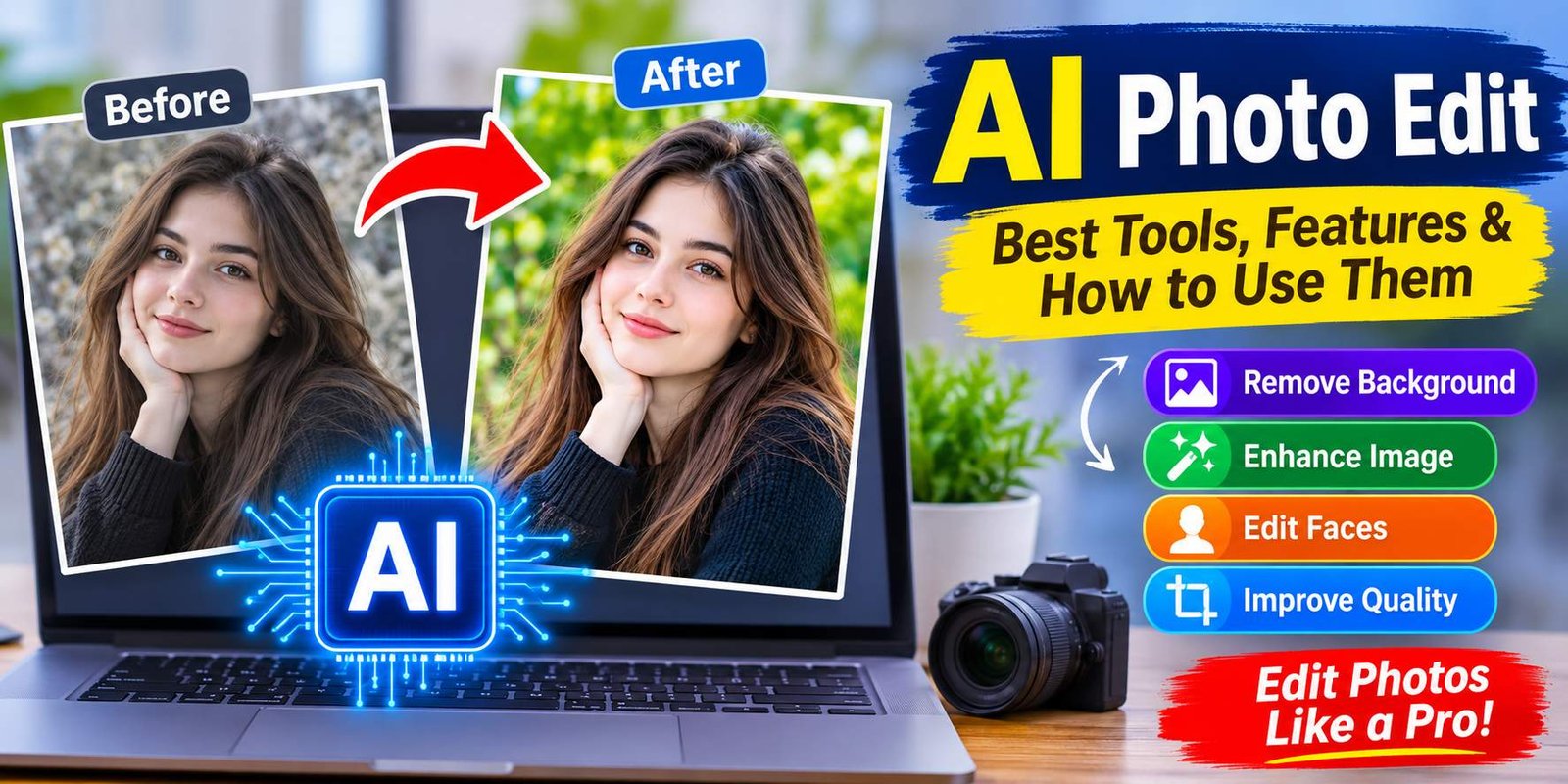
AI Photo Edit used to require advanced software and plenty of practice. Today, artificial intelligence has made photo editing much easier. With AI photo edit tools, anyone can improve pictures, remove unwanted objects, change backgrounds, enhance image quality, and create attractive visual effects without professional editing skills.
Whether you want to improve a personal photograph, prepare a social media post, or create professional-looking images for a website, AI-powered editing tools can help you achieve impressive results.
In this guide, you will learn what AI photo editing is, how it works, which features are available, and how to edit pictures using artificial intelligence.
What Is AI Photo Editing?
AI photo editing is the process of improving or modifying digital photographs with the help of artificial intelligence. These tools use machine learning and image recognition technology to understand different parts of a picture and make automatic adjustments.
Traditional photo editing often requires users to adjust brightness, contrast, colors, and other settings manually. AI editing tools can analyze an image and suggest or apply suitable improvements automatically.
For example, an AI photo editor can:
- Remove unwanted objects from a photograph.
- Replace or blur the background.
- Improve image sharpness and clarity.
- Adjust lighting and colors.
- Remove blemishes and smooth skin.
- Restore old or damaged photographs.
- Expand an image beyond its original boundaries.
- Apply creative styles and visual effects.
These features make AI photo editing useful for beginners, content creators, photographers, and businesses.
How Does AI Photo Editing Work?
AI photo editing tools use trained algorithms to recognize objects, faces, backgrounds, colors, and other visual elements.
When you upload a photograph, the software examines its visual information and identifies areas that may need editing.
Here is a simple explanation of the process:
1. Image Recognition
The AI Photo Edit system analyzes the uploaded photograph and identifies important elements, such as people, objects, backgrounds, and lighting conditions.
2. Automatic Adjustments
After analyzing the image, the software can improve brightness, contrast, sharpness, and color balance.
3. Background and Object Detection
AI Photo Edit can separate the main subject from the background. This makes it possible to remove unwanted objects or replace the original background.
4. Image Enhancement
Some tools use AI Photo Edit models to increase resolution, reduce noise, and recover details that are difficult to see in low-quality pictures.
5. Final Image Processing
Once editing is complete, users can review the result and download the finished photograph in a supported format.
Best AI Photo Editing Tools
Several AI-powered applications offer photo editing features. Some are designed for professional work, while others focus on quick and simple edits.
1. Adobe Photoshop
Adobe Photoshop is a popular image-editing application with AI-powered features. Its Generative Fill and other intelligent editing tools can help users modify images, remove unwanted elements, and create new visual content.
It is suitable for photographers, designers, and users who want greater control over their edits.
2. Canva
Canva offers beginner-friendly photo editing and AI-powered design features. Users can improve images, remove backgrounds, and create social media graphics.
Its simple interface makes it useful for bloggers, students, and content creators.
3. Fotor
Fotor provides several AI photo editing features, including image enhancement, background removal, and portrait retouching.
It is a convenient option for people who want to improve photographs without learning complicated editing techniques.
4. Picsart
Picsart combines traditional editing tools with AI-powered creative features. Users can apply effects, change backgrounds, remove objects, and create artistic images.
It is particularly useful for social media content and creative projects.
5. Remini
Remini focuses on improving image quality, especially in photographs that appear blurry or have low resolution.
Its enhancement features can make certain portraits and older pictures look clearer. However, AI enhancement may sometimes generate details that were not present in the original photograph.
How to Edit a Photo Using AI
Editing a picture with an AI photo editor is generally straightforward. Most online tools and mobile applications follow a similar process.
Step 1: Choose an AI Photo Editor
Select a suitable editing platform based on your requirements. You can use a browser-based editor or install an application on your smartphone or computer.
Step 2: Upload Your Photograph
Open the editor and upload the picture you want to modify. Choose a clear image whenever possible because better source quality can improve the final result.
Step 3: Select an Editing Feature
Decide what you want to change. For example, you might want to remove the background, improve image quality, adjust lighting, or erase an unwanted object.
Step 4: Apply AI Editing
Choose the required feature and allow the software to process your photograph. Some tools work automatically, while others require a short text instruction.
Step 5: Review the Result
Check the edited photograph carefully. Look for unnatural edges, distorted facial details, incorrect colors, or objects that appear different from the original.
Step 6: Download Your Edited Image
If you are satisfied with the result, export the image in your preferred format and save it to your device.
Popular AI Photo Editing Features
AI-powered editing software includes several useful features that can improve photographs in different ways.
AI Background Remover
Background removal is one of the most useful AI editing features. It identifies the main subject and separates it from the surrounding environment.
You can use this feature to create product photographs, professional portraits, and transparent images.
AI Object Remover
Sometimes unwanted objects appear in photographs. They might include strangers, wires, signs, or other distractions.
AI object removal tools can erase selected elements and fill the empty area with generated background details.
AI Photo Enhancer
An AI photo enhancer improves image quality by adjusting sharpness, reducing noise, and improving visual details.
This feature can be useful for older photographs, low-quality images, and pictures captured in poor lighting.
AI Face Editor
AI face editing tools can improve portrait photographs by adjusting skin appearance, correcting lighting, and enhancing facial details.
However, excessive retouching can make a photograph look unnatural, so moderate adjustments are usually better.
AI Background Generator
Some editors allow users to create entirely new backgrounds using written descriptions.
For example, you could request a modern office, a natural landscape, or a simple studio setting. The AI generates a background based on the instruction and available editing features.
AI Image Upscaler
An AI image upscaler increases image resolution while attempting to preserve important visual details.
It can be useful when preparing photographs for larger displays or improving smaller images.
Benefits of AI Photo Editing
AI photo editing offers several advantages for people who regularly work with digital images.
1. Saves Time: Automatic editing features can complete certain tasks much faster than manual editing.
2. Beginner-Friendly: Many AI tools have simple interfaces, allowing beginners to improve pictures without professional experience.
3. Improves Image Quality: Enhancement features can help reduce noise, improve sharpness, and adjust colors.
4. Creative Possibilities: Users can experiment with different backgrounds, styles, effects, and image compositions.
5. Supports Content Creation: Bloggers, marketers, and social media creators can prepare attractive images for their content.
6. Flexible Editing: Many platforms offer multiple features, allowing users to make several changes within one application.
AI Photo Editing for Different Purposes
AI photo editing is useful for more than personal photographs. Different users can apply these tools to various projects.
Social Media
Content creators can improve profile pictures, create attractive posts, and prepare images for platforms such as Instagram, Facebook, and Pinterest.
E-commerce
Online sellers can remove distracting backgrounds, improve product images, and prepare consistent product photographs.
Blogging and Websites
Website owners can enhance featured images, create illustrations, and prepare visual content for articles.
Professional Photography
Photographers can use AI tools to speed up repetitive editing tasks while maintaining control over the final result.
Personal Photography
Everyday users can restore old pictures, improve selfies, and create memorable photographs for personal use.
Is AI Photo Editing Free?
Some AI photo editing tools offer free features, but their limitations vary.
Free versions may include basic image adjustments, limited AI credits, watermarks, or restrictions on image downloads.
Premium plans may provide additional features, higher-resolution exports, faster processing, and access to more advanced editing tools.
Before choosing a platform, review its pricing, export limitations, and privacy policy. A free editor may be sufficient for occasional personal projects, while frequent users may benefit from a paid subscription.
Tips for Getting Better Results With AI Photo Editing
To achieve more natural and attractive results, follow these practical suggestions:
- Start with the highest-quality original photograph available.
- Use clear instructions when working with text-based AI editors.
- Avoid applying too many effects at once.
- Check facial details after using portrait enhancement tools.
- Compare the edited image with the original.
- Choose a suitable image format for your intended use.
- Keep a copy of the original photograph.
- Review privacy settings before uploading personal pictures.
These small steps can help you avoid common editing problems.
Is AI Photo Editing Safe?
AI photo editing can be safe when you use trustworthy applications and understand how they handle uploaded photographs.
However, uploading personal images to an online service may involve privacy considerations. Some platforms process images on their servers, while others may offer local editing options.
Before uploading sensitive photographs, check the platform’s privacy policy and data-retention practices.
You should also avoid using AI-edited images to mislead people, impersonate someone, or create harmful content.
Frequently Asked Questions
1. What is AI photo editing?
AI photo editing uses artificial intelligence to improve or modify photographs. It can remove objects, change backgrounds, enhance image quality, and apply creative effects.
2. Can I edit photos using AI for free?
Yes. Some platforms provide free AI photo editing features. However, certain advanced tools and high-resolution downloads may require a paid subscription.
3. Which AI photo editor is best for beginners?
Canva and Fotor are beginner-friendly options because they offer accessible interfaces and useful editing features.
4. Can AI remove backgrounds from pictures?
Yes. Many AI photo editors can automatically detect the main subject and remove the background.
5. Can AI improve blurry photographs?
Some AI enhancement tools can improve sharpness and recover visual details. However, they cannot always restore the original information perfectly.
6. Can I use AI-edited pictures on my website?
Yes, provided you have the necessary rights to the original image and comply with the editing platform’s terms and applicable image licensing requirements.
7. Does AI photo editing require professional skills?
No. Many AI editing applications are designed for beginners and provide automatic features that require very little technical knowledge.
Final Thoughts
AI photo editing has made image enhancement more accessible to everyday users. You no longer need advanced editing experience to remove backgrounds, improve portraits, or create attractive visual content.
Tools such as Adobe Photoshop, Canva, Fotor, Picsart, and Remini offer different features for personal and professional projects.
The best choice depends on your editing needs, budget, and experience. Start with a simple tool, experiment with its features, and always review the final photograph before using or sharing it.






One Comment