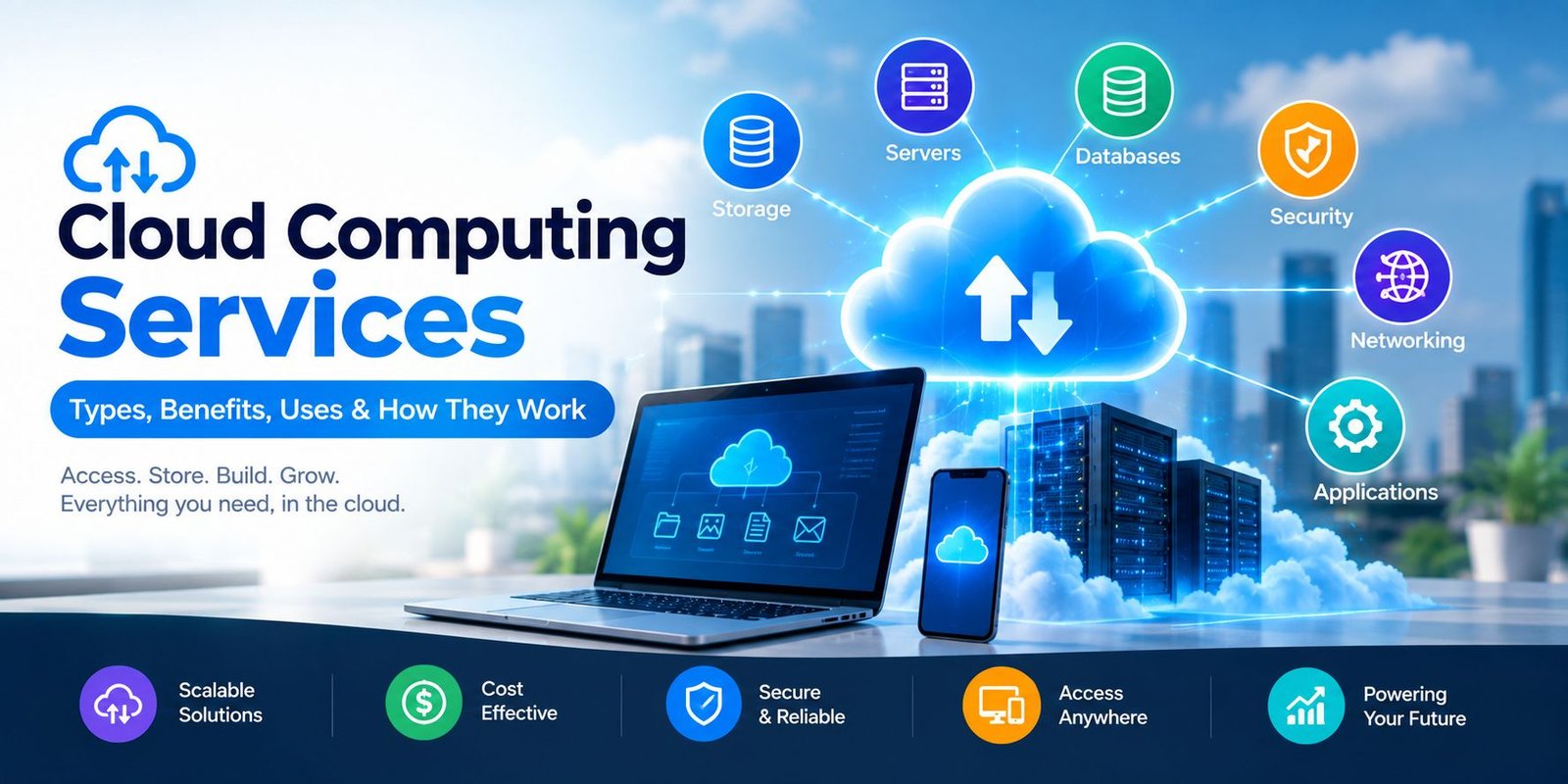
Cloud Computing Services: Types, Benefits & How They Work
Businesses and individuals need reliable technology to store data, run applications, and access digital resources. In the past, companies often had to buy expensive servers and hardware for these tasks. Today, cloud technology provides a more flexible approach.
Cloud computing services allow users to access computing resources over the internet without owning and maintaining all the required physical infrastructure. These services can include storage, servers, databases, software, networking, security, and computing power.
As a result, businesses can use technology based on their needs and scale resources when their requirements change.
What Is Cloud Computing?
Cloud computing means using computing resources through the internet instead of depending only on local computers or physical servers.
For example, when you save files using an online storage service, you can access those files from different devices. Similarly, businesses can use cloud servers to host websites and applications without maintaining their own physical data center.
Cloud providers manage much of the underlying infrastructure. Therefore, customers can focus more on their applications, data, and business operations.
What Are Cloud Computing Services?
Cloud computing services are technology resources delivered through the internet. Users can usually access these resources on demand and pay according to their plan or usage.
Common cloud services include:
- Cloud storage
- Virtual servers
- Databases
- Networking
- Website hosting
- Backup services
- Security tools
- Software applications
- Artificial intelligence and machine learning services
- Data analytics
The exact services available depend on the cloud provider and the selected plan.
Main Types of Cloud Computing Services
Cloud services are commonly divided into three major categories: IaaS, PaaS, and SaaS.
1. Infrastructure as a Service (IaaS)
Infrastructure as a Service, or IaaS, provides basic computing infrastructure through the cloud.
Users can rent resources such as:
- Virtual machines
- Storage
- Networks
- Computing power
- Firewalls
- Load balancers
Instead of purchasing physical servers, a company can create virtual servers when needed.
IaaS is useful for businesses and developers that need greater control over their computing environment.
2. Platform as a Service (PaaS)
Platform as a Service, commonly called PaaS, provides an environment for building, testing, and deploying applications.
Developers do not need to manage every part of the underlying hardware. Instead, the cloud provider handles much of the infrastructure.
PaaS can include development tools, databases, operating systems, and application hosting environments.
This approach can help developers focus on creating applications instead of spending as much time managing servers.
3. Software as a Service (SaaS)
Software as a Service provides complete software applications through the internet.
Users normally access SaaS applications through a web browser or mobile app. The provider manages the software, servers, updates, and much of the infrastructure.
Examples include online email platforms, project management software, accounting applications, and collaboration tools.
SaaS is popular because users can start using software without installing and maintaining traditional desktop applications.
Public, Private, and Hybrid Cloud
Cloud environments can also be classified according to how the infrastructure is used.
Public Cloud
A public cloud provides computing resources through a third-party cloud provider.
Multiple customers can use the provider’s infrastructure while their data and resources remain logically separated.
Public cloud services are popular because they can offer flexibility and scalability without requiring a company to build its own data center.
Private Cloud
A private cloud is designed for use by a single organization.
It can provide more control over infrastructure and data. Some organizations choose private cloud environments because of specific security, compliance, or operational requirements.
Hybrid Cloud
A hybrid cloud combines private and public cloud environments.
For example, a company might keep certain sensitive workloads in a private environment while using public cloud resources for applications that require additional capacity.
This approach can provide flexibility while allowing organizations to maintain control over selected systems.
Benefits of Cloud Computing Services
There are several reasons why businesses are moving more workloads to cloud platforms.
Lower Infrastructure Costs
Businesses do not always need to purchase large amounts of physical hardware before starting a project.
Instead, they can rent cloud resources based on their requirements. This can reduce the need for large upfront infrastructure investments.
However, cloud costs still need to be monitored because high usage can increase monthly expenses.
Scalability
Cloud resources can often be increased or reduced according to demand.
For example, an online store may need additional computing resources during a major sales event. After demand decreases, the company can reduce those resources.
This flexibility is particularly useful for businesses with changing workloads.
Remote Access
Cloud applications and data can often be accessed from different locations using an internet connection and authorized credentials.
This can support remote work, distributed teams, and collaboration between employees in different locations.
Faster Deployment
Cloud platforms can allow companies to create servers, databases, and application environments much faster than traditional hardware-based approaches.
Developers can therefore test and launch projects without waiting for physical equipment to be purchased and installed.
Automatic Updates
Many cloud services are maintained by the provider. Software updates, infrastructure improvements, and security patches may be handled as part of the service.
This can reduce the amount of maintenance required from customers.
Backup and Recovery
Cloud platforms can provide backup and disaster recovery solutions.
Businesses can store copies of important information in separate locations and use recovery systems when hardware failures or other problems occur.
A proper backup strategy is still important because cloud services do not automatically eliminate every risk of data loss.
Common Uses of Cloud Computing
Cloud technology is used in many industries and everyday activities.
Website Hosting
Businesses can host websites and web applications on cloud servers.
Cloud hosting can provide flexible resources for websites with changing traffic levels.
Data Storage
Individuals and businesses can store documents, photos, videos, databases, and other files in cloud storage systems.
This also makes it easier to access files from multiple devices.
Application Development
Developers use cloud platforms to build, test, deploy, and monitor applications.
Cloud environments can provide development tools and computing resources without requiring developers to maintain all hardware themselves.
Business Software
Companies use cloud-based software for accounting, customer relationship management, communication, human resources, and project management.
Employees can access these applications from supported devices.
Data Analytics
Cloud platforms provide computing resources for analyzing large amounts of data.
Businesses can use analytics tools to identify trends, understand customers, and support business decisions.
Artificial Intelligence
Cloud providers also offer AI and machine learning services.
Developers can access computing power, AI models, data processing tools, and application programming interfaces without building an entire AI infrastructure from scratch.
How to Choose a Cloud Service
Choosing a cloud provider requires more than looking at price.
Before selecting a service, consider the following factors.
Performance
Check whether the provider offers enough computing power, storage, and network performance for your workload.
Security
Review available security features such as encryption, identity management, access controls, monitoring, and security alerts.
Reliability
Look at the provider’s reliability information and service-level commitments.
A business should understand how the provider handles outages and service disruptions.
Pricing
Compare the pricing structure carefully.
Some cloud services charge based on usage, while others offer fixed subscription plans. Additional costs may apply for storage, data transfer, support, or extra features.
Scalability
Choose a service that can grow with your business.
A small project may require limited resources today but much more capacity in the future.
Support
Good technical support can be important when a business depends heavily on cloud infrastructure.
Check the available support options and response times before choosing a provider.
Cloud Security Best Practices
Although cloud providers offer security tools, customers also have responsibilities.
Businesses should use strong passwords and multi-factor authentication whenever available.
Access should be limited to employees who need it. Regularly review user permissions and remove access that is no longer required.
It is also important to encrypt sensitive information, keep software updated, monitor unusual activity, and maintain independent backups for critical data.
Security should be treated as an ongoing process rather than a one-time setup.
Cloud Computing vs Traditional IT
Traditional IT often requires businesses to purchase and maintain physical servers, networking equipment, storage systems, and other hardware.
Cloud computing changes this model by allowing organizations to rent many of these resources from a provider.
Traditional infrastructure can provide greater direct control, but it may require more hardware management and maintenance.
On the other hand, cloud technology can provide faster scaling and easier remote access. However, businesses need to manage cloud costs, security settings, and provider dependencies carefully.
The right approach depends on the organization’s workload, budget, security requirements, and technical goals.
Challenges of Cloud Computing
Cloud technology offers many benefits, but it also has some challenges.
Internet Dependency
Many cloud applications require a stable internet connection. If connectivity is unavailable, access to some services may be limited.
Cost Management
Cloud services can become expensive when resources are not monitored properly.
Unused servers, excessive storage, and unexpected data transfer can increase costs.
Security Risks
Poor account configuration, weak passwords, and excessive user permissions can create security problems.
Therefore, businesses should configure cloud environments carefully.
Vendor Lock-In
Moving applications and data from one cloud provider to another can sometimes be difficult.
Businesses should consider portability and compatibility when designing cloud systems.
Future of Cloud Computing
Cloud technology continues to evolve as businesses adopt new digital tools.
Artificial intelligence, machine learning, edge computing, automation, and advanced data analytics are becoming increasingly connected with cloud platforms.
Serverless computing is also helping developers run applications without managing traditional servers directly.
At the same time, businesses are focusing more on cloud security, cost optimization, and efficient use of computing resources.
As digital services continue to grow, cloud infrastructure is likely to remain an important part of modern technology.
Frequently Asked Questions
What are cloud computing services?
Cloud computing services provide computing resources such as storage, servers, databases, networking, software, and computing power through the internet.
What are the three main types of cloud services?
The three common service models are Infrastructure as a Service (IaaS), Platform as a Service (PaaS), and Software as a Service (SaaS).
Is cloud computing suitable for small businesses?
Yes. Small businesses can use cloud services for storage, email, accounting, website hosting, collaboration, backups, and many other tasks without building large physical infrastructure.
Is cloud computing secure?
Cloud services can provide strong security features, but security also depends on how customers configure and use those services. Strong passwords, multi-factor authentication, access controls, encryption, and monitoring are important.
Does cloud computing require the internet?
Most cloud services require an internet connection for access. However, some applications may provide limited offline functionality.
What is the difference between IaaS and SaaS?
IaaS provides infrastructure such as virtual servers and storage, while SaaS provides complete software applications that users can access through the internet.
Conclusion
Cloud computing services have changed the way businesses and individuals use technology. Instead of purchasing and maintaining all computing infrastructure themselves, users can access storage, servers, software, databases, and other resources through the internet.
Cloud technology can provide scalability, remote access, faster deployment, and flexible infrastructure. However, businesses should also consider security, pricing, reliability, and vendor dependency before choosing a solution.
With the right planning, cloud computing can help organizations build flexible technology environments that support modern business needs.