
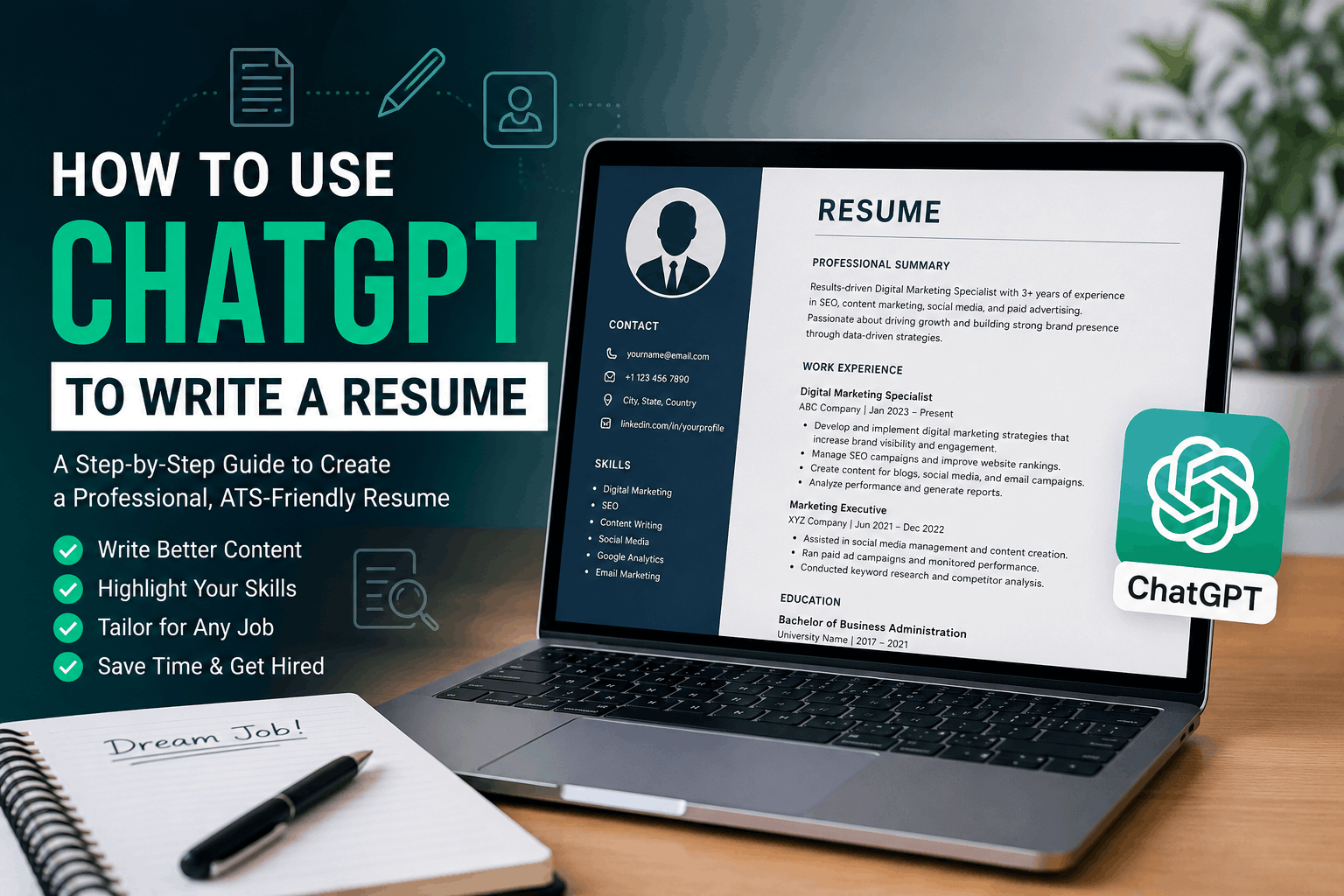
How to Use ChatGPT to Write a Resume: Complete Guide
Writing a resume can take a lot of time. You need to choose the right information, describe your experience clearly, and make sure the document matches the job you want. If you struggle with wording or don’t know where to start, ChatGPT can make the process much easier.
You can use ChatGPT to organize your career information, improve descriptions of your previous work, create a professional summary, and tailor your resume to a particular position.
In this guide, we’ll explain how to use ChatGPT to write a resume and share practical prompts you can use throughout the process.
What Can ChatGPT Do for Your Resume?
ChatGPT can assist with several parts of resume preparation. For example, it can help you:
- Build a resume structure
- Write or improve a professional summary
- Turn basic job duties into stronger bullet points
- Organize your skills
- Highlight relevant projects
- Adapt your resume to a job description
- Find areas that need improvement
- Check grammar and readability
The important thing to remember is that ChatGPT works with the information you provide. Your real experience, skills, education, and achievements should always be the foundation of the resume.
Step 1: Gather Your Career Information
Before opening ChatGPT, collect the information you want to use.
You don’t need to write everything perfectly. Simple notes are enough.
For example:
Work Experience
- Digital Marketing Assistant
- 2023–2025
- Managed social media content
- Helped with SEO campaigns
- Created website content
- Reported campaign performance
Education
- Bachelor’s degree in Business Administration
- XYZ University
- 2022
Skills
- SEO
- Content writing
- Social media
- Google Analytics
- Keyword research
You can give these notes to ChatGPT and ask it to organize them into professional resume content.
Step 2: Tell ChatGPT What Job You Want
Your target position makes a big difference.
A resume for a software developer should not be written in the same way as a resume for a marketing specialist. Tell ChatGPT the position you’re targeting before asking it to write the resume.
For example:
Create a professional resume for a Digital Marketing Specialist using the career information I provide. Focus on SEO, content marketing, social media, analytics, and measurable results. Keep everything accurate and do not create information that I haven’t provided.
This gives ChatGPT a clear direction.
Step 3: Ask ChatGPT to Build the Resume
Once you’ve provided your information, ask ChatGPT to organize it into appropriate sections.
A useful prompt is:
Turn the information below into a professional resume. Create sections for a summary, work experience, education, skills, certifications, and projects where relevant. Use concise language and strong action verbs. Do not add fictional experience or achievements.
You can then review the result and make corrections.
Step 4: Improve Your Resume Bullet Points
Many resumes contain descriptions that simply list responsibilities.
For example:
Basic version:
“Worked on social media and created posts.”
You can ask ChatGPT to make the statement clearer:
Improve this resume bullet point. Make it concise and professional while keeping the original meaning. Do not invent results or numbers.
If you have actual results, include them in your prompt.
For example:
“Created social media content that increased Instagram engagement by 30%.”
This is much more useful because it shows an outcome rather than just describing a task.
Step 5: Create a Better Professional Summary
The summary is one of the first sections a recruiter may see, so it should quickly explain your professional background.
Give ChatGPT your experience and target role, then use a prompt like:
Write a concise professional summary for a resume based only on the information below. Make it specific to a Digital Marketing Specialist position and avoid generic phrases.
A good summary should communicate your experience, strongest areas, and career focus without becoming a long paragraph.
Step 6: Match Your Resume to a Job Description
One of the most practical uses of ChatGPT is comparing your resume with a specific job advertisement.
Copy the job description into ChatGPT and ask:
Analyze this job description. List the main qualifications, technical skills, responsibilities, and keywords the employer is looking for. Then compare them with my resume and tell me which relevant areas I should emphasize.
This can help you notice important requirements that you may have overlooked.
However, don’t add a skill simply because it appears in the job advertisement. Only include qualifications you actually have.
Step 7: Make Your Resume Easier for ATS Software to Read
Many employers use Applicant Tracking Systems to process applications. These systems may look for relevant terms and information within resumes.
ChatGPT can help you review your wording for clarity and relevance.
Try:
Review my resume for ATS readability. Identify relevant keywords from the job description and show me where my existing experience can naturally demonstrate those skills. Do not add qualifications that I don’t have.
For a simple ATS-friendly resume, generally use:
- Clear section headings
- Standard job titles
- Relevant keywords
- Short bullet points
- Simple formatting
- Consistent dates and job information
Avoid filling the resume with unnecessary design elements that could make the information harder to process.
Step 8: Improve Your Skills Section
If your skills section looks disorganized, ChatGPT can help categorize it.
For example, you could provide a long list of skills and ask:
Organize these skills into relevant categories for a Digital Marketing Specialist resume. Remove duplicate items but don’t remove important skills.
The result might include categories such as:
Marketing Skills
- SEO
- Content Marketing
- Keyword Research
- Social Media Marketing
Analytics & Tools
- Google Analytics
- Google Ads
- Search Console
- WordPress
Only include tools and skills that you can genuinely use or explain during an interview.
Step 9: Create a Resume for a Career Change
Changing careers can make resume writing more complicated because your previous job title may not directly match your new target position.
ChatGPT can help you identify transferable experience.
Try this prompt:
I’m changing careers from [previous field] to [target field]. Review my experience and identify transferable skills that are relevant to the new position. Help me rewrite my resume without exaggerating my experience.
For example, communication, project coordination, customer service, research, data analysis, and team management can sometimes transfer between different industries.
Step 10: Build a Resume With No Work Experience
You don’t necessarily need years of employment history to create a useful resume.
Students and recent graduates can highlight:
- Education
- Internships
- Academic projects
- Freelance work
- Volunteer activities
- Certifications
- Relevant coursework
- Personal projects
- Technical skills
Ask ChatGPT:
Create an entry-level resume using my education, projects, certifications, skills, and internship experience. Keep it professional and do not invent employment history.
This allows you to present your existing experience in a more organized way.
Useful ChatGPT Resume Prompts
Here are some prompts you can save for future applications.
Create a Resume
Create a professional resume from the information below. Use clear language, concise sections, and strong action verbs. Keep all facts exactly as provided.
Rewrite Experience
Rewrite these job responsibilities as concise resume bullet points. Focus on actions and outcomes while keeping the information truthful.
Analyze a Job Description
Analyze this job posting and identify the most important skills, qualifications, responsibilities, and keywords.
Compare Resume With Job Posting
Compare my resume with this job description. Identify relevant strengths, missing areas, and opportunities to improve the wording without adding false information.
Proofread a Resume
Proofread my resume for grammar, spelling, punctuation, consistency, and clarity. List the recommended corrections and preserve all factual information.
Improve a Resume Summary
Rewrite my professional summary to make it more specific, concise, and relevant to the position I’m applying for. Use only my actual experience.
Mistakes to Avoid When Using ChatGPT for Resume Writing
ChatGPT can be helpful, but you should still review everything before sending your application.
Don’t Invent Experience
Never use AI-generated jobs, qualifications, certifications, achievements, or statistics that aren’t real.
Don’t Copy the First Draft Blindly
The first response may contain wording that sounds too general or doesn’t accurately represent your background. Edit it until it sounds like you.
Don’t Stuff Keywords
Adding dozens of keywords can make a resume sound unnatural. Use relevant terms where they accurately describe your skills and experience.
Don’t Ignore Formatting
Good content can still be difficult to read if the resume is poorly formatted. Keep the final document clean, consistent, and easy to scan.
Don’t Use the Same Resume for Every Job
Your core experience can remain the same, but the emphasis should change depending on the position you’re applying for.
How to Get Better Results From ChatGPT
The quality of the response depends heavily on the information you provide.
Instead of saying:
“Write me a resume.”
Give ChatGPT useful context such as:
- Target job title
- Years of experience
- Previous positions
- Major responsibilities
- Real achievements
- Education
- Skills
- Certifications
- Projects
- Job description
You can also tell ChatGPT what you don’t want. For example:
“Keep the language natural, avoid clichés, don’t exaggerate my experience, and don’t invent statistics.”
This usually produces more useful results than a very short prompt.
Should You Use ChatGPT to Write Your Entire Resume?
You can use ChatGPT for most of the writing process, but you should remain involved.
Think of ChatGPT as an assistant that helps organize and improve your information. You are still responsible for checking the facts, choosing what belongs on the resume, and making sure the final version represents you accurately.
A strong workflow is:
Your information → ChatGPT draft → Your review → Job-specific customization → Final proofreading
This approach gives you the convenience of AI while keeping your resume authentic.
Frequently Asked Questions
Can ChatGPT write a resume for free?
ChatGPT can help you create resume content, depending on the features available in your account. You can provide your career information and ask it to organize, rewrite, and improve your resume.
What is the best prompt for creating a resume?
There isn’t one perfect prompt for everyone. A strong prompt should include your target position, professional background, skills, education, achievements, and any relevant job description.
Can ChatGPT make a resume ATS-friendly?
ChatGPT can review your resume and suggest improvements related to structure, wording, and relevant keywords. However, no tool can guarantee that a resume will pass every employer’s ATS.
Can I use ChatGPT if I have no work experience?
Yes. Students and recent graduates can use ChatGPT to organize education, projects, internships, certifications, volunteer work, and relevant skills into a professional resume.
Should I put ChatGPT on my resume?
Usually, no. Your resume should focus on your qualifications and professional experience. ChatGPT is a tool used to help prepare the document.
Is it safe to copy a ChatGPT resume directly into a job application?
It’s better to review and personalize the content first. Check every fact, remove generic wording, and make sure the resume accurately reflects your real experience.
Conclusion
Knowing how to use ChatGPT to write a resume can save time and make the writing process less stressful. You can use it to organize your information, improve job descriptions, create a professional summary, analyze job postings, and identify ways to strengthen your application.
The best results come from giving ChatGPT detailed and truthful information. Don’t rely on AI to create qualifications or achievements. Instead, use it to present your real experience in a clearer and more professional way.
With careful editing and job-specific customization, ChatGPT can become a useful tool for building a resume that clearly communicates what you can offer an employer.
5 Comments