YouTube Shorts Download: Simple Ways to Save Short Videos
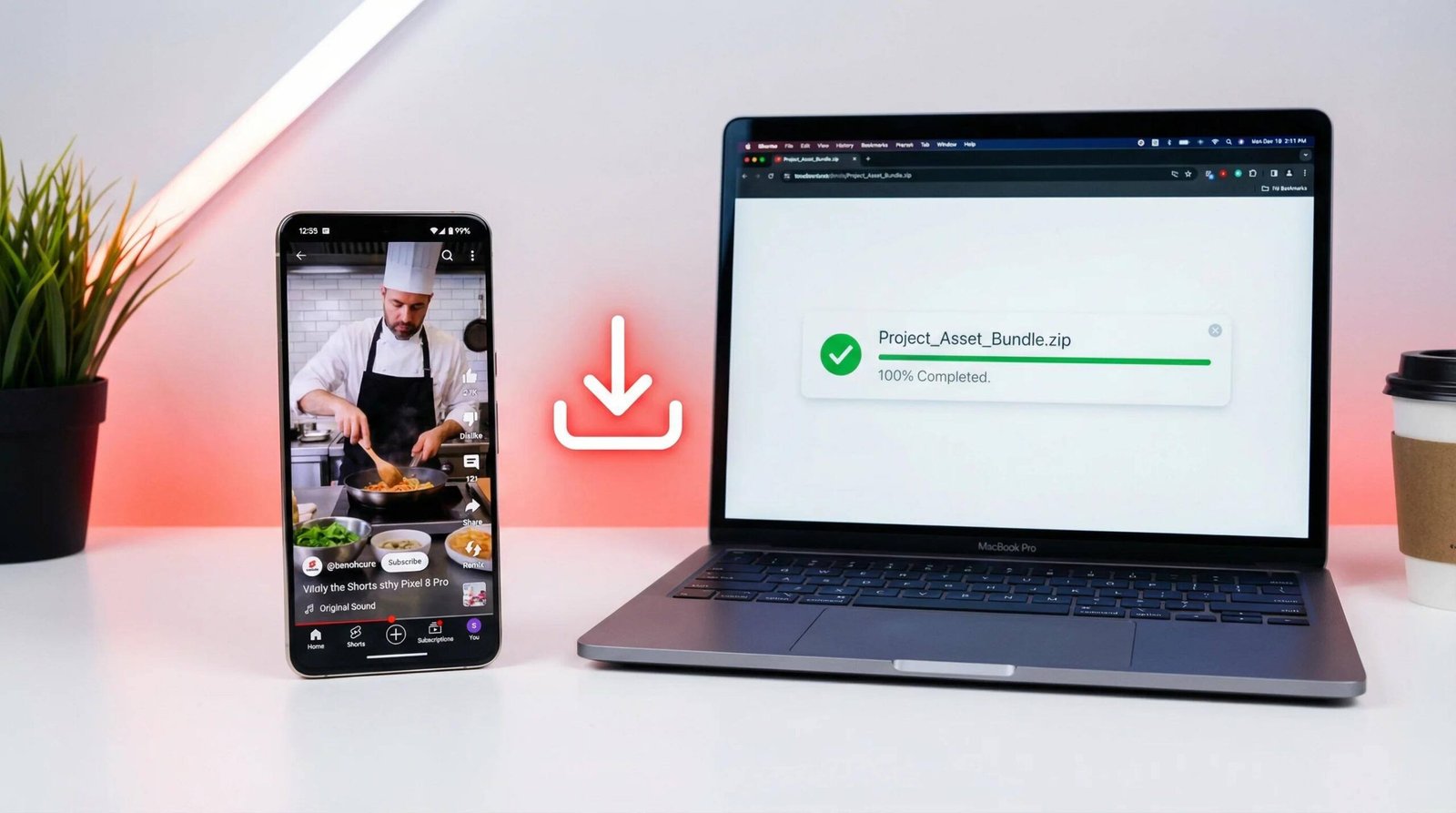
YouTube Shorts Download: Short videos have become a popular way to learn new skills, discover creative ideas, and enjoy entertainment during a busy day. YouTube Shorts makes this content easy to explore, but sometimes you may want to watch a video again when you are travelling or have a weak internet connection.
Searching for a YouTube Shorts download method can be confusing because different websites promise different results. Some options allow offline playback inside YouTube, while others are intended for saving videos that you created yourself.
This guide explains the available choices, how to save your own videos, what to check before using a download website, and how to avoid common problems.
Understanding YouTube Shorts Downloads
YouTube Shorts Download: video can serve different purposes. You might want to watch a cooking demonstration later, keep a backup of a video from your own channel, or prepare a clip for an editing project.
However, saving a video inside the YouTube application is not the same as obtaining a video file on your device.
YouTube’s offline feature keeps eligible content available for playback within the app. Creator download tools, on the other hand, can provide a separate file for eligible videos you uploaded.
Knowing which result you need will help you choose the appropriate method.
How to Save YouTube Shorts on a Phone
You do not always need an additional application to save videos for later viewing. Start by checking the features already available on your phone.
Use the Download Option in YouTube
The YouTube app may offer an offline viewing option for eligible videos. Availability varies according to your location, account, subscription, and the video’s restrictions.
Follow these instructions:
- Launch YouTube on your Android phone or iPhone.
- Find the Short you want to watch later.
- Open the available video options.
- Look for the Download option.
- If it is available, select it and follow the instructions.
- Return to the Downloads section in YouTube when you want to watch the saved video.
Keep in mind that offline content usually remains inside YouTube. You should not expect every downloaded video to appear in your phone’s Photos or Gallery application.
You can read the platform’s instructions in the YouTube Help Center.
Save a Short That You Created
If you publish videos on your own YouTube channel, keeping local copies can help protect your work against accidental file loss.
YouTube Studio provides a download option for eligible uploaded videos.
- Open YouTube Studio in a browser.
- Sign in to the account that published the video.
- Open the Content section.
- Find the Short you want to keep.
- Open its menu and select Download if available.
- Choose where to save the file.
The availability of this option may depend on the video’s status and applicable restrictions. You can also keep your original recordings and editing projects as additional backups.
For more details, visit YouTube’s official video download instructions.
Downloading YouTube Shorts on a Computer
A computer can be a convenient choice when you need to organize several of your own videos or prepare them for editing.
Use YouTube Studio
You can access YouTube Studio through a desktop browser. After signing in, open Content and locate the video you want to save.
Check the video’s menu for the available download option. If YouTube permits the download, save the file to a folder that is easy to find later.
For creators who regularly publish Shorts, a simple folder system can make video management easier. For example, you could organize files by publication month or project name.
What If You Want Another Creator’s Video?
The standard YouTube interface does not offer a general-purpose MP4 download for every Short uploaded by someone else.
If you need the original file for a presentation, reaction video, or editing project, contact the creator and ask whether they can provide an authorized copy. This is especially important when the intended use involves reposting or commercial publication.
An offline playback option may be available even when a separate video file is not.
Are Online Shorts Downloaders Worth Using?
Many websites advertise tools that claim to save videos from a pasted link. Their features, reliability, and safety practices can vary considerably.
Before using an unfamiliar service, consider whether you actually need an external tool. For offline viewing, YouTube’s own features may be enough. For your own uploads, YouTube Studio is a more direct option.
If you are evaluating an external service, keep these precautions in mind:
- Never enter your Google password on an unfamiliar downloader website.
- Do not install software simply because a pop-up says it is required.
- Avoid suspicious buttons that open unrelated pages.
- Be careful with websites that request unnecessary permissions.
- Check the website’s privacy practices before sharing personal information.
- Confirm that your intended download and use comply with applicable rights and platform rules.
A website advertising a free service is not necessarily trustworthy. Treat unexpected redirects and requests to disable security protections as warning signs.
Choosing the Right Video Quality
Video quality matters when you have limited storage or plan to edit a clip later. If you have permission to obtain a video file, consider how you intend to use it.
When a Smaller File Makes Sense
A smaller video file can be useful for basic viewing, quick transfers, and devices with limited storage. The trade-off may be reduced sharpness or more visible compression.
When Higher Quality Is Better
Higher-resolution files can preserve more visual detail, which may help when watching on a larger display or working in a video editor. These files generally require more storage and may take longer to transfer.
Why the Original File Matters
A file saved at a higher resolution does not automatically contain more detail than the original recording. If you are a creator, retaining your original exported video is often the best way to preserve quality.
Common Problems When Saving Shorts
A download option may be missing or a saved video may not behave as expected. Here are some possible explanations.
There Is No Download Button
Some videos are not eligible for offline viewing. Availability can depend on regional restrictions, account requirements, or the creator’s settings.
Check whether another official viewing option is available instead of assuming the video can be saved as a separate file.
The Download Stops Before Completion
An unstable internet connection can interrupt the process. Try a more reliable network and check whether your device has enough free space.
If the problem continues, close and reopen the application before trying again.
The Video Is Missing From Your Gallery
This is often a misunderstanding of how YouTube offline viewing works. Videos saved through the app are generally accessed from YouTube’s Downloads section rather than from the phone’s normal media folders.
If you need a standalone file, check the authorized options available for your own uploaded content.
You Cannot Find an Older Video
The original creator may have removed the video, or its availability may have changed. If the content belongs to your channel, check your original recordings, editing software, and backups.
Copyright and Responsible Video Use
Downloading and reusing a video are two different matters. Even when you can watch a Short publicly, you do not automatically receive permission to copy it into your own project or publish it elsewhere.
Copyright rules vary by country and situation. Some uses may be permitted under a license, with the creator’s permission, or under a legal exception. Simply mentioning the creator’s name does not always make reuse lawful.
Before using a Short outside its original platform, ask yourself:
- Do I own the video?
- Has the creator given permission for this particular use?
- Does the applicable license allow editing or redistribution?
- Will I be using the content in a way that respects the creator’s rights?
These checks are particularly important for monetized channels, promotional videos, and commercial projects.
Frequently Asked Questions
Can I download YouTube Shorts without installing an app?
You can use a browser to access YouTube Studio for eligible videos you uploaded. Offline viewing options for other videos depend on YouTube’s available features and your account conditions.
Are YouTube Shorts downloads free?
Downloading your own eligible uploads through YouTube Studio is generally available without a separate download fee. Offline viewing of other content may have regional or subscription requirements.
Can I save a Short directly to my phone’s gallery?
YouTube’s offline viewing feature generally stores content within the app. A separate video file may be available for your own eligible uploads through creator tools.
Why can I watch a Short but not download it?
Watching access does not guarantee that offline playback or a standalone file download is available. The creator, regional availability, and account restrictions can affect your options.
Can I repost a downloaded Short?
You should obtain the necessary permission or other valid legal basis before reposting another person’s work. Downloading a video does not automatically give you redistribution rights.
What is the safest way to keep my own Shorts?
Keep your original video files, back them up to a trusted storage location, and download eligible published videos through YouTube Studio when necessary.
Final Verdict
The best YouTube Shorts download method depends on what you want to accomplish. For watching eligible content without a continuous internet connection, check YouTube’s built-in offline feature. For maintaining a copy of your own published videos, YouTube Studio is a practical starting point.
Be cautious with unfamiliar downloader websites, protect your account details, and check copyright requirements before reusing someone else’s content. A reliable approach will help you manage videos without taking unnecessary risks.