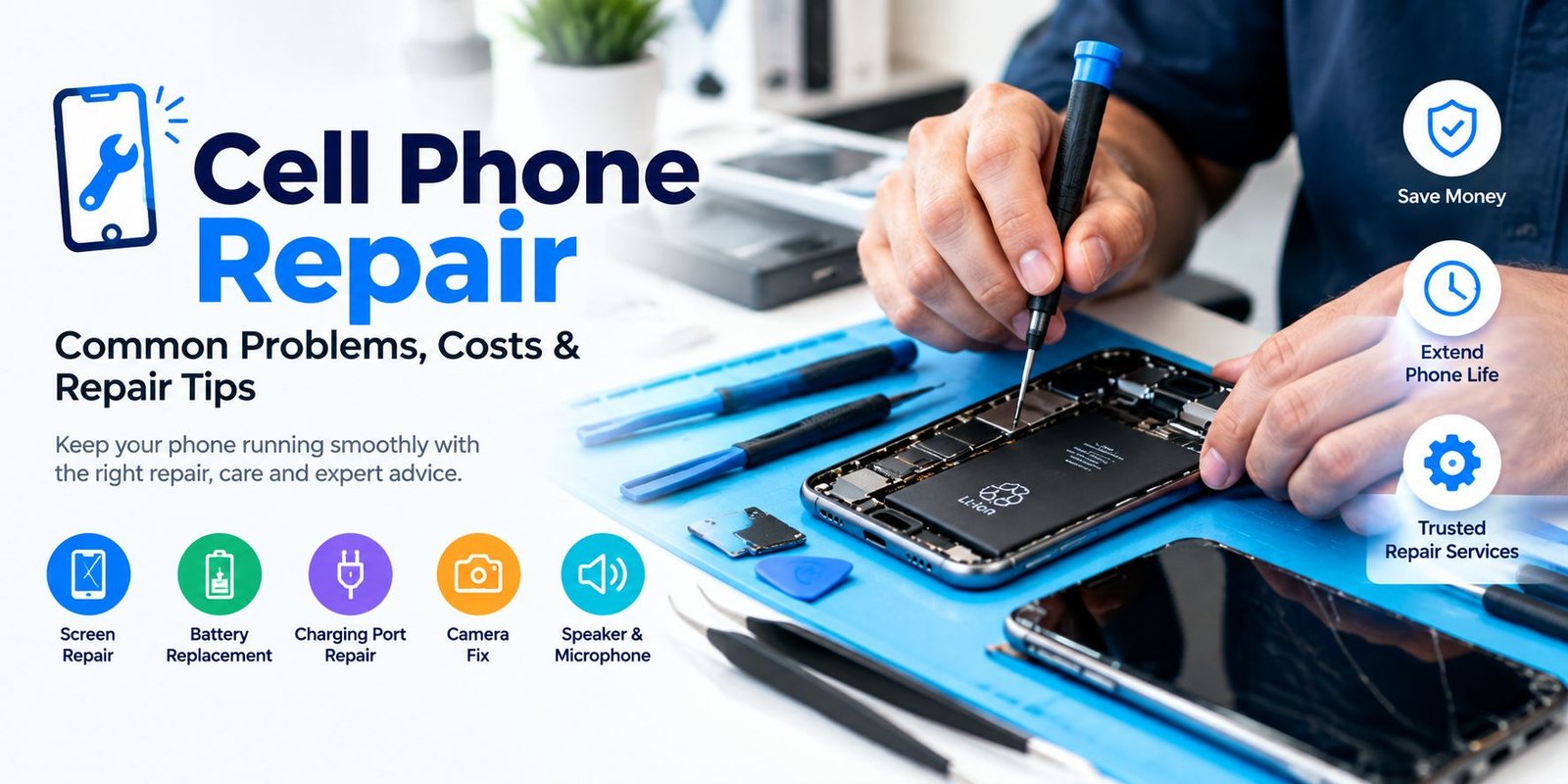
Cell Phone Repair: Common Problems, Costs, and Repair Tips
Smartphones are an important part of everyday life. We use them for calls, messages, work, banking, photos, entertainment, and many other tasks. However, phones can develop problems over time. A cracked screen, weak battery, charging issue, or software problem can make a phone difficult to use.
Fortunately, many smartphone problems can be repaired without buying a new device. Understanding common issues and knowing when to seek professional help can save both time and money. This guide explains common phone problems, repair options, costs, and useful tips for keeping your device in good condition.
What Is Cell Phone Repair?
Cell phone repair means fixing hardware or software problems that affect a smartphone. Depending on the issue, a repair may involve replacing a damaged component, cleaning a port, fixing software errors, or restoring a phone to normal working condition.
Some repairs are simple, while others require special tools and technical knowledge. For example, removing unwanted apps may solve a software problem, but replacing a damaged display usually requires professional equipment.
Before choosing a repair option, it is important to identify the actual problem.
Common Cell Phone Problems
Smartphones can experience many different problems. Some are caused by accidental damage, while others happen because of normal wear and tear.
1. Cracked or Broken Screen
A cracked screen is one of the most common smartphone problems. A phone can be damaged after falling from a table, being dropped on a hard surface, or receiving pressure inside a bag or pocket.
A small crack may not immediately stop the phone from working. However, continued use can make the damage worse. Touch problems, black spots, display lines, or screen flickering may also appear.
If the glass is badly damaged, replacing the display assembly may be the best solution.
2. Weak or Draining Battery
Phone batteries naturally lose capacity as they are used. You may notice that your device no longer lasts as long as it did when it was new.
Common signs of a battery problem include:
- Battery percentage dropping quickly
- Phone shutting down unexpectedly
- Slow charging
- Phone becoming unusually warm
- Battery not reaching a full charge
- Device turning off when the battery still shows a percentage
A battery replacement can often improve the performance of an older phone.
3. Charging Problems
A smartphone that does not charge can be frustrating. However, the problem is not always the charging port itself.
Before getting a repair, try another compatible cable and power adapter. You can also check the charging port for dust or debris.
If the phone still does not charge, the problem could involve the port, battery, charging circuit, or software.
4. Water or Liquid Damage
Water and smartphones do not mix well. Liquid can enter through charging ports, speakers, buttons, or other openings.
If your phone gets wet, avoid repeatedly turning it on or connecting it to a charger. Instead, remove it from the liquid and seek professional assistance as soon as possible.
A repair technician can inspect the internal components and determine whether cleaning or component replacement is possible.
5. Broken Camera
Camera problems can affect both front and rear cameras. You may see a black screen, blurry images, focusing problems, or an app that closes unexpectedly.
First, restart the phone and check whether the camera app has permission to access the camera. If the issue continues, it could be related to the camera module or other hardware.
6. Speaker or Microphone Problems
If people cannot hear you during calls, the microphone may have a problem. Similarly, low or distorted sound can indicate an issue with the speaker.
Dust, software errors, liquid damage, and physical damage can all contribute to audio problems.
When Should You Repair Your Phone?
Not every phone problem requires immediate professional repair. Some minor software issues can be solved at home.
However, professional repair is usually a better choice when:
- The screen is badly cracked
- The battery is swollen or damaged
- The phone has suffered liquid damage
- The charging port is physically damaged
- The device does not turn on
- Internal components are damaged
- The phone becomes unusually hot
- Important data may be at risk
If you are unsure about the problem, avoid opening the phone yourself. Modern smartphones contain small and sensitive components that can be easily damaged.
How Much Does Phone Repair Cost?
The cost depends on several factors. There is no single price for every smartphone repair.
The final cost may depend on:
- Phone brand and model
- Type of damage
- Replacement part quality
- Labor charges
- Availability of parts
- Repair location
- Warranty offered by the repair shop
Screen replacement can be more expensive on premium phones because their displays may use advanced technology. Battery replacement is often less expensive, but the exact price still depends on the device.
For an accurate price, ask the repair shop for a diagnosis and estimate before approving the repair.
Should You Repair or Replace Your Phone?
This is an important question when a phone develops a serious problem.
Repairing the device may make sense if the phone is relatively new, works well otherwise, and the repair cost is reasonable.
Replacing it may be worth considering if the phone has several major problems, receives limited software support, has poor battery life, or requires a repair that costs close to the value of the device.
Consider these questions:
- How old is the phone?
- What is the total repair cost?
- Does the phone still receive software updates?
- Is the battery in good condition?
- Are other components working properly?
- How much would a replacement phone cost?
Comparing these factors can help you make a better decision.
DIY Repair vs Professional Repair
Some smartphone owners prefer to fix their devices themselves. Online repair guides and replacement parts can make DIY projects possible.
However, DIY repair also carries risks.
You could accidentally damage:
- Display cables
- Battery connectors
- Cameras
- Speakers
- Buttons
- Internal boards
A damaged battery can also create a safety risk if it is punctured or handled incorrectly.
For simple tasks such as cleaning an external case or replacing a screen protector, DIY may be fine. For internal repairs, professional service is generally safer.
How to Choose a Good Repair Shop
Choosing the right technician is just as important as identifying the problem.
Before giving your phone to a repair shop, consider the following:
Check Reviews
Look for customer reviews and feedback. A large number of positive experiences can help you understand the quality of a repair service.
Ask for a Price Estimate
Ask about the expected repair cost before work begins. Also ask whether labor and replacement parts are included.
Ask About Parts
Find out what type of replacement part will be used. Quality parts can affect display performance, battery life, and overall reliability.
Check the Warranty
A repair warranty can provide additional peace of mind. Ask how long the repair or replacement part is covered.
Protect Your Data
Before handing over your phone, back up important photos, contacts, documents, and other data whenever possible.
You should also use a secure screen lock and avoid sharing unnecessary passwords.
How to Protect Your Phone
Preventing damage is usually easier than repairing it. A few simple habits can help extend the life of your smartphone.
Use a Protective Case
A strong case can reduce damage from accidental drops and bumps.
Add a Screen Protector
A quality screen protector can help protect the display from scratches and minor impacts.
Keep the Phone Away From Water
Even phones with water-resistance ratings should not be treated as completely waterproof. Avoid unnecessary exposure to liquids.
Keep the Charging Port Clean
Dust and debris can interfere with charging. Clean the exterior carefully and avoid inserting sharp objects into the port.
Avoid Extreme Heat
High temperatures can affect battery performance and other internal components. Do not leave your phone in direct sunlight or inside a hot vehicle for long periods.
What to Do Before Taking Your Phone for Repair
A little preparation can make the repair process easier.
First, back up your important data. Then, write down the problem and when it started. If the issue happens only sometimes, explain exactly when it occurs.
You should also remove personal accessories such as cases or external memory cards when appropriate.
If the phone still works, make sure important files are backed up before giving the device to a technician.
Frequently Asked Questions
How long does a phone repair take?
Repair time depends on the problem and the availability of replacement parts. Simple repairs may be completed quickly, while complex repairs can take longer.
Is it worth repairing an old phone?
It depends on the repair cost, phone condition, age, software support, and replacement price. A low-cost repair may be worthwhile if the phone still meets your needs.
Can a cracked phone screen be repaired?
Yes. Depending on the model and damage, the display or screen assembly may be replaceable.
Can water-damaged phones be repaired?
Sometimes. The result depends on how much liquid entered the phone and which components were affected. Quick professional inspection can improve the chances of recovery.
Should I repair my phone myself?
DIY repair can be risky, especially for internal components. If you do not have the correct tools or experience, professional repair is usually the safer option.
Final Thoughts
A damaged smartphone does not always mean that you need to buy a new one. Many problems, including broken screens, weak batteries, charging faults, and camera issues, can be repaired.
Before choosing cell phone repair, compare the repair cost with the phone’s age, condition, and current value. Also, choose a reliable technician, ask about replacement parts, and protect your personal data.
With proper care and timely repairs, your smartphone can remain useful for much longer.