
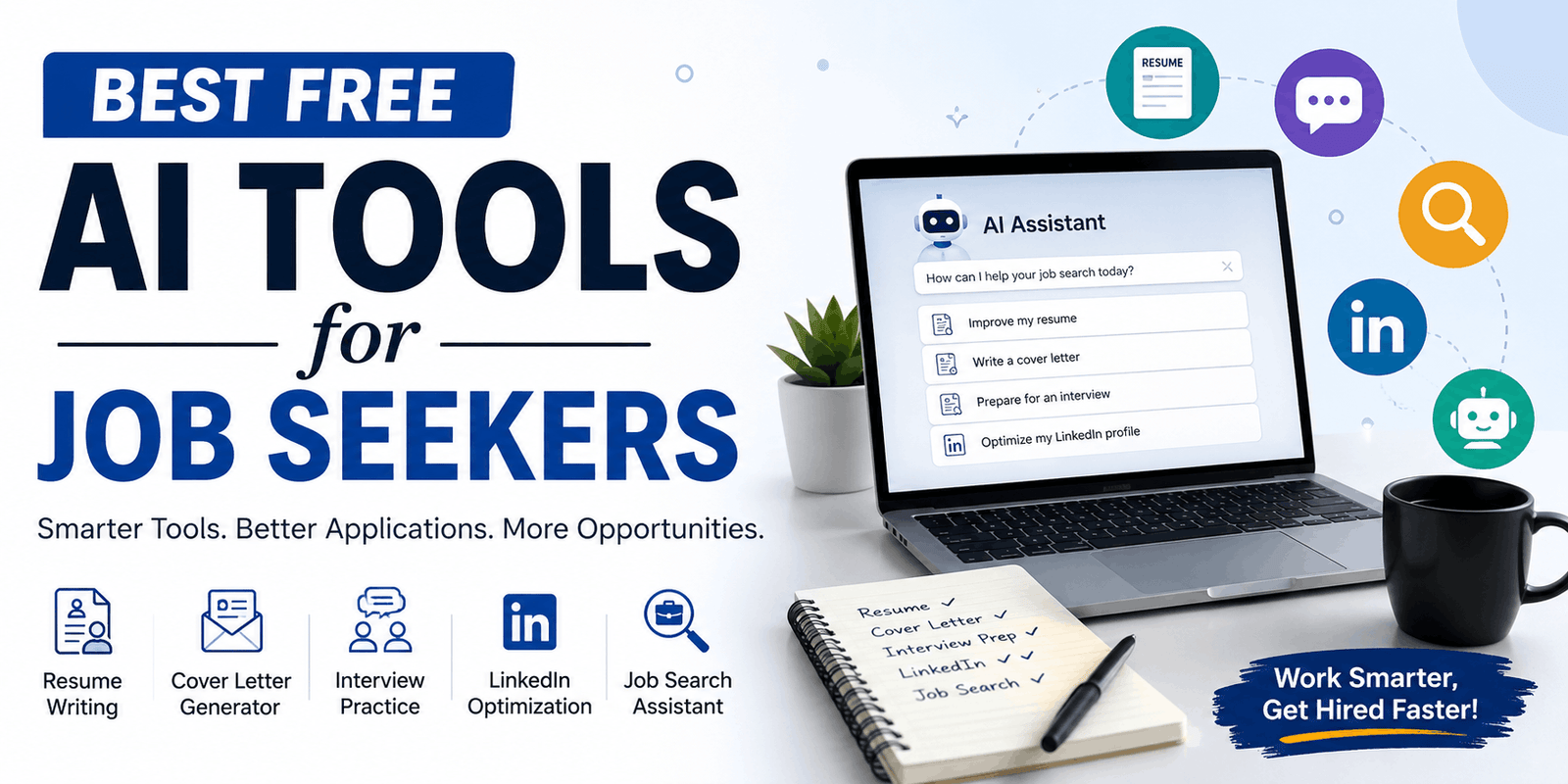
Best Free AI Tools for Job Seekers (2026 Guide)
Job searching has always eaten up time you don’t have — hours spent tweaking a resume for one posting, staring at a blank cover letter, or rehearsing interview answers in your head on a loop. AI tools won’t do the job search for you, but the right free ones can shave hours off the repetitive parts: tailoring a resume to a specific posting, drafting a first version of a cover letter, generating interview questions for a role you’ve never worked before, or tightening a LinkedIn headline that currently just says your job title.
Quick answer: The best free AI tools for job seekers cover five areas — resume writing (Teal, Kickresume, Rezi), ATS keyword matching (Jobscan’s free scans, Teal’s match tool), cover letters (ChatGPT, Teal), interview practice (Yoodli, Pramp, ChatGPT or Gemini voice mode), and LinkedIn profile writing (Resume Worded, Careerflow). Most job seekers get the most value from combining a general AI chatbot for drafting with one or two purpose-built free tools for ATS and interview practice.
This guide walks through each category, tells you honestly what’s free versus what’s a limited trial, and gives you a workflow for using these tools without losing your own voice in the process.
Why Job Seekers Should Use AI Tools
A job search is mostly repetition with small variations — the same skills, reworded for a dozen different postings. That’s exactly the kind of task AI is good at speeding up.
Time savings. Instead of writing a cover letter from scratch for every application, you can generate a solid first draft in a couple of minutes and spend your remaining time personalizing it.
Resume improvement. AI tools can catch weak phrasing, turn duty-based bullet points into achievement-based ones, and flag when a resume is missing keywords the job posting clearly cares about.
Personalization at scale. Tailoring a resume or cover letter to each employer used to mean either skipping the customization (and getting filtered out) or spending an hour per application. AI narrows that gap.
Interview practice on demand. You don’t need a friend available at 9 p.m. to run through behavioral questions — an AI tool can generate role-specific questions and give you feedback on your answers any time.
Better job matching. Some tools can scan a job description against your resume and tell you, in plain terms, where the gaps are before you apply.
Improved professional communication. From LinkedIn summaries to follow-up emails, AI can help you find clearer, more confident phrasing.
One important caveat before you go further: AI should assist you, not replace your judgment or your actual experience. It can’t verify a claim is true, it can’t guarantee an interview, and it will sometimes generate confident-sounding but generic or inaccurate content. Every tool in this guide works best as a drafting assistant that you edit, fact-check, and personalize — never as an autopilot.
Best Free AI Tools for Job Seekers
Here are the tools worth trying first, organized by what they’re best at. For each one, “free” means there’s a genuinely usable free tier — not just a trial that requires a credit card.
ChatGPT (Free Plan)
What it does: A general-purpose AI chatbot that can draft resumes, cover letters, interview answers, LinkedIn copy, and networking messages from scratch, based on details you give it.
Best use case: Drafting and rewriting text — cover letters, resume bullet points, follow-up emails — from your own input.
How it helps job seekers: Because it’s a general assistant, you can paste in a job description and your background and ask it to identify gaps, suggest bullet-point phrasing, or generate a list of likely interview questions for that specific role. It’s flexible in a way that single-purpose tools aren’t.
How to use it: Give it real detail — your job title, key responsibilities, measurable results, and the job posting you’re applying to. Ask it to draft, then ask it to revise based on your feedback rather than accepting the first draft.
Free features: The free plan gives you access to a capable model for text generation, with usage limits that can vary and reset periodically. You don’t need a paid subscription to use it for resume and cover letter drafting.
Limitations: It doesn’t know your actual work history unless you tell it, it can produce generic-sounding text if your prompts are vague, and it has no built-in ATS scanning or job database.
Who should use it: Almost every job seeker, as a starting point for drafting and brainstorming.
Teal
What it does: A job search platform combining a resume builder, an AI bullet-point and summary generator, a job description match tool, and an application tracker.
Best use case: Building and organizing multiple tailored resume versions while tracking where you’ve applied.
How it helps job seekers: The free “Free Forever” plan includes unlimited resume creation, unlimited downloads, a basic resume builder, and application tracking — genuinely useful without paying. The AI writing tools (bullet point generator, summary generator, and unlimited keyword matching) sit behind the paid Teal+ tier, so treat the free plan as your organizational hub and a light resume builder, not your AI writing engine.
How to use it: Build your resume in the free builder, use the application tracker to log every job you apply to, and save job descriptions there so you can compare them side by side.
Free features: Unlimited resumes, unlimited downloads, job tracking, contact/networking tracking, and basic templates, all with no cost.
Limitations: The core AI generation features (bullet rewriting, unlimited match scoring) require a paid Teal+ subscription.
Who should use it: Job seekers applying to multiple roles who want one place to track applications and keep several resume versions organized.
Kickresume
What it does: An AI resume and cover letter builder with a large library of templates and a resume checker.
Best use case: Building a visually polished resume quickly, with AI-assisted phrasing suggestions along the way.
How it helps job seekers: It walks you through each resume section and can suggest improved wording for your experience descriptions.
How to use it: Start from a template that matches your industry, fill in your real experience, and use the AI suggestions as a starting point you then edit into your own voice.
Free features: A free plan lets you build and format a resume with a limited selection of templates; full AI rewriting, unlimited downloads, and the complete template library typically require a paid plan.
Limitations: Like most resume builders, the deepest AI features and full template access are paywalled.
Who should use it: Job seekers who want a clean, designed resume and don’t mind working within a template.
Rezi
What it does: An ATS-focused AI resume builder that scores your resume against 20-plus criteria and targets keywords from a specific job posting.
Best use case: Getting a structured, ATS-oriented critique of a resume you’re about to submit.
How it helps job seekers: The Rezi Score gives specific, actionable feedback (missing metrics, weak verbs, formatting issues) rather than a vague grade.
How to use it: Build or paste in your resume, run the score, and work through the flagged issues one at a time.
Free features: The free plan allows one resume, a limited pool of AI credits for content generation, and three PDF downloads (DOCX and Google Drive exports are unlimited on free). That’s enough to build and export a genuinely usable resume, though not enough for repeated heavy AI use across many applications.
Limitations: One resume at a time and a capped number of PDF exports on the free tier; unlimited resumes and AI usage require the paid Pro plan.
Who should use it: Job seekers who want an ATS-style scorecard for a single resume before submitting it.
Jobscan
What it does: Compares your resume against a specific job description and returns a match-rate score with missing keywords.
Best use case: Quickly checking whether your resume is missing important keywords from a posting before you apply.
How it helps job seekers: The keyword gap analysis is specific and actionable — it shows you exactly which skills or terms from the posting are absent from your resume.
How to use it: Paste your resume and the job description, review the match rate, and add the missing (and genuinely applicable) keywords in your own words.
Free features: Five resume scans per month at no cost, with basic keyword-gap analysis. That’s enough to check a handful of applications carefully.
Limitations: Five scans a month goes quickly if you’re applying broadly. Unlimited scans, the AI one-click optimizer, and the LinkedIn optimizer require a paid Premium plan. Treat the match score as a directional guide, not a guarantee — it does not simulate how any specific employer’s ATS actually ranks candidates.
Who should use it: Job seekers applying selectively to a small number of roles per month who want a quick keyword check.
Yoodli
What it does: An AI speech coach that gives feedback on delivery — filler words, pacing, tone, and (with your camera on) eye contact — as you practice answering interview questions out loud.
Best use case: Practicing how you say your answers, not just what you say.
How it helps job seekers: Many candidates lose points on delivery, not content. Yoodli’s feedback on filler words and pacing addresses that directly.
How to use it: Paste in a job description to generate relevant questions, then record yourself answering out loud and review the feedback.
Free features: A free tier offers a set number of practice sessions with delivery feedback at no cost.
Limitations: The free tier has a session cap, so it’s best used for a handful of focused practice runs rather than daily rehearsal.
Who should use it: Job seekers who get nervous or ramble in live interviews and want objective feedback on delivery.
Pramp (by Exponent)
What it does: Connects job seekers for live, peer-to-peer mock interviews, primarily for technical and behavioral practice.
Best use case: Practicing with a real person asking follow-up questions, rather than a script.
How it helps job seekers: Real back-and-forth interview pressure is hard to replicate with a chatbot; Pramp pairs you with another candidate so you both practice interviewing and being interviewed.
How to use it: Schedule a session, prepare a couple of questions to ask your peer interviewer, and treat the practice interview like the real thing.
Free features: A free tier supports peer-to-peer mock interviews, particularly strong for technical/coding interview practice.
Limitations: Practice quality depends on your peer partner’s experience level, and scheduling requires coordinating availability.
Who should use it: Job seekers in technical fields who want live, human interview practice at no cost.
Resume Worded
What it does: An AI-powered resume and LinkedIn profile checker that scores your resume or profile and gives specific improvement suggestions.
Best use case: Getting a quick, free critique of your resume or LinkedIn profile’s overall effectiveness.
How it helps job seekers: It flags structural issues (weak bullet points, missing metrics, unclear formatting) and gives a LinkedIn-specific critique covering your headline, About section, and skills.
How to use it: Upload your resume or link your LinkedIn profile, review the score, and work through the highest-impact suggestions first.
Free features: A free scoring tool for both resume and LinkedIn profile review, with a limited number of scans.
Limitations: Deeper features and unlimited scans typically sit behind a paid plan.
Who should use it: Job seekers who want a fast, free second opinion on their resume or LinkedIn profile before applying broadly.
Careerflow
What it does: A Chrome extension and platform offering a free LinkedIn profile audit plus a job application tracker.
Best use case: Getting an immediate, no-signup-friction audit of your LinkedIn profile.
How it helps job seekers: It scans your profile and returns a score with section-by-section suggestions, directly on the LinkedIn page.
How to use it: Install the extension, open your own LinkedIn profile, and run the audit to see which sections need the most work.
Free features: A free Chrome extension audit covering the core profile sections.
Limitations: Advanced tracking and AI writing features are part of the paid tier.
Who should use it: Job seekers who want a fast, free starting point for LinkedIn optimization.
Best AI Tools for Resume and CV Creation
For resume writing specifically, three needs usually come up: writing the content, formatting it cleanly, and making sure it’s readable by an applicant tracking system (ATS).
- Content and phrasing: ChatGPT (free) is the most flexible option for turning your notes into achievement-focused bullet points. Give it your actual duties and results, not just your job title, and ask it to rewrite using strong action verbs and measurable outcomes where you have them.
- Formatting and templates: Teal and Kickresume both offer usable free tiers for building and downloading a formatted resume without needing design skills.
- ATS and keyword optimization: Jobscan’s five free scans a month and Rezi’s scoring system both give you a structured way to check keyword alignment before you submit. Neither guarantees ATS success — they estimate keyword overlap, which is one factor among several that ATS software actually considers.
A resume built entirely by AI, with no personal editing, tends to read as generic. Use these tools to generate a strong first draft, then rewrite the details in your own words with your real numbers and context.
Best AI Tools for Cover Letters
The biggest complaint about AI-written cover letters is that they sound robotic — overly formal, full of phrases like “I am excited to apply” repeated in every paragraph. You can avoid that by controlling your input.
- Give it specifics, not generalities. Instead of asking for “a cover letter for a marketing role,” paste the actual job description and describe one or two specific accomplishments you want featured.
- Ask for a natural tone. Explicitly tell the AI tool to avoid clichés and write in a conversational, confident tone rather than a formal one.
- Edit the opening line yourself. AI tools tend to default to generic openers. Replace the first sentence with something specific to you or the company.
- Use Teal or ChatGPT for drafting, then read the letter out loud — if it doesn’t sound like something you’d actually say, rewrite that section.
Best AI Tools for Interview Preparation
Google’s Interview Warmup tool, once a popular free option for quick spoken practice, was retired in 2026, and Google now points users toward its Gemini assistant instead. If you’re looking for a similar experience, here’s what still works:
- Generating likely questions: Paste a job description into ChatGPT or Gemini and ask for a list of behavioral and role-specific questions you’re likely to face, along with what a strong answer would cover.
- Practicing delivery: Yoodli’s free tier gives feedback on filler words, pacing, and tone as you answer out loud.
- Live mock interviews: Pramp’s free peer-to-peer format is one of the few ways to get real interview pressure and follow-up questions without paying.
- Structuring behavioral answers: Ask any AI chatbot to help you structure a STAR-format answer (Situation, Task, Action, Result) around a real example from your experience — then practice saying it out loud rather than reading it.
Whichever tool you use, the practice only helps if the examples are true. Don’t let an AI tool talk you into inflating a result or inventing a project you didn’t actually work on.
Best AI Tools for LinkedIn Profiles
LinkedIn’s own AI-powered writing assistant, which suggests headline and About-section copy, is currently a Premium subscriber feature and isn’t available on free LinkedIn accounts. For a free path to a better profile, use general and third-party tools instead:
- Headline: Ask ChatGPT to draft three to five headline options based on your role, top skill, and what you want to be found for — then pick the one that sounds most like you.
- About section: Give an AI chatbot your career summary in plain language and ask it to tighten it into a few short paragraphs, written in first person, without corporate jargon.
- Experience descriptions: Reuse the achievement-focused bullet points you wrote for your resume, adjusted to read naturally in LinkedIn’s format.
- Profile audit: Resume Worded and Careerflow both offer free LinkedIn profile scoring that flags weak or missing sections.
Avoid copying AI output straight onto your profile. Recruiters and connections read LinkedIn profiles expecting a person’s voice, not a press release.
How to Use AI Tools During a Job Search
A practical, repeatable workflow:
Step 1: Find suitable jobs. Use job boards or LinkedIn search filters to build a shortlist of roles that genuinely match your background.
Step 2: Analyze the job description. Paste it into an AI tool and ask what skills and keywords appear most often, and where your background might have gaps.
Step 3: Customize the resume. Use a resume builder or ChatGPT to adjust your bullet points and summary to reflect the language and priorities of that specific posting.
Step 4: Create a personalized cover letter. Draft it using specific details from the job description and your own accomplishments, then rewrite it in your natural voice.
Step 5: Improve your LinkedIn profile. Make sure your headline and top skills reflect the type of role you’re applying for, especially if you’re changing industries.
Step 6: Practice the interview. Generate likely questions, rehearse out loud, and use a delivery-feedback tool like Yoodli if you tend to ramble or use filler words.
Step 7: Follow up professionally. Use an AI tool to draft a short, specific thank-you note referencing something discussed in the interview — then personalize it before sending.
Are Free AI Tools Safe for Job Seekers?
Most reputable AI tools process what you type or upload to generate suggestions, and many state they don’t sell your data to third parties — but policies vary, and free tools are not always as transparent as paid ones. A few practical precautions:
- Don’t upload or type government identification numbers (Social Security numbers, passport numbers, etc.) into any AI tool.
- Never share passwords, banking details, or account credentials.
- Avoid pasting confidential information from a current or former employer, including proprietary processes, client names, or internal data.
- Read the privacy policy of any tool before uploading a full resume with your address and phone number, and consider removing your street address if a tool doesn’t need it.
- When in doubt, use a version of your resume with only the information necessary for that specific tool’s function.
Tips for Getting Better Results From AI
The quality of AI output depends heavily on the quality of what you give it. A few habits that make a real difference:
- Provide real details. Give the AI your actual skills, work history, measurable results, and the specific job description — not a vague summary.
- State your target role and goals clearly. “Help me write a resume” gets generic output. “Help me rewrite this bullet point for a mid-level project manager role in healthcare, emphasizing cross-team coordination” gets something usable.
- Ask for multiple drafts. Request two or three versions of a sentence or paragraph and pick the one that sounds most like you.
- Push back on generic phrasing. If a draft sounds like every other AI-written cover letter, tell the tool specifically what to cut (“remove clichés,” “make this sound less formal”).
- Always fact-check the output. AI tools can generate plausible-sounding but incorrect details, inflated numbers, or skills you don’t actually have. Remove or correct anything that isn’t true before you submit it anywhere.
Free vs Paid AI Tools for Job Seekers
Free tiers are genuinely useful for occasional or moderate job searching. Paid tiers generally remove usage caps (scan limits, download limits, AI credit limits) rather than unlocking entirely new capabilities. Pricing and plan details change frequently, so confirm current terms directly on each provider’s site before subscribing.
| Tool | Best For | Free Option | Main Benefit |
|---|---|---|---|
| ChatGPT | Drafting resumes, cover letters, interview answers | Yes, usable free plan | Flexible, general-purpose writing assistant |
| Teal | Resume building and application tracking | Yes, unlimited resumes/tracking | Free organizational hub for an active search |
| Kickresume | Formatted resume building | Limited free plan | Clean, designed templates |
| Rezi | ATS resume scoring | Limited (1 resume, 3 PDF downloads) | Specific, actionable ATS feedback |
| Jobscan | Keyword gap analysis | 5 scans/month free | Direct comparison against a job posting |
| Yoodli | Interview delivery feedback | Limited free sessions | Feedback on filler words and pacing |
| Pramp | Live mock interviews | Yes, free peer-to-peer | Real interview pressure and follow-ups |
| Resume Worded | Resume and LinkedIn scoring | Limited free scans | Fast second opinion on your materials |
| Careerflow | LinkedIn profile audit | Yes, free Chrome extension | No-signup profile feedback |
Frequently Asked Questions
What is the best free AI tool for job seekers?
There isn’t one single best tool, since your resume, interview prep, and LinkedIn needs are different tasks. ChatGPT is the most versatile free starting point for drafting, while Teal and Jobscan are strong free options for resume building and keyword matching respectively.
Can AI help me write a resume?
Yes. AI tools can turn your job duties into achievement-focused bullet points and suggest formatting, but you still need to supply accurate details and verify that every claim reflects your real experience.
Can AI optimize my resume for ATS?
AI keyword-matching tools like Jobscan and Rezi can flag missing keywords and formatting issues that may affect ATS parsing. They estimate keyword overlap rather than simulating exactly how a specific company’s ATS will score your resume, so treat the results as guidance, not a guarantee.
What is the best free AI tool for interview preparation?
Since Google retired Interview Warmup in 2026, the strongest free combination is an AI chatbot (ChatGPT or Gemini) for generating role-specific questions, Yoodli for delivery feedback, and Pramp for live peer practice.
Can I use AI to write a cover letter?
Yes, and it’s one of the most time-effective uses of AI in a job search — as long as you provide specific details from the job posting and your own experience, then edit the result so it sounds like you.
Are free AI job-search tools worth using?
For most job seekers applying to a moderate number of roles, yes. Free tiers on tools like Teal, ChatGPT, Jobscan, and Pramp cover the core needs — drafting, keyword checking, and interview practice — without a subscription.
Is it okay to use AI when applying for jobs?
Using AI to draft, edit, or organize your application materials is common and generally accepted. What matters is accuracy: never let an AI tool add skills, experience, or credentials you don’t actually have.
How can I use AI without making my application sound robotic?
Give it specific, personal details instead of vague prompts, ask for a conversational tone, request multiple drafts, and always do a final edit pass in your own voice before submitting anything.
Conclusion
Free AI tools won’t get you a job on their own, but used well, they remove a lot of the friction that makes job searching exhausting: staring at a blank cover letter, guessing which keywords matter, or rehearsing interview answers alone in your head. The most useful approach is combining a general-purpose tool like ChatGPT for drafting with one or two specialized free tools — a resume builder like Teal, a keyword checker like Jobscan, and an interview practice tool like Yoodli or Pramp — rather than trying to use every AI tool available.
Pick the two or three that address your actual bottleneck, keep your real experience at the center of everything you submit, and let AI handle the repetitive first draft so you can spend your time on the parts that actually require a human touch: the follow-up, the interview conversation, and the decision about which offer is right for you.




2 Comments