Powerlevel10k: Complete Guide to Zsh Terminal Customization
Working in a terminal does not have to mean using a plain, difficult-to-read command line. With the right configuration, you can create a workspace that displays useful information and matches your personal preferences. Powerlevel10k gives Zsh users the tools to build that kind of experience.
This guide explains the purpose of Powerlevel10k, its main capabilities, installation basics, customization options, and common issues that new users may encounter.
What Is Powerlevel10k?
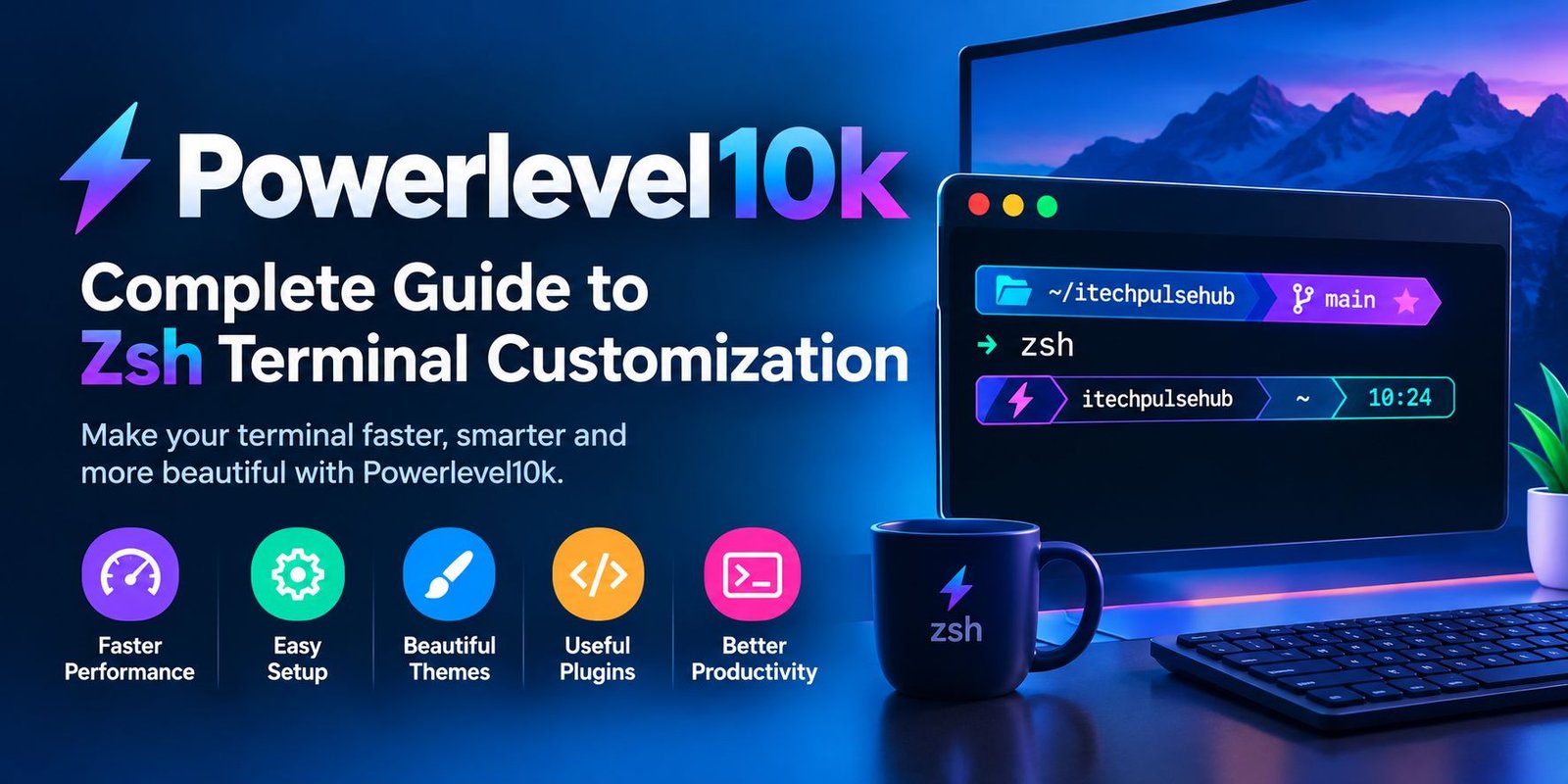
Powerlevel10k is a customizable prompt theme designed for the Zsh shell. It changes the information and visual layout shown when the terminal is ready for your next command.
Instead of displaying only a directory and a simple prompt symbol, you can configure it to show contextual details such as your current project folder, Git branch, or command status.
Powerlevel10k does not replace Zsh or perform the job of a separate terminal application. It works as a presentation layer for your command-line environment, helping you see relevant information at a glance.
Why Do People Use Powerlevel10k?
The default terminal setup may be sufficient for occasional commands. However, people who spend hours working with code, repositories, and development tools often want more context.
Powerlevel10k offers a way to organize that information without requiring users to build every prompt element from scratch.
A More Informative Command Line
Your prompt can display details about the environment in which you are working. For example, seeing the active Git branch can help you recognize which part of a project you are editing.
A Design That Fits Your Workflow
Some users prefer a compact prompt, while others want additional status indicators. Powerlevel10k allows you to choose a layout and remove elements that do not help you.
Support for Everyday Development Tasks
When moving between folders and software projects, contextual information can make it easier to identify your current location. This is particularly useful for people managing multiple repositories.
Important Features of Powerlevel10k
Flexible Prompt Layouts
You can arrange prompt information to suit your screen and working habits. A single-line layout keeps the command area compact, whereas a two-line arrangement can make additional details easier to read.
Git Repository Indicators
Powerlevel10k can display information associated with Git repositories. Depending on your configuration, this may include the active branch and indicators related to repository changes.
These details help developers understand their current project context without entering a separate command every time.
Custom Colors and Symbols
The theme supports a range of visual choices, including colors, separators, and symbols. A compatible font is important when your selected layout uses special characters.
You can choose a subtle design for a distraction-free workspace or a more colorful arrangement that separates information into visible sections.
Interactive Setup
New users do not need to design the entire prompt manually. Powerlevel10k provides a configuration wizard that guides you through a series of choices.
After installation and initialization, launch the wizard with:
p10k configure
The available choices help you create a starting configuration that you can refine later.
Performance-Focused Design
Powerlevel10k is built with responsiveness in mind. Its behavior on your computer will still depend on your shell configuration, plugins, system resources, and the work required to display prompt information.
Keeping your setup organized can help you avoid unnecessary startup delays.
How to Set Up Powerlevel10k
The exact installation process depends on your operating system and how you manage Zsh themes. The following steps describe a common setup using Oh My Zsh.
Step 1: Confirm That Zsh Is Available
Open your terminal and enter:
echo $SHELL
Review the output to see which shell is configured for your session. If Zsh is not installed or selected, set it up before continuing with the theme.
Step 2: Configure a Compatible Font
Some Powerlevel10k designs use symbols that ordinary fonts may not contain. Installing a compatible Nerd Font can prevent icons from appearing as blank squares.
MesloLGS NF is one commonly used option. After installing the font, open your terminal application’s preferences and select it for the terminal profile.
Step 3: Download the Theme
If you already use Oh My Zsh and Git, you can install Powerlevel10k from its official repository with this command:
git clone --depth=1 https://github.com/romkatv/powerlevel10k.git ${ZSH_CUSTOM:-$HOME/.oh-my-zsh/custom}/themes/powerlevel10k
This example assumes that the standard Oh My Zsh custom-theme directory is available. Users with a different setup should follow the repository’s installation instructions.
Step 4: Update the Zsh Configuration
Open your .zshrc file in a text editor. For a standard Oh My Zsh installation, set the theme option to:
ZSH_THEME="powerlevel10k/powerlevel10k"
Save the file after confirming that the theme directory matches the location where you installed it.
Step 5: Reload the Configuration
Apply your updated shell settings by running:
source ~/.zshrc
If everything is configured correctly, the new prompt should appear. Depending on your setup, the initial configuration wizard may also become available.
Step 6: Choose Your Preferred Appearance
Run the following command to open the setup wizard:
p10k configure
Follow the instructions to select a layout and visual style. You can revisit the wizard whenever you want to adjust the prompt.
Powerlevel10k Configuration Tips
A good configuration should make the terminal easier to use rather than simply adding decoration.
Keep Frequently Used Information Visible
Consider displaying your current directory and Git branch if you regularly work on development projects. These details can provide useful context without requiring additional commands.
Avoid Unnecessary Prompt Elements
Showing too much information can make the terminal harder to scan. Start with a few useful sections and add more only when they improve your workflow.
Check Your Font Settings
If symbols appear incorrectly, verify that the correct font is installed and selected in the terminal application. Font settings may need to be adjusted separately for different terminal profiles.
Save a Copy of Your Configuration
Before making major changes to .zshrc or the Powerlevel10k configuration file, keep a backup. That gives you a way to restore a working setup if an edit causes problems.
Powerlevel10k Compared With a Basic Zsh Prompt
A basic Zsh prompt can be simple and effective, especially for users who run only a few commands. Powerlevel10k adds more control over the presentation of information.
| Area | Basic Zsh Setup | Powerlevel10k |
|---|---|---|
| Initial setup | Often straightforward | Requires theme configuration |
| Prompt appearance | Depends on shell settings | Many layout choices |
| Git context | May need extra configuration | Supported through the theme |
| Visual indicators | Depends on customization | Configurable symbols and sections |
| Beginner-friendly setup | Usually simple | Interactive wizard available |
| Personalization | Possible | Extensive prompt-focused options |
Neither choice is right for every user. A simple prompt may be preferable when minimalism is the priority, while Powerlevel10k can be useful when additional context improves your daily work.
Common Powerlevel10k Issues
The Prompt Looks Different From the Preview
Your font, terminal settings, and selected configuration can affect the final appearance.
How to fix it: Check the terminal’s font selection and run the configuration wizard again if you want to choose a different layout.
Special Characters Appear as Boxes
This usually points to a font compatibility problem rather than a problem with the prompt’s text.
How to fix it: Install a suitable Nerd Font, select it in the terminal profile, and open a fresh terminal session.
Powerlevel10k Does Not Load
A missing theme directory or incorrect .zshrc setting can prevent the theme from appearing.
How to fix it: Confirm that the theme exists at the expected path, check the theme setting, and reload the shell configuration.
The Terminal Feels Slow to Start
Other plugins and commands in your shell startup files can affect how quickly a new session becomes ready.
How to fix it: Review startup scripts and temporarily test whether other plugins are contributing to the delay. Change one setting at a time so you can identify the cause.
The Setup Command Is Not Recognized
The configuration wizard may not be available if the theme has not been installed correctly or initialized in the current shell.
How to fix it: Verify the installation path, check that Zsh is loading the theme, and consult the project’s current setup instructions.
Is Powerlevel10k Suitable for Beginners?
Powerlevel10k can be a reasonable choice for beginners who want to personalize their terminal. The setup wizard makes initial design choices easier, and users can start with a simple layout.
However, it is helpful to learn basic terminal commands alongside theme customization. Powerlevel10k changes how the prompt is presented; it does not replace the shell or teach every command automatically.
For a first setup, choose a small number of useful indicators and expand the design as you become more familiar with the terminal.
Is Powerlevel10k Free?
Powerlevel10k is an open-source project available through GitHub. Before installing it, review the official repository for current installation instructions, documentation, and licensing information.
Using the official project source is preferable to downloading an unfamiliar copy from a third-party website.
Alternatives to Powerlevel10k
If Powerlevel10k does not match your needs, you can explore other prompt customization tools.
Starship
Starship is a customizable prompt designed to work with several shells. It may suit users who want a similar style of contextual information across different command-line environments.
Powerlevel9k
Powerlevel9k is an earlier Zsh theme associated with the same family of prompt customization tools. It may be relevant when maintaining older configurations, although users should check current project guidance before choosing it for a new setup.
A Custom Zsh Prompt
Zsh also allows you to create your own prompt configuration. This approach can work well if you want only a few details and prefer not to install a separate theme.
Final Verdict
Powerlevel10k gives Zsh users substantial control over their command-line prompt. Its layout options, Git-related indicators, symbol support, and interactive configuration process can make everyday terminal work more informative.
The most useful setup is not necessarily the most colorful one. Choose the details that help you understand your current environment, keep the configuration manageable, and use a compatible font for the best visual results.
If you regularly work in Zsh and want a prompt that reflects your workflow, Powerlevel10k is worth trying.
Frequently Asked Questions
What does Powerlevel10k do?
It customizes the Zsh prompt so users can control its appearance and display useful contextual information.
Does Powerlevel10k work with Bash?
Powerlevel10k is designed for Zsh rather than Bash. If you need a prompt that works across multiple shells, consider exploring a cross-shell tool such as Starship.
How can I customize Powerlevel10k?
After installing and loading the theme, run p10k configure and follow the on-screen options.
Why do Powerlevel10k icons look incorrect?
The terminal may be using a font without the required symbols. Selecting a compatible Nerd Font often resolves this issue.
Can I change my configuration later?
Yes. You can run the configuration wizard again or edit your Powerlevel10k settings manually.
Is Powerlevel10k a terminal emulator?
No. It is a theme for the Zsh prompt. You still need a terminal application and the Zsh shell to use it.