Mastery Connect: Features, Benefits & How It Works
Teachers need more than test scores to understand how students are learning. They need clear information about what students know, where they are struggling, and which skills need more attention.
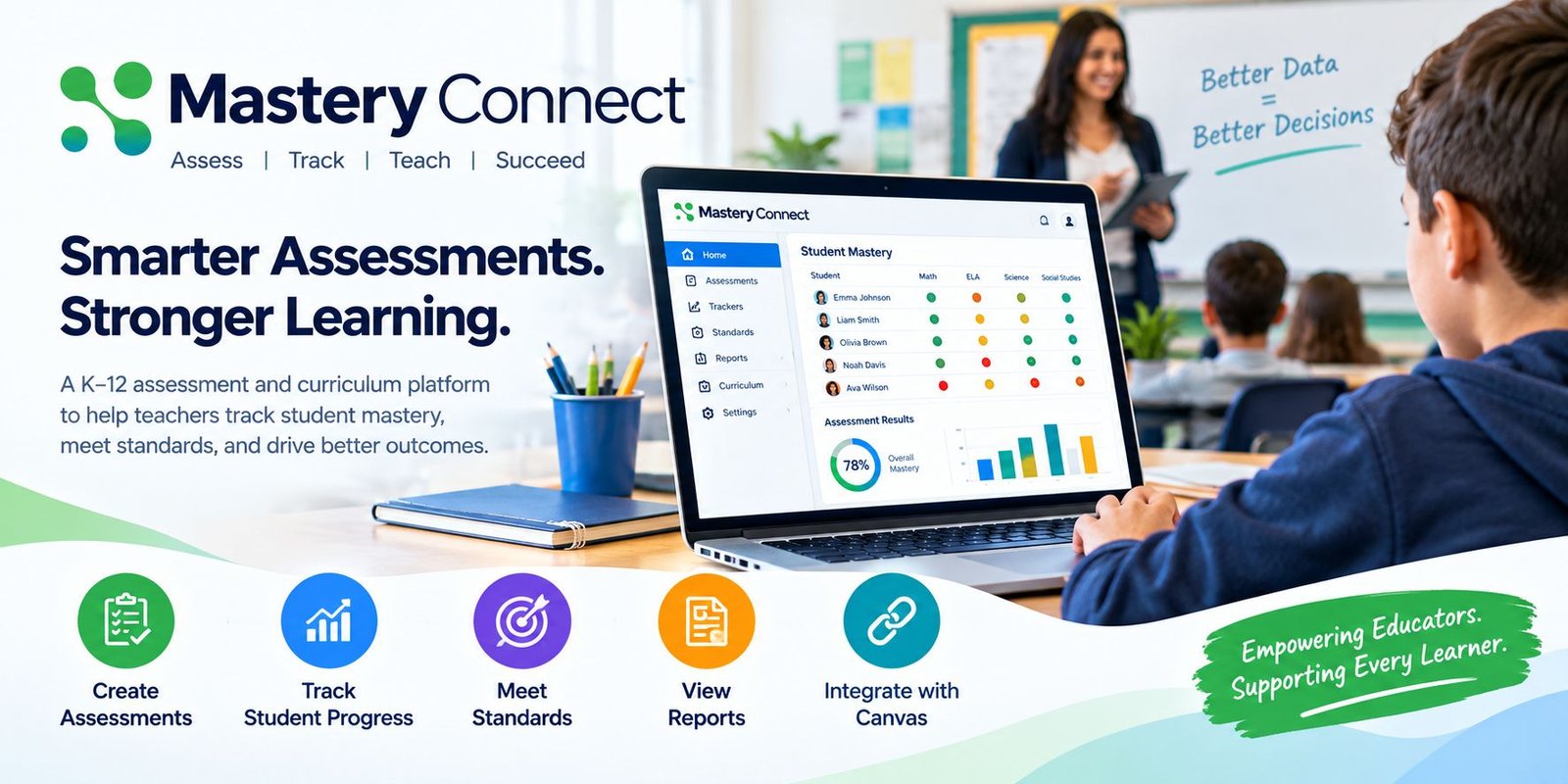
Mastery Connect is a K–12 assessment and curriculum platform from Instructure that helps educators create assessments, track student mastery, and use learning data to support instruction. It focuses on academic standards and gives teachers visual information about student progress.
In this guide, we will explain what Mastery Connect is, its main features, how assessments work, how it connects with Canvas, and how educators can use it in the classroom.
What Is Mastery Connect?
Mastery Connect is a digital assessment management system designed for K–12 education. It helps teachers measure student understanding against academic standards.
Instead of looking only at an overall test score, educators can use trackers to see how students are performing on individual standards. This can make it easier to identify learning gaps and decide where additional instruction may be needed.
The platform supports different types of assessments, reporting tools, curriculum planning, and collaboration features.
How Does Mastery Connect Work?
The basic process is straightforward.
First, educators create or select assessments that match their learning standards. Students then complete those assessments online or through supported offline methods.
After students complete an assessment, the results can be added to a tracker. Teachers can then review student performance and identify areas where students may need additional support.
The platform can display mastery information visually, making it easier to understand student progress.
Key Features of Mastery Connect
Mastery Connect includes several tools designed to support standards-based assessment and instruction.
1. Mastery Tracker
Mastery Tracker is one of the main features of the platform.
It provides a visual overview of student performance against academic standards. Teachers can use the tracker to see which students have demonstrated mastery and which students may need remediation or additional instruction.
Trackers can also be customized based on the needs of a class, subject, school, or district.
2. Formative Assessments
Formative assessments are used during the learning process to check student understanding.
Teachers can create assessments that focus on one or multiple standards. These assessments can help educators identify learning gaps before moving on to new material.
This information can then support decisions about reteaching, intervention, or additional practice.
3. Benchmark Assessments
The platform also supports benchmark assessments.
These assessments can measure student mastery across multiple standards and provide a broader view of learning progress. Educators can use benchmark results alongside classroom assessment data.
4. Assessment Creation
Teachers can create their own assessments using the platform’s assessment tools.
Mastery Connect supports both item-based and document-based assessments. Item-based assessments can use questions from item banks, while document-based assessments can be based on external assessment files.
This flexibility allows schools to use different assessment formats.
5. Standards Alignment
Standards are an important part of the platform.
Educators can organize assessments around academic standards and use curriculum maps to connect standards, units, assessments, and learning resources.
This can help schools create a more consistent approach to instruction and assessment.
6. Reports and Analytics
Data is more useful when teachers can understand it easily.
Mastery Connect provides reports that allow educators and administrators to review student and assessment results. Teachers can view individual student reports, while administrators can access broader reporting options.
Visual data can help educators identify patterns and focus attention on specific learning needs.
7. Canvas Integration
One of the important features for schools using Canvas is the integration between the two platforms.
Educators can connect a Mastery Tracker to a Canvas course. They can also create Mastery Connect assessments from within Canvas, which can create a corresponding Canvas assignment. Student results can then be shared between the systems.
This can reduce duplicate data entry and keep assessment information connected with classroom activities.
What Types of Assessments Are Available?
Mastery Connect supports multiple assessment formats.
Item-Based Assessments
These assessments use individual questions from item banks. They can be delivered online and may support additional tools and accommodations depending on the assessment setup.
Document-Based Assessments
These assessments are based on an external assessment document uploaded to the platform.
They can also be delivered online or through supported bubble-sheet workflows.
Formative Assessments
These are designed to check understanding during the learning process.
Benchmark Assessments
These are designed to measure longer-term progress across multiple standards.
Benefits for Teachers
Mastery Connect can help teachers spend less time collecting and organizing assessment information.
Instead, teachers can use visual data to focus on student needs.
Some potential benefits include:
- Easier assessment creation
- Standards-based tracking
- Visual student progress
- Faster identification of learning gaps
- Flexible assessment formats
- Student reporting
- Canvas integration
- Data-informed instructional planning
- Collaboration between educators
The platform is designed to connect assessment data with everyday instruction rather than treating testing as a separate activity.
Benefits for Students
Students can also benefit from a clearer view of their learning progress.
When assessment data is connected to specific standards, students and educators can better understand which skills have been mastered and which areas still require practice.
The platform also provides student reporting options, depending on how the school or district has configured the system.
This can encourage students to focus on progress instead of only looking at a single overall score.
Benefits for Schools and Districts
School and district leaders can use assessment data to identify broader learning trends.
For example, administrators may compare performance across classes, schools, or standards. This information can support discussions about curriculum, intervention, professional development, and instructional strategies.
Mastery Connect also supports curriculum mapping, allowing teams to organize standards and assessments around a shared scope and sequence.
Mastery Connect and Canvas
Canvas integration is especially useful for schools that already use the Canvas LMS.
With the connection enabled, educators can link a Mastery Tracker to a Canvas course. They can create assessments, connect assignments, and access mastery information from the connected environment.
When a linked assignment is completed, the relevant assessment information can appear in the Mastery Tracker, while the assignment score can also appear in the Canvas gradebook.
This connected workflow can reduce repetitive data entry and make assessment management easier.
Is Mastery Connect Easy to Use?
The platform is designed to give educators a visual way to manage assessments and student mastery.
However, ease of use can depend on the school’s setup, teacher experience, available integrations, and the specific tools enabled by the institution.
Teachers may need some time to learn trackers, assessment creation, reporting, and curriculum mapping.
Once the workflow is established, these tools can make it easier to organize assessment data and use it during instruction.
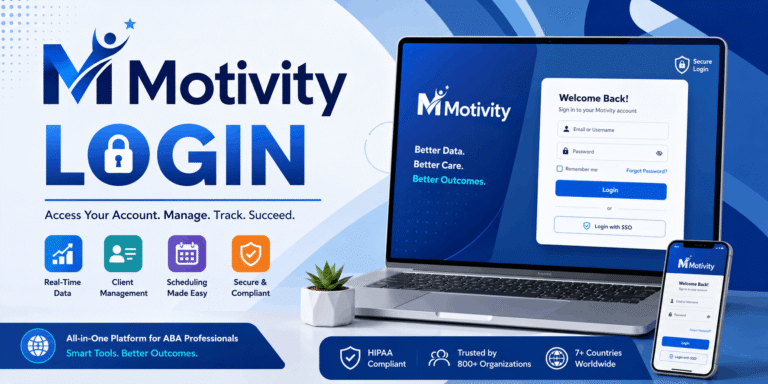
Mastery Connect Login
Access to Mastery Connect normally depends on the school or district’s setup.
If your institution uses the platform, your school administrator or teacher may provide the required login information.
For institutions using Canvas integration, educators and students may access Mastery Connect through their connected Canvas environment.
If you cannot sign in, check your school’s instructions or contact the appropriate administrator rather than creating a separate account without guidance.
Recent Updates and Accessibility
Instructure has continued updating the platform.
A July 2026 release introduced modernized interfaces for areas such as Assessments, Curriculum Maps, and Mastery Trackers. The update included improvements such as keyboard navigation, screen-reader support, and responsive layouts designed to meet WCAG 2.1 AA accessibility standards.
These improvements are intended to make common workflows more accessible across different devices and input methods.
Frequently Asked Questions
What is Mastery Connect used for?
It is used by K–12 educators to create and manage assessments, track student mastery against standards, view reports, and use assessment data to support instruction.
Is Mastery Connect part of Instructure?
Yes. Mastery Connect is part of Instructure’s education technology ecosystem and integrates with Canvas LMS.
Can students take assessments online?
Yes. Depending on the assessment and setup, students can complete assessments online through a web browser or supported student portal. Some assessments can also use offline bubble-sheet workflows.
Does Mastery Connect work with Canvas?
Yes. Schools can connect Mastery Connect with Canvas LMS. The integration can connect trackers, assessments, assignments, and assessment data.
What is a Mastery Tracker?
A Mastery Tracker provides a visual overview of student mastery against academic standards and gives educators access to the assessments used to measure that progress.
Who can use Mastery Connect?
The platform is designed primarily for K–12 education. Depending on the institution’s setup, teachers, students, administrators, and parents may have access to different reports or features.
Conclusion
Mastery Connect provides a standards-based approach to assessment and student progress tracking. Teachers can create assessments, monitor mastery, review reports, and use learning data to identify areas that may need additional attention.
Its Canvas integration can also connect assessment and classroom workflows, while curriculum mapping and reporting tools can support broader school and district planning.
For schools looking for a digital platform to connect assessment data with everyday instruction, understanding its available features, integrations, and institutional setup is an important first step.